
28 Dangerous Call History Apps– The digital landscape is currently facing a sophisticated surge in fraudulent mobile applications designed to exploit the natural curiosity of users. We have closely monitored a series of security breaches involving apps that promise to reveal the call history of any phone number. These applications, while appearing legitimate on the surface, are actually part of a coordinated cyber-attack campaign aimed at stealing financial data and personal information through deceptive subscription models.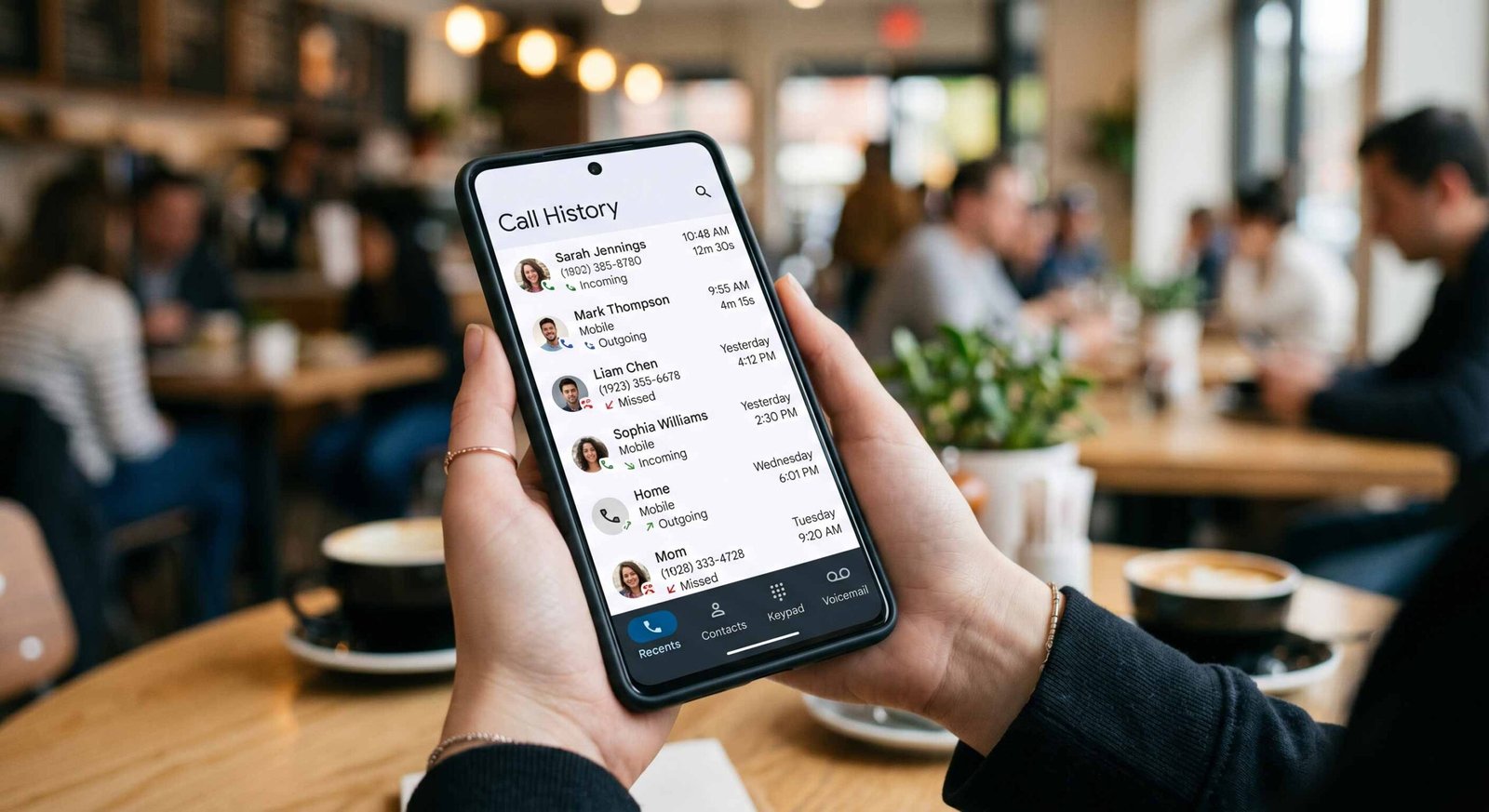
Our deep dive into these malicious Android applications reveals a pattern of financial exploitation that has already affected millions of users. If you have any of these tools installed on your device, your digital security is at immediate risk. In this comprehensive guide, we will break down how these apps operate, why they are dangerous, and the specific steps you must take to secure your Android smartphone today.

The CallPhantom Threat: How Deceptive Call Log Apps Exploit Users
A major cybersecurity investigation has identified a specific cluster of apps, internally labeled as CallPhantom, that have bypassed the security filters of the official Google Play Store. These apps operate on a simple but effective lie: they claim to provide users with SMS records, WhatsApp call logs, and private call histories for any mobile number worldwide.
In reality, it is technically impossible for a third-party app to access another individual’s private telecommunications records without state-level authorization or direct access to the carrier’s backend. The CallPhantom apps leverage this lack of technical knowledge to lure users into a trap. Once the app is installed, it prompts the user to enter a phone number. After a short, fake “loading” animation, the app demands a payment or subscription to reveal the results.
What happens next is the core of the scam. Users who pay the fee are presented with randomly generated data—names and numbers that have no basis in reality. However, the financial damage is real. The payment theft occurs through recurring billing cycles that are difficult to cancel, draining your bank account or credit card under the guise of a premium service.
Why These 28 Apps Are a Critical Security Risk
The primary danger of these malicious apps is not just the loss of a few dollars. When you install these applications, you often grant them dangerous permissions on your Android device. These permissions can include access to your contacts, location data, and even your own SMS messages.
By granting these rights, you are essentially handing the keys to your digital identity to unknown actors. We have found that these apps often use obfuscated code to hide their true intentions, which include:
- Subscription Fraud: Automating sign-ups for high-cost services without clear user consent.
- Data Harvesting: Collecting your personal contact list to sell to telemarketers or phishing groups.
- Adware Injection: Bombarding your device with intrusive advertisements that degrade performance and battery life.
- Credential Theft: Attempting to intercept One-Time Passwords (OTPs) sent via SMS to access your banking apps.
Complete List of 28 Malicious Call History Apps to Uninstall Now
If you have downloaded any of the following applications, uninstall them immediately. These apps have been identified as part of the CallPhantom campaign and are known to cause financial loss and privacy violations. Note that many of them use very similar names to confuse users.
- Call history: any number detail (calldetaila.ndcallhisto.rytogetan.ynumber)
- Call History of Any Number (com.pixelxinnovation.manager)
- Call Details of Any Number (com.app.call.detail.history)
- Call History Any Number Detail (sc.call.ofany.mobiledetail)
- Call History Any Number Detail (com.cddhaduk.callerid.block.contact)
- Call History Of Any Number (com.basehistory.historydownloading)
- Call History of Any Numbers (com.call.of.any.number)
- Call History Of Any Number (com.rajni.callhistory)
- Call History Any Number Detail (com.callhistory.calldetails.callerids.callerhistory.callhostoryanynumber.getcall.history.callhistorymanager)
- Call History Any Number Detail (com.callinformative.instantcallhistory.callhistorybluethem.callinfo)
- Call History Any Number detail (com.call.detail.caller.history)
- Call History Any Number Detail (com.anycallinformation.datadetailswho.callinfo.numberfinder)
- Call History Any Number Detail (com.callhistory.callhistoryyourgf)
- Call History Any Number (com.calldetails.smshistory.callhistoryofanynumber)
- Call History Any Number Detail (com.callhistory.anynumber.chapfvor.history)
- Call History of Any Number (com.callhistory.callhistoryany.call)
- Call History Any Number Detail (com.name.factor)
- Call History Of Any Number (com.getanynumberofcallhistory.callhistoryofanynumber.findcalldetailsofanynumber)
- Call History Of Any Number (com.chdev.callhistory)
- Phone Call History Tracker (com.phone.call.history.tracke)
- Call History- Any Number Deta (com.pdf.maker.pdfreader.pdfscanner)
- Call History Of Any Number (com.any.numbers.calls.history)
- Call History Any Number Detail (com.callapp.historyero)
- Call History – Any Number Data (all.callhistory.detail)
- Call History For Any Number (com.easyranktools.callhistoryforanynumber)
- Call History of Numbers (com.sbpinfotech.findlocationofanynumber)
- Call History of Any Number (callhistoryeditor.callhistory.numberdetails.calleridlocator)
- Call History Pro (com.all_historydownload.anynumber.callhistorybackup)
The Psychology of the Scam: Why Millions Fell for It
It is startling to realize that one of these apps alone has garnered over 3 million downloads. The success of this cyber-fraud lies in social engineering. Many users seek these tools out of personal concern—perhaps to monitor a child’s safety or due to relationship suspicions. The scammers capitalize on these emotional triggers.
By using generic, keyword-rich titles like “Call History of Any Number,” the developers ensured their apps appeared at the top of search results within the Play Store. They also utilized fake reviews to boost their ratings, making the apps appear trustworthy to the average user. This highlights a critical lesson in mobile security: high download counts and 4-star ratings do not always guarantee an app’s safety.
How to Protect Your Android Device from Future Financial Theft
To ensure your financial security and protect your personal data from similar threats in the future, we recommend implementing the following cybersecurity best practices:
1. Verification Before Installation
Always research the app developer before hitting the install button. Legitimate developers usually have a website, a clear privacy policy, and a history of other reputable apps. If the developer name looks like a random string of characters or has no digital footprint, avoid the app.
2. The “Too Good to Be True” Test
Any app that claims to provide private data—such as WhatsApp messages, private call logs, or third parties’ GPS locations—is a scam. Modern encryption and privacy laws prevent this data from being accessible to random third-party apps.
3. Audit Your App Permissions
Go to your Android settings and review which apps have access to your SMS, Contacts, and Phone. If a basic tool like a “PDF Scanner” (as seen in the list above) is asking for your call history, it is a massive red flag.
4. Enable Google Play Protect
Ensure that Google Play Protect is active on your device. This built-in service scans your apps for malware and known vulnerabilities. While it did not catch these 28 apps immediately, it is your first line of defense once a threat is identified and blocked.
5. Monitor Your Financial Statements
If you have recently used a “free” or low-cost utility app that required your payment information, check your bank statements for unauthorized or recurring charges. Many of these apps use hidden subscriptions that can cost you hundreds of dollars over time.
What to Do If You Already Installed a Malicious App
If you recognize any of the names from our list on your phone, follow these steps immediately:
- Delete the App: Long-press the app icon, then select Uninstall.
- Clear Cache and Data: Before deleting, if possible, go to Settings > Apps > [App Name] and clear all data to remove any stored malicious scripts.
- Check Subscriptions: Open the Google Play Store, tap your profile icon, and go to Payments & Subscriptions. Check for any active subscriptions linked to these apps and cancel them.
- Change Passwords: If you provided any sensitive info, change your Google password and your mobile banking credentials.
- Scan with Antivirus: Run a full system scan using a reputable mobile security suite to ensure no trojans or spyware remain on your device.
Frequently Asked Questions (FAQs)
1. Can an app really show the call history of any number?
No. Accessing third-party call records is legally and technically restricted to telecommunication providers and law enforcement with a warrant. Any app claiming to do this is a scam.
2. How did these apps get on the Google Play Store?
Scammers often use obfuscation techniques to hide malicious code during the initial review process. Once the app is approved, they may trigger the fraudulent behavior remotely.
3. Will uninstalling the app stop the charges to my bank account?
Not necessarily. Many of these apps set up recurring subscriptions. You must manually cancel the subscription in your Play Store settings or contact your bank to block the merchant.
4. What is the CallPhantom campaign?
CallPhantom is the codename given by ESET researchers to a specific group of 28 apps that used false promises of call log access to commit subscription fraud.
5. Are these apps still available for download?
Most of these apps have been removed from the Google Play Store, but they may still exist on third-party app stores or remain installed on millions of devices.
6. Can these apps steal my WhatsApp messages?
While they claim to, they generally cannot read your encrypted WhatsApp chats. However, they may steal your contacts or other metadata if you grant them permissions.
7. Why was India specifically targeted?
The CallPhantom campaign targeted regions with high Android usage and large numbers of users seeking caller ID and utility tools, making India and the APAC region primary targets.
8. Should I factory reset my phone?
A factory reset is the safest way to ensure all malware is removed, but it is usually unnecessary if you manually uninstall the app and run a reputable antivirus scan.
9. How can I identify a fake review?
Look for repetitive phrasing, many 5-star reviews with no text, or reviews that sound like they were generated by AI or translation software.
10. Is my personal data safe now?
If you have uninstalled the app and changed your passwords, you have significantly reduced your risk. Continue to monitor your accounts for any suspicious activity.

Selva Ganesh is a Computer Science Engineer, Android Developer, and Tech Enthusiast. As the Chief Editor of this blog, he brings over 10 years of experience in Android development and professional blogging. He has completed multiple courses under the Google News Initiative, enhancing his expertise in digital journalism and content accuracy. Selva also manages Android Infotech, a globally recognized platform known for its practical, solution-focused articles that help users resolve Android-related issues.





Android users must stay alert about hidden spyware apps like these.