
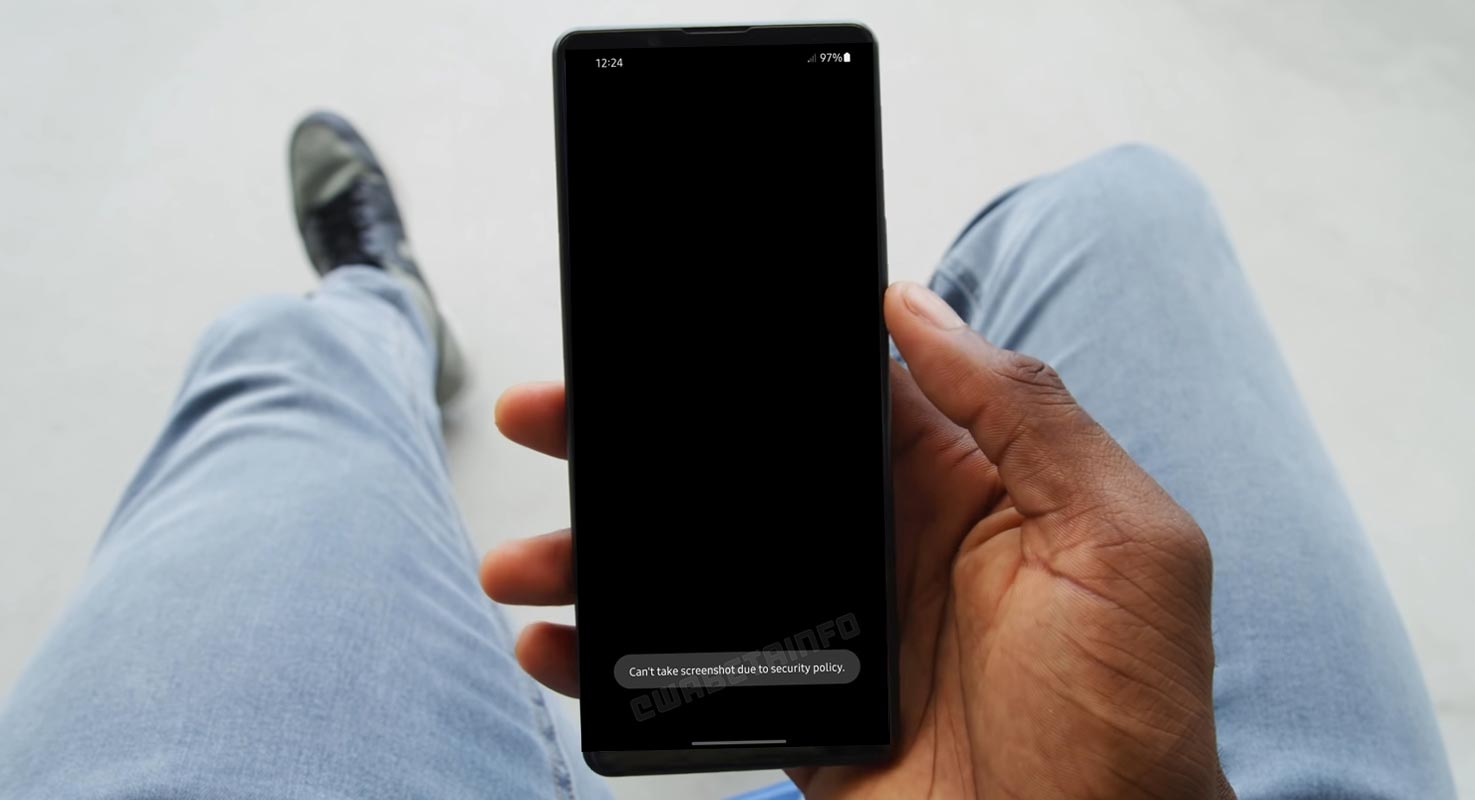
Sometimes companies forget the primary task of new features. It can happen. That’s why even leading companies face issues. They realize the problems only after they roll out to the users. Last year’s WhatsApp rollout View Once feature. That will automatically disappear after the user sees the message. It will help share sensitive information about Photos. But the problem is it allows a screenshot option, which broke the motto of View Once. As per the Beta versions, WhatsApp View Once will get a Screenshot Restriction.
WhatsApp View Once
On August 20, 2021, WhatsApp adopted a model from Snapchat in August 2021 and added the capability to share views after media is available on the platform. The feature lets users upload videos and photos that are only viewable once but will disappear after that. It’s an excellent option for sharing sensitive and private images. However, the Meta-owned company has made a mistake in implementing the feature: users can take screenshots of their views after sharing media, which defeats their purpose. The quality was announced in August of 2022. Mark Zuckerberg announced that the feature would soon be added to WhatsApp to allow self-destructing media. The part is currently showing on the beta test page for a few application users.
Restrictions on Screenshots in WhatsApp
WhatsApp today announced a new feature to their iOS and Android applications that lets users send images and videos that disappear once opened. “View Once,” as the name implies, erases the content as soon as the person who opened it has been exposed to it, much like the features of Snapchat and Instagram do.

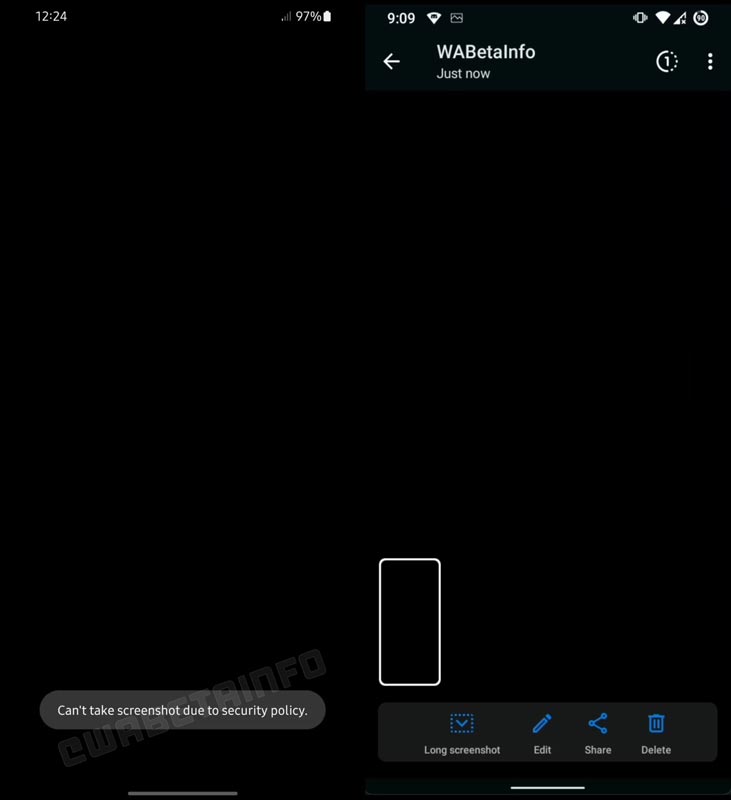
WABetaInfo informs us that WhatsApp has recently released a brand new version of its media viewer view with built-in Screenshot blocking for certain beta users. As with Google Pay and other apps, if you attempt to take a picture of a self-destructing file on the most recent WhatsApp beta, it will prompt you to take a toast. Be displayed saying, “Can’t capture a screenshot because of security policies.”
Utilizing a third-party application or extension to circumvent this security restriction isn’t going to work also. It will result in an empty screen. You can also not take a screen recording while using a view once you have opened it. In contrast to Snapchat, however, WhatsApp does not inform the person who sent the message that was used to capture a picture.
What is the reason for Screenshot Restriction?
View Once; they can ensure that the content disappears permanently once it’s opened. According to the company owned by Facebook in the blog post, the users may wish to share sensitive information which shouldn’t be stored forever. By using View Once, users can ensure that the content is deleted permanently.
Wrap Up
Most techies wonder how WhatsApp didn’t focus on this loophole. Most finance-related apps, Nowadays begin to restrict Screenshot taking in their apps. The main reason for View Once is the content should be viewed one time. When a recipient takes a screenshot, A user can view it As many times they want. By restricting the screenshot option, They can protect the content, and the feature can serve the purpose. What are your thoughts about WhatsApp View Once feature? Share your thoughts below.

Selva Ganesh is a Computer Science Engineer, Android Developer, and Tech Enthusiast. As the Chief Editor of this blog, he brings over 10 years of experience in Android development and professional blogging. He has completed multiple courses under the Google News Initiative, enhancing his expertise in digital journalism and content accuracy. Selva also manages Android Infotech, a globally recognized platform known for its practical, solution-focused articles that help users resolve Android-related issues.




Leave a Reply