
Samsung Galaxy S26 Image Crop Issue– The Samsung Galaxy S26 Ultra is undeniably a masterpiece of engineering, yet even the most sophisticated flagships can encounter early-adoption hurdles. Recently, a significant number of Galaxy S26 Ultra users reported a frustrating camera bug that specifically affected the 24MP resolution mode. When capturing close-up subjects with the Focus Enhancer enabled, the resulting image would appear cropped or shifted from the right and bottom corners—looking nothing like the perfectly framed shot seen in the live viewfinder.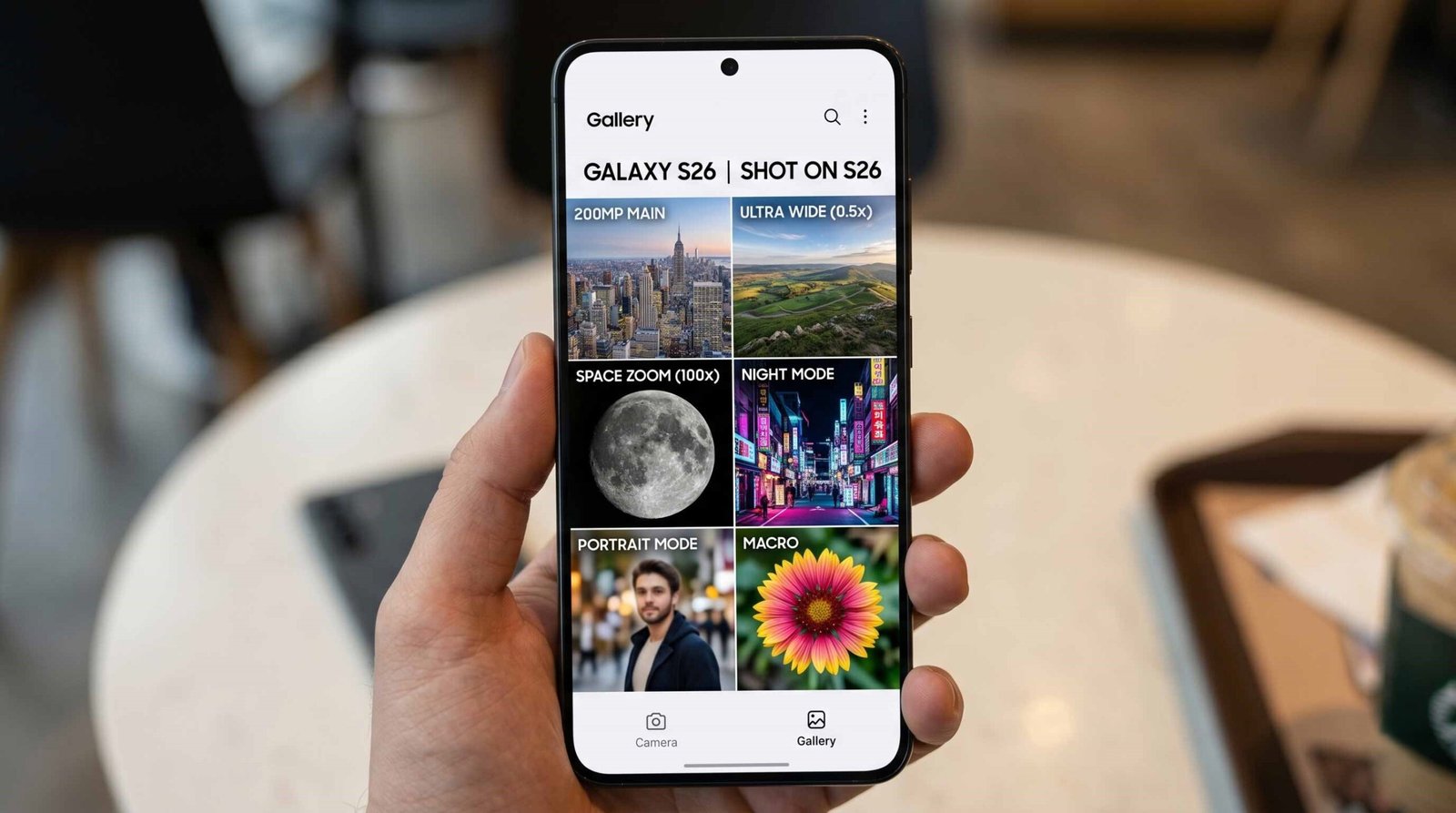
As tech enthusiasts who rely on our mobile devices for professional-grade photography, we understand how jarring it is when a $1,300 smartphone fails to capture exactly what is displayed on the screen. Fortunately, Samsung has acted quickly to rectify this image-processing error.

The Technical Breakdown of the S26 Ultra Camera Crop Bug
To fix the Samsung Galaxy S26 image-cropping issue, we must first understand why it occurred. The problem was deeply rooted in the AI Fusion processing stack. On the Galaxy S26 Ultra, the 24MP mode is a “sweet spot” resolution that combines the light-gathering capabilities of pixel binning with the raw detail of the high-megapixel sensor.
However, when users utilized the Focus Enhancer (which often triggers the Ultra-Wide lens for macro-style shots), the software struggled to synchronize the optical preview with the final computational output. If a user waited a few seconds before hitting the shutter, the viewfinder and the post-processed file would fall out of sync, leading to that dreaded asymmetrical crop.
The Ultimate Solution: Installing the May 2026 Update
The most effective way to fix the Samsung Galaxy S26 camera cropping problem is to install the latest firmware update. Samsung officially acknowledged that the issue was a software glitch, not a hardware defect.
The fix is included in the second April/Early May 2026 security patch (specifically, build versions ending in AZDE or AZDI). While the rollout began in South Korea and the United States, it is now expanding globally to Europe and India.
How to Update Your Device Immediately?
- Unlock your Galaxy S26 Ultra and navigate to the Settings menu.
- Scroll down and tap on Software update.
- Select Download and install.
- If an update is available, your device will fetch the latest firmware containing the camera optimization fixes.
- Once the installation is complete, your phone will reboot, and the 24MP crop issue should be permanently resolved.
Alternative Troubleshooting for Persistent Camera Issues
If you have updated your software but still notice inconsistencies in your macro photography, we recommend performing a few manual maintenance steps to ensure your Camera app is functioning optimally.
1. Clear the Camera App Cache and Data
Sometimes, residual files from the previous software version can interfere with new updates.
- Go to Settings > Apps > Camera.
- Tap on Storage.
- Select Clear cache, then tap Clear data.
- Note: This will reset your camera settings to default, but will not delete your photos.
2. Calibrate the Focus Enhancer
The Focus Enhancer is a powerful tool, but it relies on clean sensors. Ensure your laser autofocus sensor (the small circular sensor next to the lenses) is free from fingerprints or dust. A simple wipe with a microfiber cloth can often resolve “hunting” focus issues that contribute to framing errors.
3. Review Camera Assistant Settings
For those using the Camera Assistant app (available on the Galaxy Store), ensure “Prioritize focus over speed” is enabled. This ensures the Galaxy S26 takes the extra millisecond needed to align the 24MP frame before saving the image to your gallery.
Mastering the 24MP Mode on Galaxy S26 Ultra
The 24MP mode on the S26 Ultra is one of its best features, providing significantly more detail than the standard 12MP output without the massive file sizes of 200MP shots. To get the best results after the fix:
- Ensure Quality over Speed: In the camera settings, set the Photo Enhancer to “Prioritize quality.” If set to “Speed,” the device may default back to 12MP to save processing time.
- Watch the Zoom Levels: Remember that 24MP is natively supported between 0.6x to 1.9x and 5x to 9.9x. Shooting outside these ranges may cause the AI to downsample the image.
Summary of the Official Fix
The Samsung Galaxy S26 Ultra remains a photography powerhouse. While the initial image-crop bug was a setback for early adopters, the May 2026 firmware update effectively recalibrates the synchronization between the viewfinder and image processor. By keeping your device updated and occasionally clearing your app cache, you ensure that the masterpiece you see on your screen is exactly what you capture in your gallery.
Frequently Asked Questions (FAQs)
Q1: Why does my Galaxy S26 Ultra crop photos after I take them?
This was a known software bug related to the 24MP resolution and Focus Enhancer. A recent system update fixes the synchronization between the viewfinder and the saved image.
Q2: Which firmware version fixes the camera crop issue?
Look for updates ending in AZDE, AZDI, or later. These contain the specific camera processing patches released in May 2026.
Q3: Does this issue affect the Galaxy S26 and S26+?
While those models received the update, the 24MP cropping issue was primarily reported on the Ultra model due to its unique Focus Enhancer and sensor array.
Q4: Will I lose my photos if I clear the Camera app data?
No. Clearing data only resets the app settings (like timer or grid lines). Your gallery remains completely safe.
Q5: How do I enable 24MP mode on my S26 Ultra?
Tap the resolution icon at the top of the Camera app interface and select 24MP. You may need to download the Camera Assistant app for advanced control.
Q6: What is Focus Enhancer?
It is a feature that automatically switches to the Ultra-Wide lens when you get close to a subject, acting as a Macro mode to ensure sharp focus.
Q7: My update says “Software is up to date,” but I still have the bug. What should I do?
Updates are rolled out in stages. If you don’t see it yet, check again in 24-48 hours. Ensure your Region settings are correct.
Q8: Does the 24MP mode work in Night Mode?
Typically, Night Mode and High Efficiency settings may default the resolution to 12MP to reduce noise and processing lag.
Q9: Can a screen protector cause the image crop issue?
No, a screen protector cannot cause a software crop, but a poorly fitted camera lens protector could interfere with the autofocus sensors.
Q10: Is the fix available in the UK and Europe?
Yes, the Global rollout of the AZDE build began shortly after the South Korean release in early May 2026.

Selva Ganesh is a Computer Science Engineer, Android Developer, and Tech Enthusiast. As the Chief Editor of this blog, he brings over 10 years of experience in Android development and professional blogging. He has completed multiple courses under the Google News Initiative, enhancing his expertise in digital journalism and content accuracy. Selva also manages Android Infotech, a globally recognized platform known for its practical, solution-focused articles that help users resolve Android-related issues.





Leave a Reply