
The official rollout of Nothing OS 5.0 powered by Android 17 brings a comprehensive overhaul to supported devices. Positioned as an early release ahead of standard schedules, this major firmware update targets key models including the Nothing Phone 3a, Phone 3a Pro, Phone 4a, and Phone 4a Pro, with legacy devices like the Phone 2a and 2a Plus scheduled for mid-November deployments. Users upgrading to this build will encounter significant visual enhancements, improved privacy indicators, standalone hardware control modules, and robust camera upgrades designed to optimize daily performance.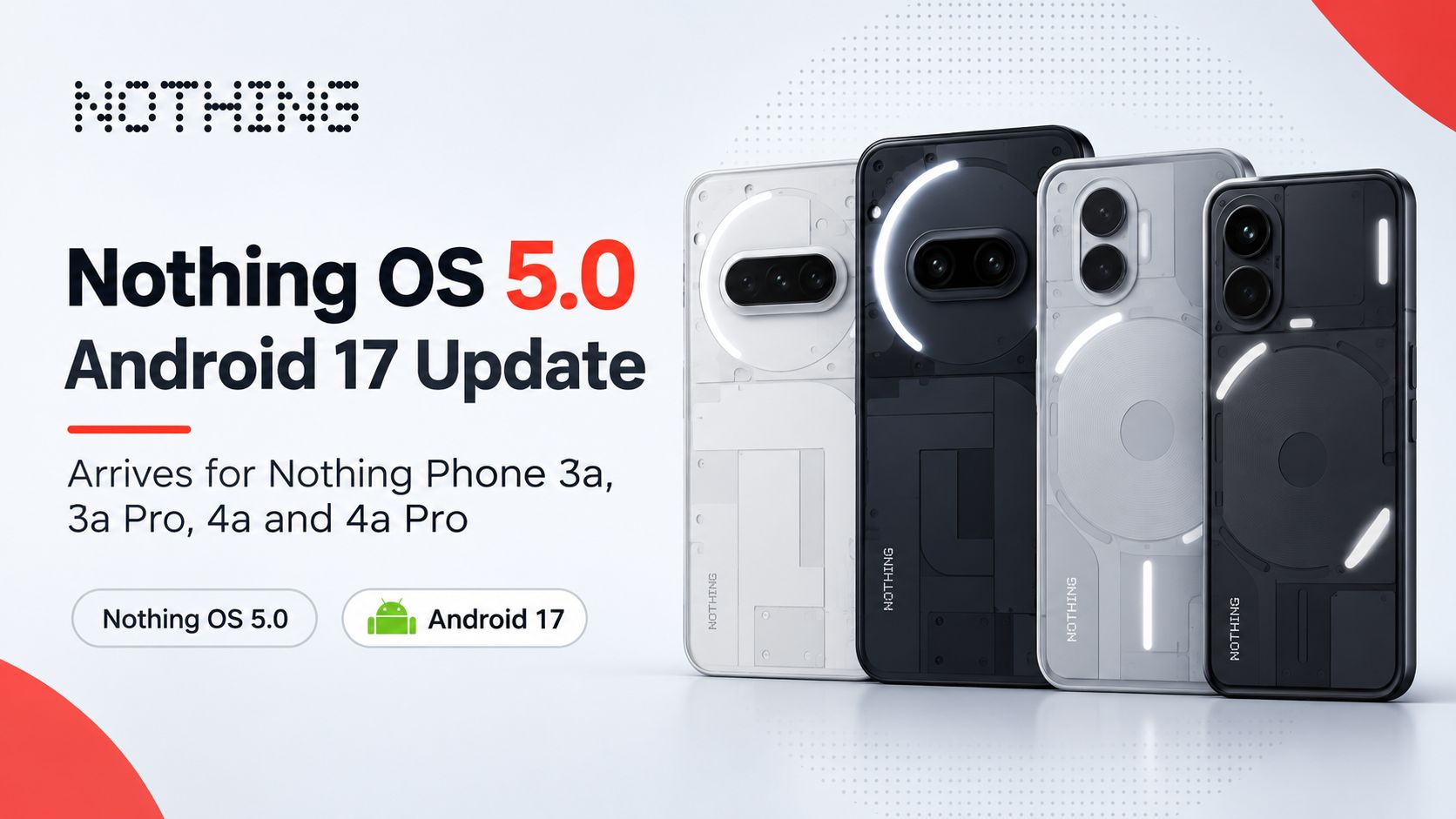
Update Size, Phased Availability, and Eligible Devices
Weighing in at approximately 3.09 GB, the over-the-air (OTA) package requires a stable Wi-Fi connection and sufficient storage space before initiation.

-
First-Wave Rollout: Nothing Phone 3a, Phone 3a Pro, Phone 4a, and Phone 4a Pro.
-
Second-Wave Rollout: Nothing Phone 2a and Phone 2a Plus (slated for mid-November).
Because global rollouts occur in incremental batches to monitor server load and stability, users can manually check for the notification by navigating to Settings > System > System Update.
Visual Design and User Interface Redesign
Nothing OS 5.0 introduces a refined design language centered around transparency and fluid navigation.
-
Translucent Theme: The interface features a frosted glass design aesthetic across system menus, quick toggles, and notification panels.
-
Split Notification Panel: Notifications and quick settings toggles are now separated into distinct sliding zones for quicker access.
-
Home Screen Management: Bulk icon organization allows users to select, move, and categorize multiple home screen shortcuts simultaneously.
-
Widgets and Clocks: Three new interactive desktop widgets join a restructured library alongside redesigned lock screen clock faces and deeper dark theme customisation.
Dedicated Glyph App and Rear Lighting Controls
To streamline the user experience, rear lighting controls have been decoupled from the primary system settings.
-
Standalone Glyph App: All LED configuration options now live inside a dedicated application on the app drawer.
-
Glyph Timer Widget: A new customizable countdown timer integrates directly with the rear LED strips, providing visual progress indicators without unlocking the device.
Advanced Camera Upgrades and Model-Specific Features
The camera application receives a cleaner layout with reduced visual clutter and smoother transition animations.
-
Dual-View Video Mode: Users can record simultaneously using the front and rear cameras, ideal for content creation and vlogging.
-
Model-Specific Tunings: The Nothing Phone 3a receives advanced image processing tuning featuring seven distinct visual effects, while the Phone 4a series benefits from accelerated on-device voice transcription speeds.
Android 17 Integration and AI Indicators
Built upon the foundations of Android 17, Nothing OS 5.0 introduces deeper system-level utilities and hardware-software synergy.
-
HDR Brightness Controls: Enhanced handling of high dynamic range playback delivers better contrast and accurate luminance scaling.
-
AI Processing Indicator: A distinct yellow status bar indicator activates whenever on-device AI processing tasks run in the background, ensuring complete transparency regarding local computing activity.
Frequently Asked Questions
1. What is the file size of the Nothing OS 5.0 update?
The update file size is approximately 3.09 GB. A stable Wi-Fi connection is recommended for downloading the package.
2. Which devices are receiving Nothing OS 5.0 first?
The initial rollout covers the Nothing Phone 3a, Phone 3a Pro, Phone 4a, and Phone 4a Pro, with older models following soon.
3. When will the Nothing Phone 2a receive the update?
Older models including the Phone 2a and Phone 2a Plus are slated to receive Nothing OS 5.0 in mid-November.
4. Where are the Glyph lighting controls located in Nothing OS 5.0?
Glyph lighting controls have been moved out of the main system settings into a standalone Glyph app.
5. What new video recording modes are included?
The update introduces Dual-view Video mode, allowing simultaneous recording from both the front and rear cameras.
6. What does the yellow status bar indicator mean?
The new yellow status bar indicator activates to signal when on-device AI processing tasks are actively running.
7. How do I check if the update is available for my device?
Navigate to Settings, select System, and tap on System Update to check for the over-the-air download.
8. Are there any home screen customization improvements?
Yes, the update introduces bulk home screen icon organization alongside three new desktop widgets and refined lock screen clock faces.
9. What visual design language does Nothing OS 5.0 introduce?
The interface features a frosted glass Translucent theme across system menus, notifications, and panels.
10. Do all models receive the same camera enhancements?
No, while the layout and Dual-view mode are universal, the Phone 3a receives seven specific image tuning effects, and the Phone 4a series gets faster voice transcription.

Selva Ganesh is a Computer Science Engineer, Android Developer, and Tech Enthusiast. As the Chief Editor of this blog, he brings over 10 years of experience in Android development and professional blogging. He has completed multiple courses under the Google News Initiative, enhancing his expertise in digital journalism and content accuracy. Selva also manages Android Infotech, a globally recognized platform known for its practical, solution-focused articles that help users resolve Android-related issues.




Leave a Reply