
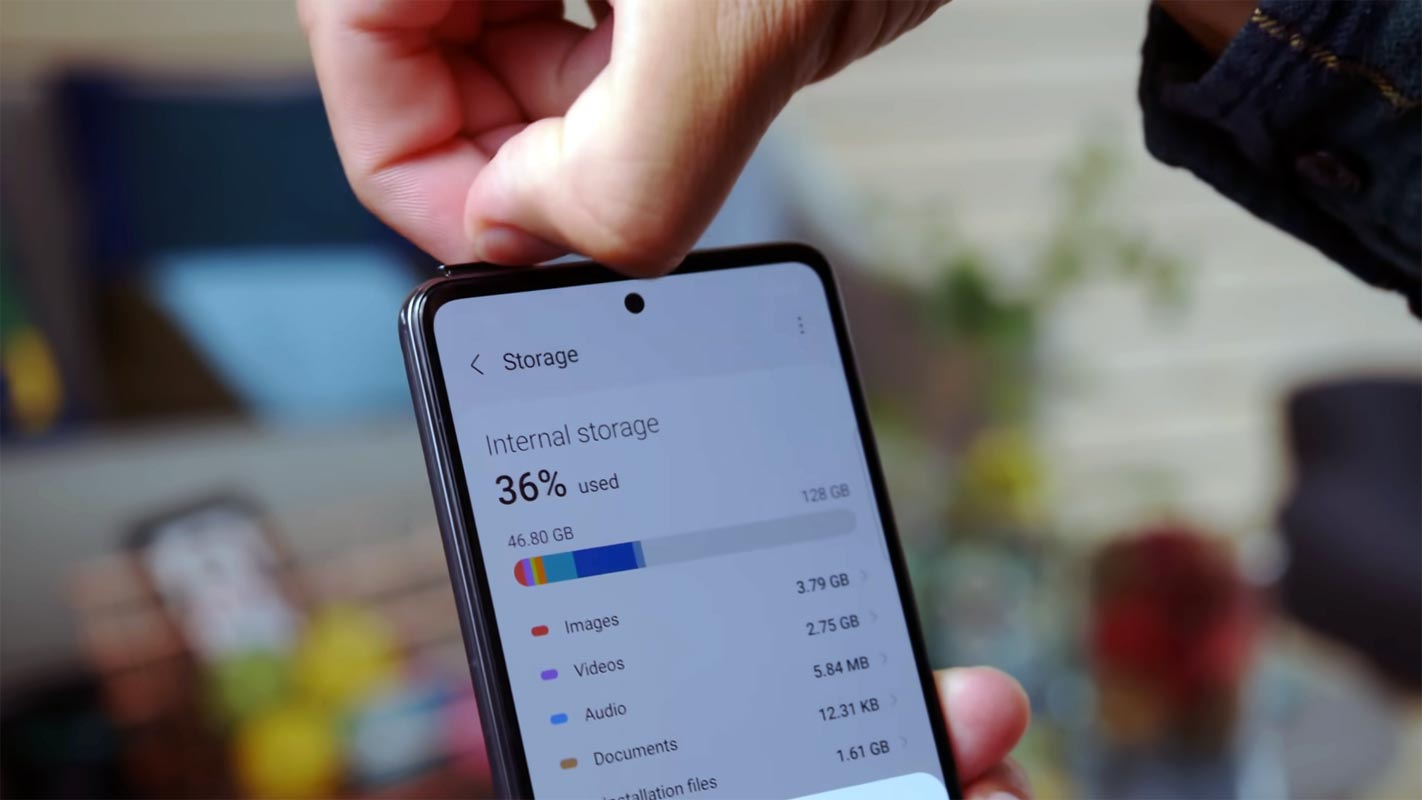
We came through a lot of improvement in Android Mobile in recent years. But, We still need high storage options due to the Heavy apps and Media Quality. Since People have begun to use high-quality media and heavy apps, Even 64-128GB of storage is not enough, and it has become base specs for any mobile. But, In Reality, We use only a few apps, and the rest of the apps only occupy space without any use. Since to avoid the re-install and un-install process, Users leave the app as it is. But, In the future, we don’t have to go to those apps to occupy the space. Android Archive feature can save up to 60% mobile storage without Un-Installing the App.
What is Android App Archive?
Archiving is a feature that allows users to recover up to 60% of the app’s storage by temporarily removing some aspects of the application instead of completely uninstalling them. A deleted app will stay in the system and quickly be restored to its most recent version that is compatible while keeping the user’s information.
App archiving is marketed as a possible alternative to uninstalling apps completely and is touted as aiding users “reclaim 60% of their app storage by temporarily getting rid of certain parts of the application.

What is the process Google plans to Archive Apps that require smaller storage?
This is accomplished through the brand new “archived APKs” format that Google will generate for applications built using Android Gradle Plugin 7.3. “Very small” in size and is expected to “preserve user data until the app is restored.” Developers are advised to be looking out for the new release of Bundletool 1.10.
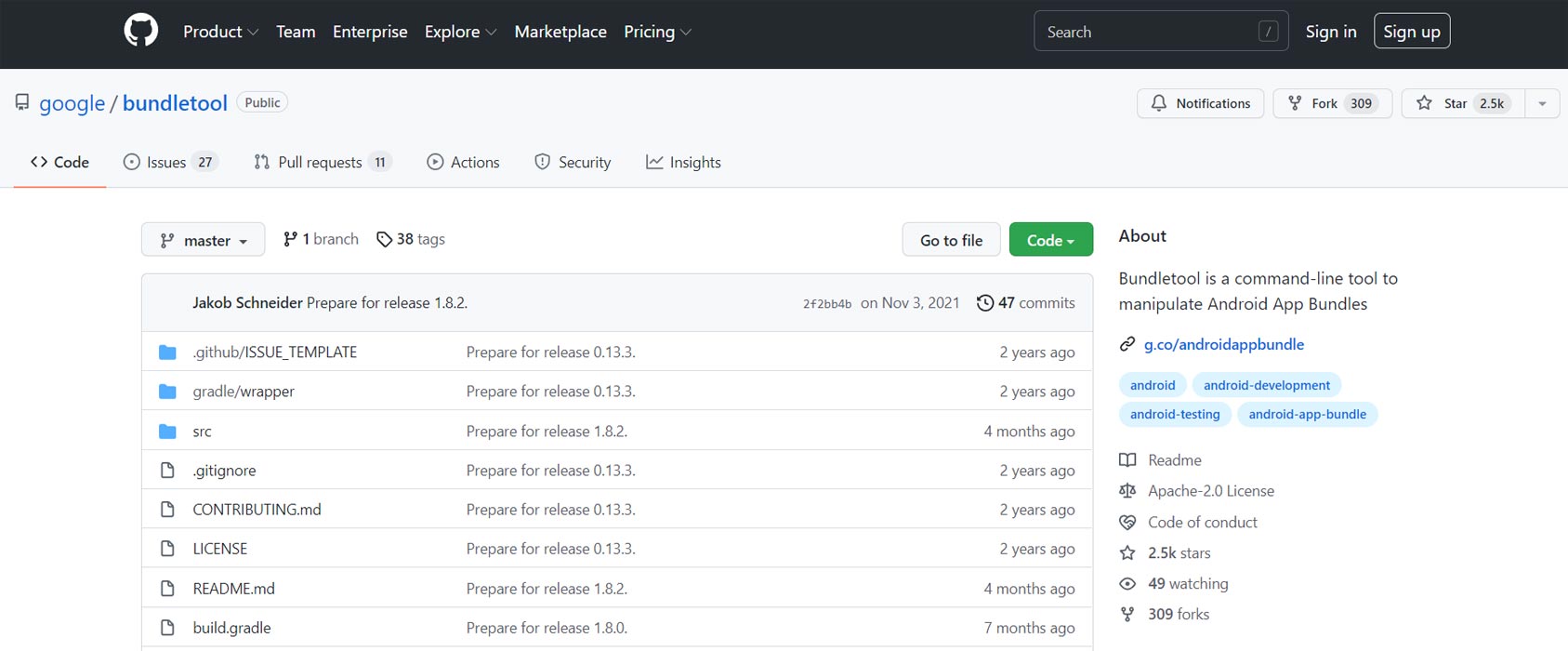
With the announcement of the next release of Bundletool 1.10, Google has taken the first step in archiving all developers who use App Bundles. Apps built with the Android Gradle plugin 7.3 will make a different APK Archive. Archived APKs are small APKs that save user data until the app’s restoration. Google is preparing archived APKs shortly. But, they won’t be operational until the archiving feature is made available to users at the end of this year.
The benefit of Archive Apps
Archiving will bring significant benefits to developers and users after the launch. Instead of uninstalling an application, users will be in a position to “archive” it. It allows them to free space temporarily and restart the app easily and quickly. Developers would benefit from fewer uninstalls and significantly lower friction when they want to catch up with their most-used apps.
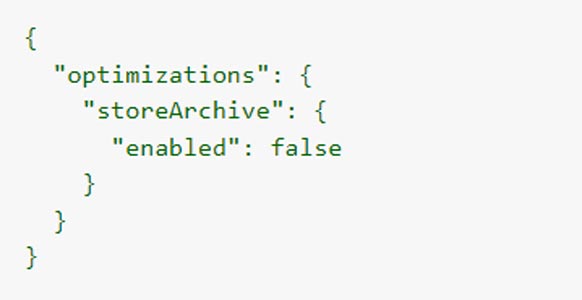
How can Developers opt out of Archive Apps?
You can change the build if you want to opt-out from creating APKs archived.gradle file for the project:

Alternately, if you’re or have not been using Gradle to create your applications, you may remove the option within the BundleConfig:
Wrap Up
Mobile companies have begun to provide substantial storage options like up to 1TB. But, Google is always ready for future issues. Data handling is becoming a complex process for developers and mobile manufacturers. When you store lots of data, It will directly affect mobile performance. The disabling of the app may not work that much effect in terms of saving portable storage. The Archive can save up to 60%; in reality, it can save somewhere between 20-60% based on the app. Since Gaming apps have vast media files, The Archive may not work efficiently like regular apps. What are your thoughts about Android Archive? Did you think All developers will allow this feature? Share your thoughts below.

Selva Ganesh is a Computer Science Engineer, Android Developer, and Tech Enthusiast. As the Chief Editor of this blog, he brings over 10 years of experience in Android development and professional blogging. He has completed multiple courses under the Google News Initiative, enhancing his expertise in digital journalism and content accuracy. Selva also manages Android Infotech, a globally recognized platform known for its practical, solution-focused articles that help users resolve Android-related issues.





Leave a Reply