
Using the below guide, you can temporarily fix GTA Online Stash House and G’s Caches, not Spawning. GTA Online, the popular multiplayer game by Rockstar Games, has recently released a new update that includes unique collectibles for players to discover. Stash Houses and G’s Caches are the latest additions to the game, and players must eliminate dealers and steal the cash inside to collect them. While the new collectibles have been well-received by players, some have been experiencing issues with them not spawning or appearing in the game world. This has led to frustration and confusion in the community as they try to figure out why they cannot collect these new items. This article will discuss the issue and potential solutions for players experiencing problems with Stash Houses and G’s Caches in GTA Online.

GTA Online Stash House and G’s Caches not Spawning
However, some players seem to be experiencing issues where these collectibles are not spawning or appearing for them. According to Tez2, a famous Rockstar Games insider, players must enter the Stash House, eliminate all the dealers, and then break into a safe.

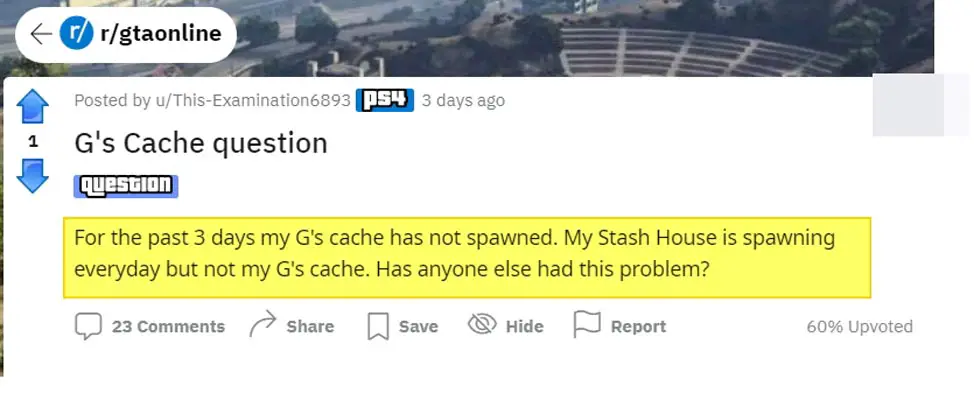
But if the Stash Houses or G’s Caches are not spawning for you, don’t worry. You’re not alone, as other players are experiencing the same problem. Some players have reported that only the Stash Houses are not spawning, while others have said that only the G’s Caches are not appearing. And for some players, both collectibles are missing.
Workaround Fix for GTA Online Stash House and G’s Caches not Spawning
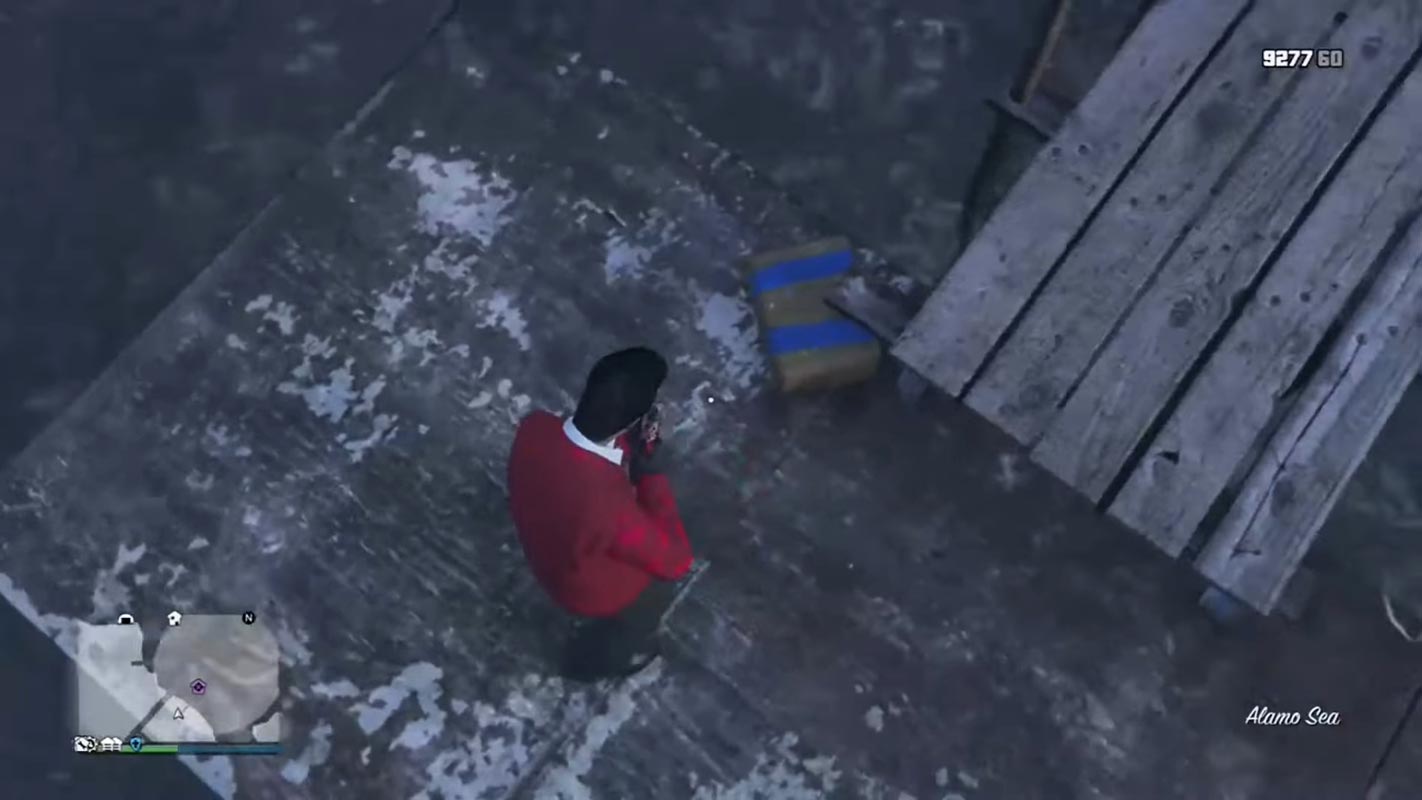
However, there might be a potential workaround if the Stash Houses are not spawning for you. One player could fix the issue by clearing their console’s cache. But unfortunately, this solution doesn’t seem to work for those missing the G’s Caches.
Rockstar Games is Aware of this issue
It’s important to note that Rockstar Games is aware of the issue and is working on a fix. So, if you’re having trouble finding these collectibles, hang tight and wait for an official update from the developers. In the meantime, enjoy other aspects of the game and maybe explore other areas of the game world that you haven’t visited yet.
FAQs
What are Stash Houses and G’s Caches in GTA Online?
Stash Houses and G’s Caches are new collectibles introduced in the latest GTA Online update. Players must enter the Stash House or G’s Cache location, eliminate dealers, and steal the cash inside to collect them.
Why are Stash Houses and G’s Caches not spawning for some players?
It is unclear why some players are experiencing issues with these collectibles not appearing. Rockstar Games is aware of the problem and is working on a fix.
Is there a workaround for the Stash Houses, not a spawning issue?
One player could fix the issue by clearing their console’s cache. However, this solution doesn’t work for those missing the G’s Caches.
Wrap Up
The latest update in GTA Online has introduced new collectibles like Stash Houses and G’s Caches. However, some players are experiencing issues where these collectibles are not spawning or appearing for them. While there is a potential workaround for the Stash Houses, not a spawning issue, it does not seem to work for those missing the G’s Caches. The good news is that Rockstar Games is aware of the problem and is working on a fix. In the meantime, players can explore other areas of the game world and wait for an official update from the developers. Happy gaming!

Selva Ganesh is a Computer Science Engineer, Android Developer, and Tech Enthusiast. As the Chief Editor of this blog, he brings over 10 years of experience in Android development and professional blogging. He has completed multiple courses under the Google News Initiative, enhancing his expertise in digital journalism and content accuracy. Selva also manages Android Infotech, a globally recognized platform known for its practical, solution-focused articles that help users resolve Android-related issues.




Leave a Reply