
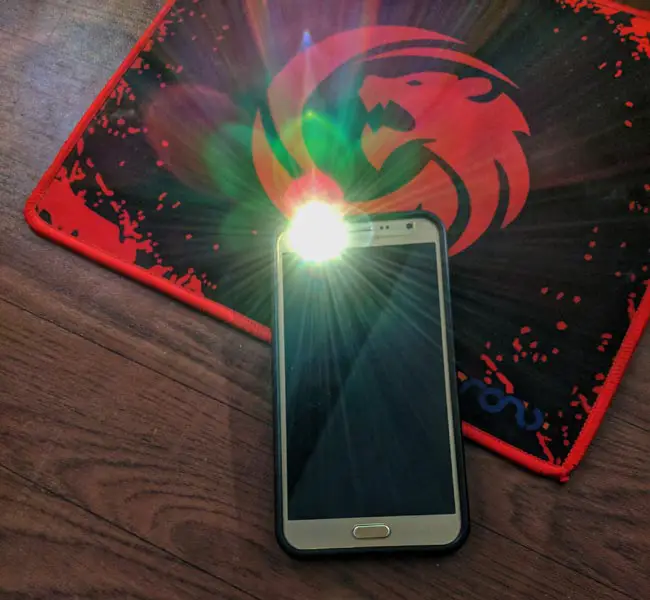
2 flash apk- Front and Back Flash Light Control App For Android– Unfortunately, some Android smartphones do not have the Torch app by default. Therefore, you would have to download an app from the Play Store or other accredited app hosting platforms. However, most smartphones come with an option to activate the “torchlight/flashlight”; but, it is only the back flashlight that you can activate using the default “Flashlight” feature. On the other hand, there are mobile apps that allow you to use your back LED flash and your whole screen as the front flashlight. In this article, we will provide you with the best app to enable back and front flash selfie lights.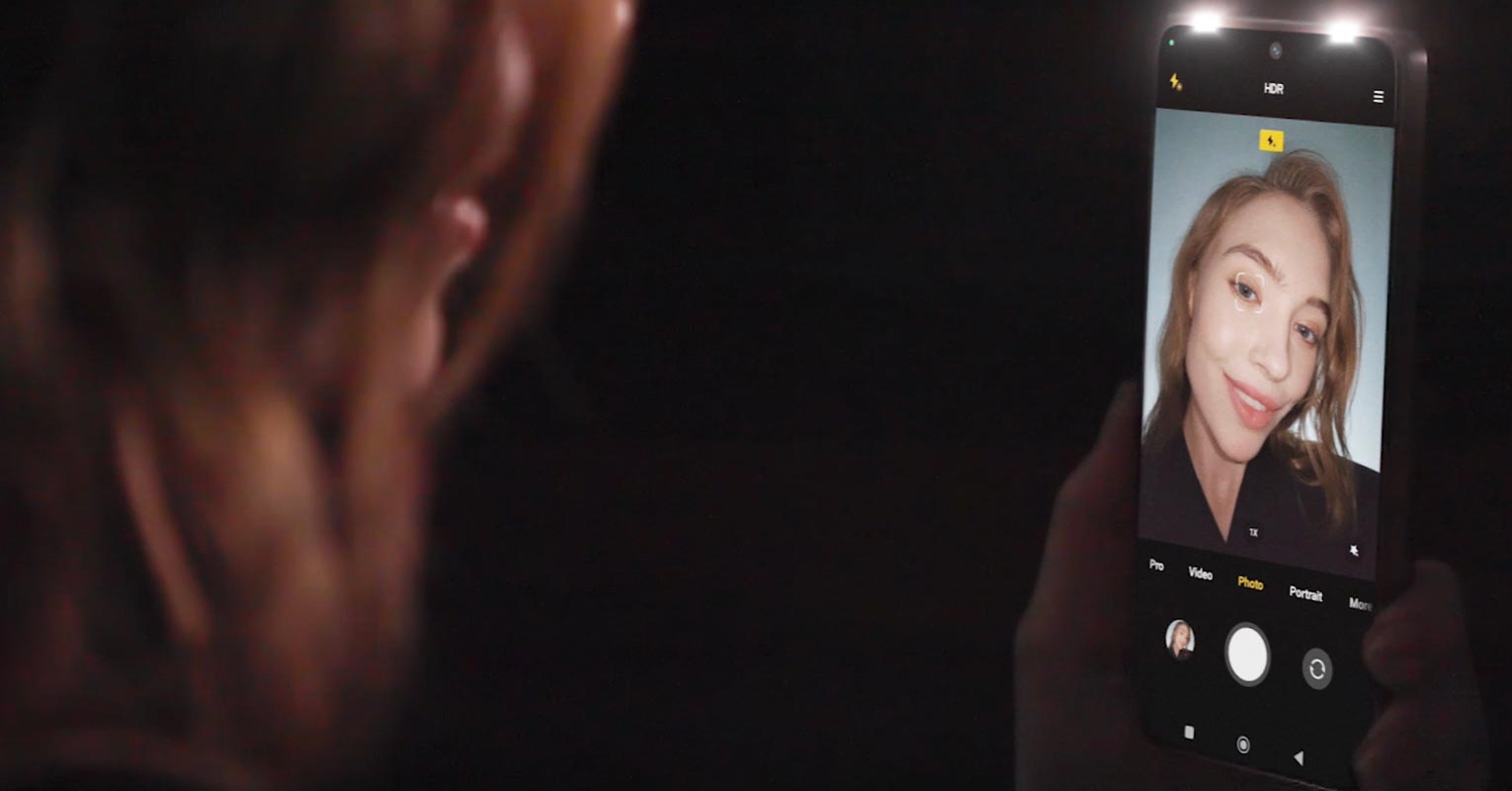
There are several apps for this action, but the app we are reviewing in this article is considered the best by our team. Many apps you see on the Play Store do not support both the front and back flashlight features. So, this one is recommended by our team as the best; it is lightweight and intuitive.
Requirements
Obviously, your device must have an LED front flash and also an LED back flash; some devices with such support include Moto X Pure, Samsung Galaxy J7, Honor 7 Octa Core, Sony Xperia, and the like. This app lets you utilize the front and back LED flash function of your smartphone, a great app to install on your Android device. This application is available for free from various trusted app stores. However, if you download it from the Google Play Store, then your device must be on Android KitKat (4.4+) or any of the later versions. Interestingly, the app is not as bulky as some other flashlight apps; it is very lightweight.

Features
-
Works perfectly on all Android Mobiles that have front and back flashlights.
-
Makes it easier for you to activate either your front or rear LED.
-
It is more intuitive and helpful than other apps for Android.
-
With this app, taking selfies in dark environments just got better.
-
Also, it allows the user to make video calls in the dark.
-
When using a video call app (especially at night) via the front camera, this app can serve as a torch.
-
The best utility flashlight on the various app stores for Android smartphone users
-
Works with your front flash for camera shots. Works with all camera apps. Makes selfies look great even in a low-light environment by illuminating your face.
-
LED Hardware Trigger app does not show a white Display for Brightness.
Download 2flash app
Below are a few trusted platforms we recommend you download this application from. The direct download links are what we have provided below, respectively.
-
Download Google Drive Mirror (Size-530 KB).
- Download Direct Mirror (Size-530 KB).
Note
Though you should take note of some specific things when using this app, so that it doesn’t drain your device.
-
Do not activate the flashlight for a very long time; it may affect your LED flash for taking pictures. However, this does not apply to high-end devices.
-
If your smartphone does not have or support a front LED flash, do not install this app; check for an alternative.
-
The latest version of this app now comes with a unique widget to correctly activate the front flashlight or the back flashlight. We will release soon.
Supporting Mobiles
-
Motorola Moto X Pure Edition
-
HTC Desire EYE 4G LTE GSM
-
Sony Xperia C4 Selfie Smartphone
-
Sony Xperia C5 Ultra E5553
-
Asus ZenFone Selfie ZD551KL
-
Samsung Galaxy J7 Dual Sim
-
J5 Dual Sim
-
Sony Xperia C3 D2533
-
Samsung Galaxy J5 SM-J500 GSM
-
BLU Selfie US GSM
-
Samsung Galaxy J7
-
Samsung Galaxy J5
-
Galaxy J7 2016
-
Samsung Galaxy J5 2016
-
Moto Z Play
-
Sony Xperia XA Dual
-
Lenovo Vibe S1
-
HTC Desire Eye M910X
-
Samsung Galaxy J7 Max
- Google Pixel 7 – Features a front flashlight for better low-light photography.
- OnePlus 11 – Includes a front LED light for improved selfies and video recording.
- Xiaomi Mi 12 – Comes with a front flashlight for enhanced camera functionality.
- Sony Xperia 1 IV – Offers a front LED light for better selfies and video calls.
-
All other mobile smartphones that have front flash support
If you didn’t see your device model above, but it has a front LED flash feature, this app will also work for you.
Final Thoughts
If your smartphone happens not to come with an option to activate your back LED flash, this app can be of help in such scenarios. This app is free with no in-app purchase support. Also, the app is very light, so it will not bulk up your smartphone at any time. However, if your LED flashlight has stopped functioning as a result of improper rooting of the device, this app may not work either. We recommend you refer to our rooting guides if you want to root your Android smartphone.
Finally, you are free to reach out to us if you think our help is needed.

Selva Ganesh is a Computer Science Engineer, Android Developer, and Tech Enthusiast. As the Chief Editor of this blog, he brings over 10 years of experience in Android development and professional blogging. He has completed multiple courses under the Google News Initiative, enhancing his expertise in digital journalism and content accuracy. Selva also manages Android Infotech, a globally recognized platform known for its practical, solution-focused articles that help users resolve Android-related issues.





Super handy app. Makes up for the lack of a native torch feature on my phone.
Front flash via the screen is genius. This app should be pre-installed!
Super handy app. Makes up for the lack of a native torch feature on my phone.
Back flash works great, and the screen as front flash is surprisingly bright.
Front flash via the screen is genius. This app should be pre-installed!
Front flash via the screen is genius. This app should be pre-installed!
Didn’t know my screen could be used as a flashlight until this app!
I love how it allows me to use both the front screen and back flash as light sources.
I love how it allows me to use both the front screen and back flash as light sources.
Finally found an app that lets me take selfies in the dark with front flash. Amazing!
Front flash via the screen is genius. This app should be pre-installed!
Didn’t know my screen could be used as a flashlight until this app!
Easy to use and very useful, especially for low-light selfies.
Front flash via the screen is genius. This app should be pre-installed!
Finally found an app that lets me take selfies in the dark with front flash. Amazing!
Easy to use and very useful, especially for low-light selfies.
Front flash via the screen is genius. This app should be pre-installed!
Perfect solution for phones without a built-in flashlight feature.
Perfect solution for phones without a built-in flashlight feature.
Didn’t know my screen could be used as a flashlight until this app!