
Since most of the Google Apps can run in the browser, We rarely install the alternate desktop versions. Google Drive can run flawlessly in the browser version without any issues during upload and download. But when you want to back up your files automatically with your Google account, you can use the Google Drive Desktop version. Since the app has only two function-Upload and Download, There are not many new options are there. But recently, in Google Drive for Desktop 49.0 version, Google rolled out a direct Google Photos upload option and Multiple user account support.
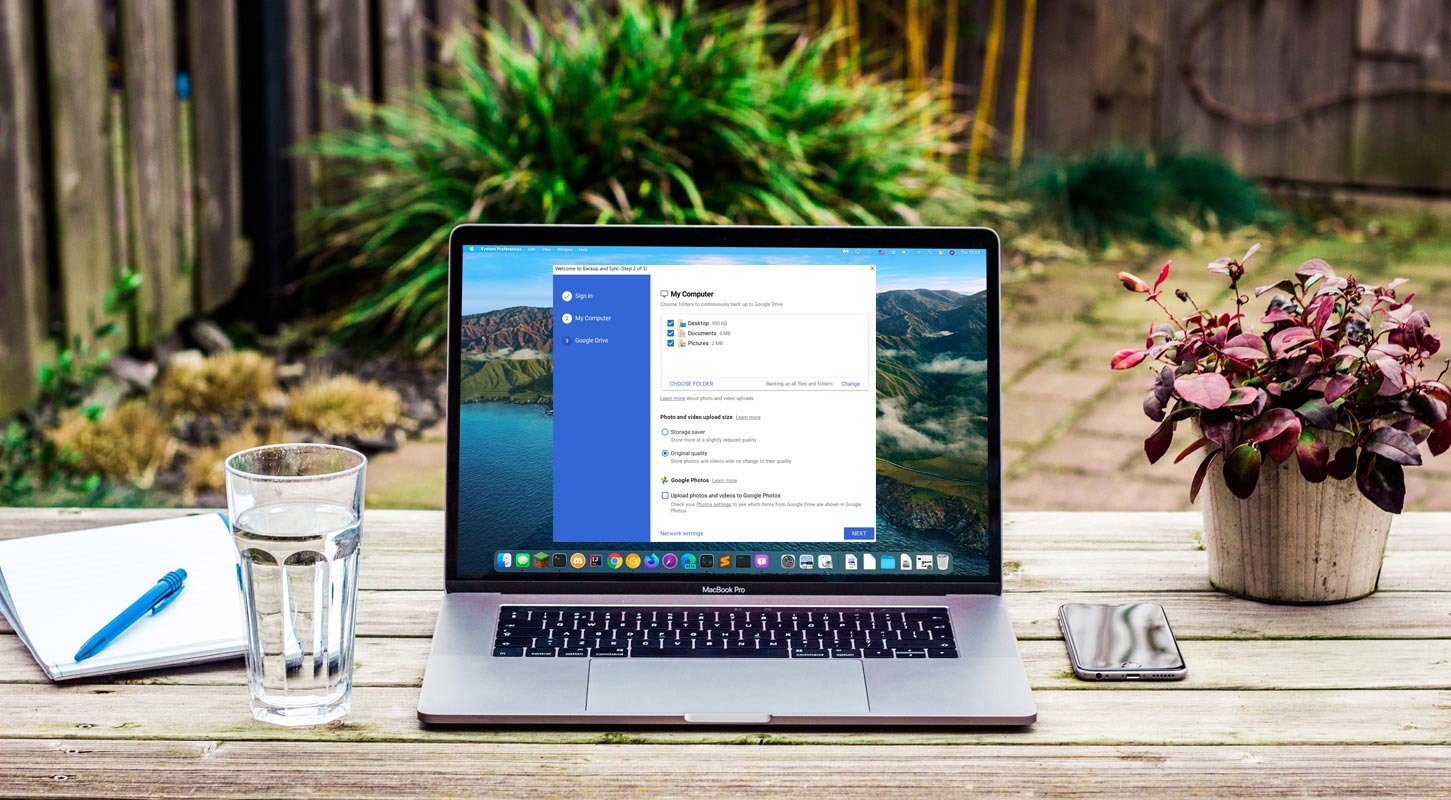
Desktop App for Google Drive
Google Drive was launched on April 24, 2012, and Google develops it for file storage and synchronization. It is a cloud-based storage solution that allows saving files online, and you can access it from anywhere through your smartphone. Google Drive is a free service and gives you access to a free web-based application to create documents, spreadsheets, presentations, and more. It is a storage device used to create, share, and manage documents with its productivity apps.

Google Drive For Desktop Version 49.0 Features
Google announces the demise of its Drive Backup and Sync client since it has been a few months back, which is widely regarded as a relief by customers. They also announced the new app simultaneously, which is in a single platform merging both best of consumer and enterprise desktop service. Not everyone having access currently, but the first traces for these new services are beginning to appear.
This new version of Google Drive for desktop was created concurrently with Backup and Sync, and it is quietly rolling out today. It looks to be the first step in redesigning the app for both enterprises and individuals. Version 49 of Drive for Desktop includes Google Photos backups, multi-account support, and the ability to stream or mirror files and folders from drives to your PC.
This new update version having another couple of features- “Stream Files” and “Mirror Files.” With Stream Files, we can store all our data in the cloud and use our computer as a simple client; however, you can also make files and folders available for offline access. The second thing is My Drive syncing option is to “Mirror Files,” which stores everything on both the cloud and computer.
Direct Google Photos Upload
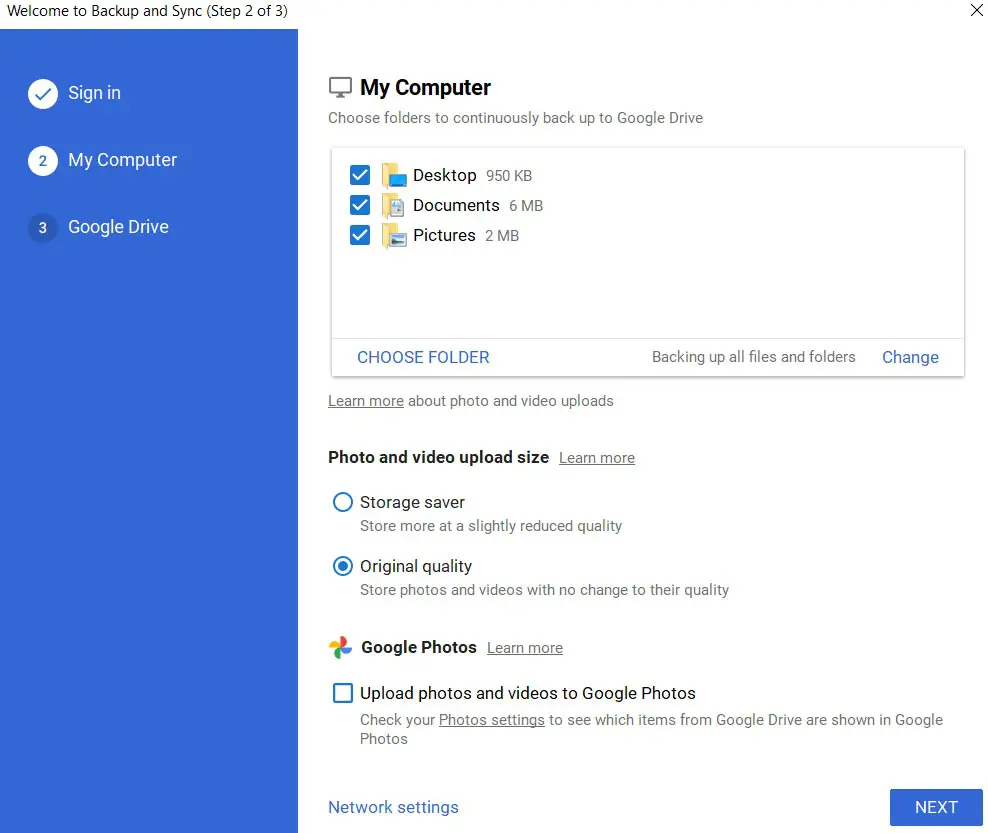
In this new version of Google Drive, you have the option to choose between Storage saver and Original quality in Google Photos. There are checkbox file kinds like Uploaded screenshots and Upload RAW files. Choose your PC / computer folders to sync with Google Drive and backup to Google Photos, or both.
Multiple Account Feature
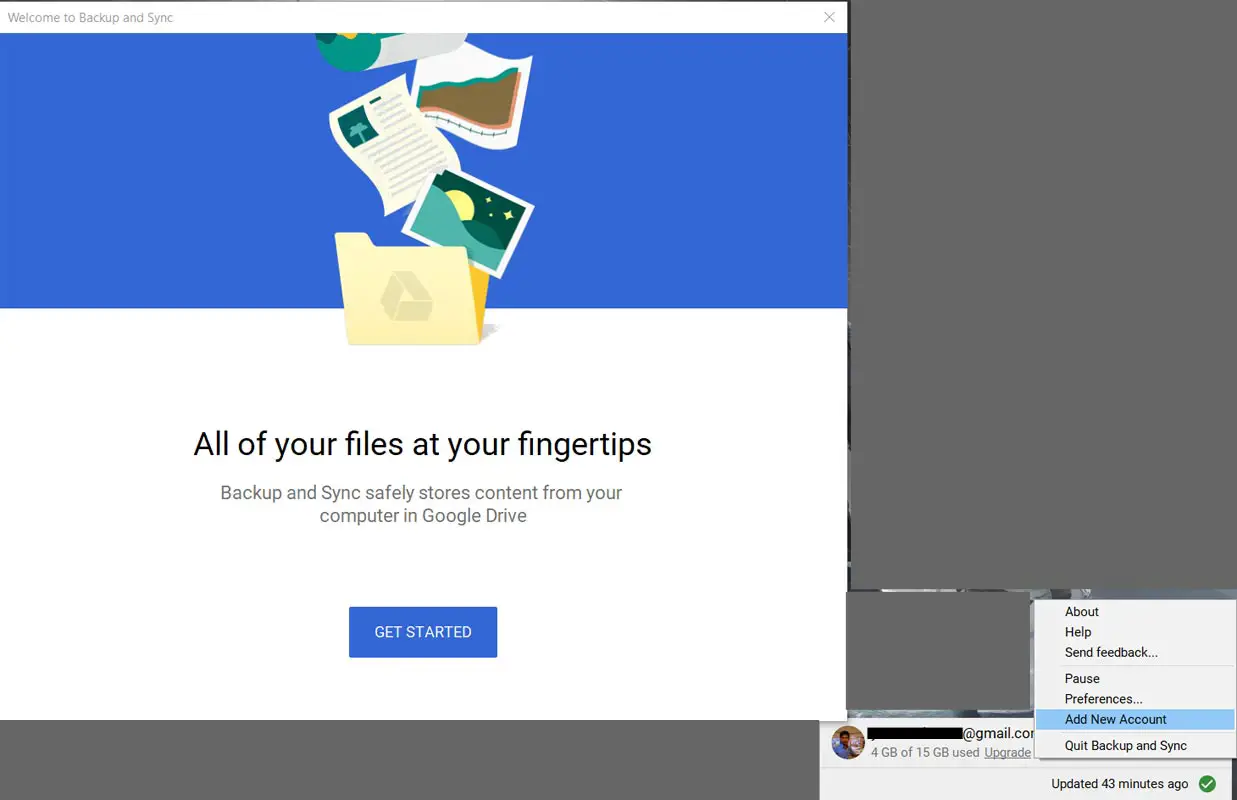
You can safely store files, access Google Drive from your computer, and you can use more than one account without having to switch. You can connect and access four Google accounts at the same time. To access this, go with the manager in the top-right corner. , You can also set different folders up for multiple accounts. To add a new account, Open Backup and Sync in the notification bar>Add New Account>Setup New Account. Using this new update, you can backup simultaneously without switching accounts.
Wrap Up
The launch of this new update Google Drive maybe it takes some time. There is no clear indication about Workspace user features. Google not yet briefly explained the upgrade in the changelog. Before the changeover deadline, Google promised a three-month heads-up to Workspace admins and end-user, as well as a public statement when the app is ready for personal accounts.
The update attracts users that it is quite positive that Google is coming with the fully-featured application for Drive. Uploading photos and videos directly to Google Photos and Multiple accounts is a much-needed feature in recent days. We got those features in Google Drive For the Desktop 49.0 version. Did you update your Desktop app? Share your thoughts about the new feature.

Selva Ganesh is a Computer Science Engineer, Android Developer, and Tech Enthusiast. As the Chief Editor of this blog, he brings over 10 years of experience in Android development and professional blogging. He has completed multiple courses under the Google News Initiative, enhancing his expertise in digital journalism and content accuracy. Selva also manages Android Infotech, a globally recognized platform known for its practical, solution-focused articles that help users resolve Android-related issues.




Leave a Reply