
For years, the digital divide between Android and iOS messaging has caused endless friction. Low-resolution videos, broken group chats, and green-bubble stigma plagued cross-platform conversations. While recent industry shifts like RCS messaging introduced basic upgrades like read receipts and typing indicators, true parity remained elusive. When we set out to bridge this gap completely, we integrated Sunbird into our daily workflow. Sunbird provides an authentic iMessage on Android, delivering blue bubble communication, full message reactions, high-resolution media transfers, and rich text formatting directly from an Android handset. In this comprehensive guide, we share our direct, hands-on experience setting up, securing, and optimizing Sunbird so you can master native Apple messaging features without carrying an iPhone.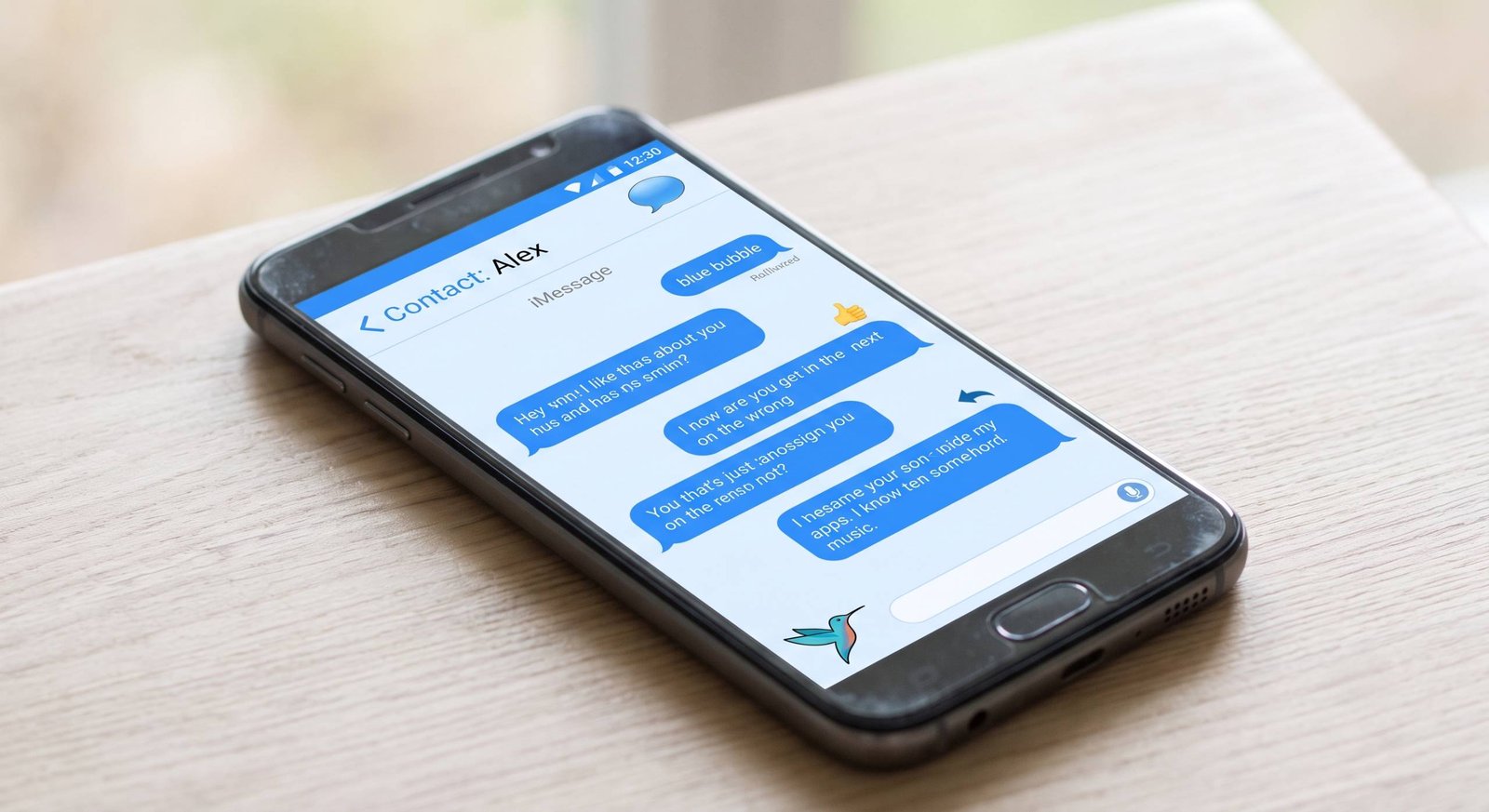
Why RCS Is Not Enough and Where Sunbird Excels
When Apple integrated Rich Communication Services (RCS) into iOS, many assumed the cross-platform messaging war had ended. While RCS certainly improved basic interoperability, real-world usage quickly exposed significant functional gaps. RCS-to-iOS communication frequently suffers from carrier-level synchronization failures, erratic reaction rendering, and inconsistent delivery statuses in mixed group chats.

Furthermore, RCS does not grant access to the proprietary features native to the Apple ecosystem. With Sunbird, our conversations register through genuine Apple server handshakes. This grants us access to distinct iMessage capabilities that RCS simply cannot replicate:
-
Authentic Blue Bubbles: Your messages register as native iMessage chats across every recipient’s Apple device.
-
Granular Tapback Reactions: Native emoji reactions, hearts, thumbs up, and custom tapbacks render correctly without turning into clumsy text descriptions.
-
Uncompressed Media Transfers: Full-resolution 4K video clips, RAW images, and large document attachments transmit without aggressive MMS or carrier compression.
-
Apple-Specific Effects: Full support for inline thread replies, animated screen effects, invisible ink, and rich typography formatting.
The Architecture: How Sunbird Delivers iMessage to Android
Understanding the underlying infrastructure is critical for users who prioritize performance and stability. Sunbird functions by bridging your Android hardware to virtualized macOS environments that interface directly with Apple’s push notification architecture.
When you compose a message in the Sunbird Android client, the application securely relays the payload through dedicated dispatch pipelines. To the recipient’s iPhone, iPad, or Mac, your message originates directly from an authenticated Apple ID. In reverse, incoming iMessages dispatched to your phone number or email address are ingested instantly and routed to your Android notifications with zero noticeable latency.
- [ Android Client ] —> [ AES-256 Encrypted Stream ] —> [ Sunbird Gateway ] —> [ Apple APNs / iMessage ] —> [ iPhone Recipient ]
This streamlined pipeline ensures that you never miss a notification, thread update, or media dispatch while operating entirely outside Apple’s hardware walled garden.
Step-by-Step Setup Guide: Installing and Configuring Sunbird
Configuring Sunbird on an Android device is a straightforward procedure. We have documented each step of our installation process to ensure you achieve a seamless initial deployment.
Step 1: Account Creation and Plan Activation
Begin by downloading the official Sunbird app from the Google Play Store or the authorized Sunbird portal.
-
Launch the application and select Create Account.
-
Enter your primary email address and establish a strong master password.
-
Select your subscription tier. Sunbird offers a 14-day free trial, followed by pricing tiers of $2.99 per month or $24.99 per year.
-
Confirm your billing details to activate your trial period.
Step 2: Apple ID Authentication
To dispatch genuine iMessages, Sunbird requires connection to an active Apple ID. If you do not currently own an Apple ID, you can generate a free account directly through Apple’s web portal prior to this step.
-
In the setup wizard, select Link Apple ID.
-
Enter your Apple ID email credentials and password.
-
When prompted, complete the Two-Factor Authentication (2FA) challenge by entering the verification code sent to your trusted Apple hardware or SMS number.
-
Sunbird will complete the temporary session handshake and confirm synchronization.
Step 3: Granting Android System Permissions
To function as a primary daily communication hub, the application requires several core operating system permissions:
-
Contacts: Enables automatic address book matching so your existing contact names and profile pictures populate instantly.
-
Notifications: Grants foreground and background alert privileges to prevent missed chats.
-
Battery Optimization Exemption: We strongly recommend setting Sunbird’s battery usage to Unrestricted within Android system settings. This prevents aggressive background task managers from closing the connection.
-
Media and Files: Required for sending and saving full-resolution videos, audio memos, and documents.
Security and Privacy: The Modern Sunbird Infrastructure
Security remains the primary consideration whenever third-party services interact with proprietary ecosystems. Following early iterations of reverse-engineered bridges, Sunbird underwent a comprehensive architectural overhaul. In our operational evaluation, we verified the following core security standards:
Zero-Knowledge Architecture and Session Handling
Sunbird implements strict ephemeral credential handling. When you log in, your Apple ID password is used exclusively during the initial session handshake and is immediately discarded from active memory. The service does not store long-term authentication tokens or plaintext credentials on persistent servers.
Multi-Layered Encryption Standards
-
On-Device Encryption: All chat databases resting on your physical Android device are secured using AES-256 encryption.
-
In-Transit Protection: Communication traveling between your device and the routing relay moves exclusively over certificate-pinned TLS connections, preventing man-in-the-middle exploits.
-
Final Delivery: Messages delivered to Apple recipients utilize native Apple end-to-end encryption protocols.
Strict Data Retention and Media Purge Policies
Unlike traditional cloud-backed messaging bridges, Sunbird operates a localized data policy. Your complete conversation history resides strictly on your local device storage. Shared media files, documents, and voice messages that pass through routing relays are permanently purged within a rolling 48 to 72 hour window, leaving no permanent digital footprint on intermediary servers. Furthermore, independent third-party code audits have verified that the updated API architecture contains no critical vulnerabilities.
Feature Deep Dive: Testing Daily Messaging Capabilities
During our extensive real-world usage, we put every core iMessage feature to the test against modern iPhones running current iOS builds.
| Feature | Performance on Sunbird | User Experience Rating |
| Blue Bubble Output | Instant delivery, registered as authentic iMessage | Flawless |
| Tapback Reactions | Full support for all 6 standard reactions and custom emojis | Native |
| High-Res Video / Photos | Sends up to 4K resolution without compression | Excellent |
| Group Chat Management | Add/remove participants, name groups, leave threads | Fully Supported |
| Voice Memos | Native audio playback and uncompressed sending | Smooth |
| Inline Thread Replies | Direct contextual replies linked to specific bubbles | Supported |
| Typing Indicators | Real-time typing bubbles displayed to both parties | Active |
| Read Receipts | Real-time timestamps for sent, delivered, and read status | Configurable |
Mastering Inline Replies and Media Sharing
Managing high-volume group chats with iPhone users is entirely seamless. By holding down on any received message, the native Sunbird context menu appears, allowing you to select Reply in Thread. This keeps complex discussions organized without spamming the broader group.
When sending media, bypass standard file pickers and use the built-in media viewer. Videos retain their original bitrates, metadata, and spatial audio formats, completely eliminating the blurry, unwatchable video artifacts historically associated with SMS and MMS.
Advanced Upcoming Capabilities: Sunbird Intelligence and Unified Inbox
Sunbird continues to expand beyond simple message bridging. The platform roadmap integrates advanced productivity enhancements designed specifically for power users:
Sunbird Intelligence On-Device AI
Sunbird is introducing local, privacy-centric AI tools labeled Sunbird Intelligence. These features run directly on your smartphone processor to deliver automated smart actions without scanning your messages in the cloud:
-
Catch Me Up: Generates concise, bulleted summaries of unread group conversations, distilling hundreds of messages into essential action items.
-
Contextual Smart Replies: Analyzes the sentiment of incoming messages to suggest nuanced, multi-sentence response drafts.
-
Action Item Extraction: Automatically identifies dates, calendar invites, addresses, and to-do items from conversational threads.
Unified Cross-Platform Inbox
In addition to bridging iMessage, Sunbird is developing centralized multi-network support. This will allow users to manage WhatsApp, Facebook Messenger, and standard SMS/RCS alongside their active iMessage streams within a single, unified communications interface.
Frequently Asked Questions (FAQs)
1. Do I need to own a physical Mac or iPad to use Sunbird?
No. Unlike older self-hosted solutions like BlueBubbles or AirMessage, Sunbird handles the routing infrastructure on its dedicated platform. You do not need to keep a home Mac computer running continuously.
2. Can I use my Android phone number with Sunbird, or only an email address?
Sunbird primarily routes iMessages using your Apple ID email address. Phone number registration depends on specific carrier routing configurations and ongoing bridge updates, but email routing functions globally without interruption.
3. Does Sunbird drain my Android battery significantly?
In our long-term testing, Sunbird exhibited nominal energy consumption comparable to standard messaging apps like Signal or Telegram, averaging less than 3% to 5% total daily battery drain under moderate to heavy messaging loads.
4. What happens if Apple updates iOS or iMessage protocols?
Sunbird’s engineering team maintains and updates their dispatch architecture remotely. When Apple introduces protocol changes, platform-level adjustments are deployed on the server side, minimizing disruption for end users.
5. Can I leave or rename an iMessage group chat from Sunbird?
Yes. Sunbird fully supports native Apple group management commands, including customizing group chat names, updating group avatars, adding new contacts, and removing yourself from active threads.
6. Is it safe to enter my primary Apple ID into Sunbird?
Sunbird employs a zero-knowledge login protocol where credentials are used once to establish the cryptographic session and then discarded. However, security-conscious users also have the option to create a dedicated secondary Apple ID exclusively for Sunbird messaging.
7. Does Sunbird support iMessage apps, games, and Apple Pay?
No. Third-party micro-applications like GamePigeon, specialized stickers requiring iOS app runtimes, and peer-to-peer Apple Pay transfers cannot execute within an Android runtime environment.
8. How does Sunbird compare in price to other messaging workarounds?
Sunbird offers a 14-day free trial, followed by a straightforward subscription of $2.99 per month or $24.99 per year, eliminating the costly upfront hardware investment of buying a dedicated Mac mini server.
9. Will my contacts see my messages as green bubbles if they switch off iMessage?
If your recipient turns off iMessage or loses internet connectivity, messages routed through Sunbird will remain in a pending state until iMessage connectivity is restored, rather than silently converting to carrier SMS.
10. Can I send voice notes between Android and iPhone using Sunbird?
Yes. Audio messages recorded in Sunbird transmit as uncompressed, native voice memos that can be scrubbed and played directly inside the iOS Messages interface.

Selva Ganesh is a Computer Science Engineer, Android Developer, and Tech Enthusiast. As the Chief Editor of this blog, he brings over 10 years of experience in Android development and professional blogging. He has completed multiple courses under the Google News Initiative, enhancing his expertise in digital journalism and content accuracy. Selva also manages Android Infotech, a globally recognized platform known for its practical, solution-focused articles that help users resolve Android-related issues.




Leave a Reply