
What’s New in the Google Pixel Watch March 2026 Feature Drop: A Complete Guide – The March 2026 Feature Drop has officially arrived, bringing a wave of innovative updates to the Google Pixel Watch lineup. At Google, the goal is to make wearable technology feel less like a gadget and more like a helpful companion. This latest update is specifically designed to improve your personal safety, simplify daily payments, and make your watch easier to use with one hand.
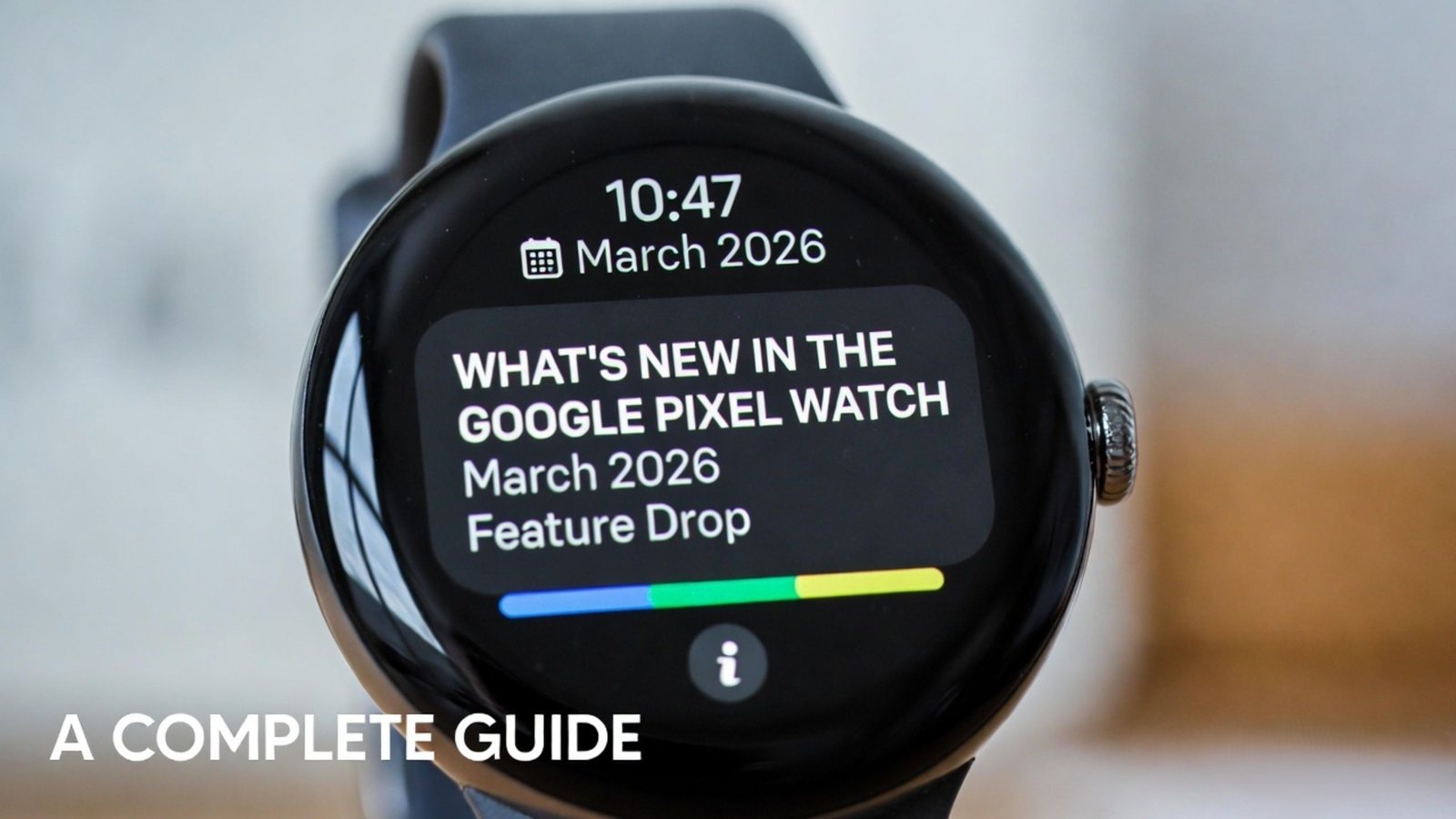
Whether you own the Pixel Watch 2, Pixel Watch 3, or the flagship Pixel Watch 4, this feature drop includes significant enhancements that we believe will change how you interact with your device every day. Below, we break down every new feature in plain English, so you can start using them immediately.

Never Leave Your Phone Behind Again
We have all experienced that moment of panic when we realize our phone is missing. With the March 2026 update, your Google Pixel Watch acts as a digital tether to your smartphone.
Instant Phone Left Behind Alerts
Your watch now proactively monitors the Bluetooth connection with your phone. If you walk away—perhaps leaving your phone on a restaurant table or a park bench—your watch will send an instant vibration and notification to your wrist. We have designed this feature to be smart; it won’t bug you if you just walk to another room in your house, but it will alert you immediately if you leave a significant location without your device.
Automatic Phone Locking
Security is a top priority. If your watch detects that the connection to your phone has been severed because you are too far away, it can automatically lock your phone. This ensures that even if a stranger finds your device, your private data, photos, and messages remain protected until you reunite with it.
Express Pay: The Fastest Way to Checkout
Making payments with a smartwatch should be effortless. Before this update, users often had to navigate menus or tap buttons to open their digital wallet. With Express Pay, we have removed those extra steps.
Tap and Go Without the App
On Pixel Watch 2 and newer models, you can now enable a setting that allows you to pay simply by turning your wrist toward the terminal. You no longer need to manually open the Google Wallet app. As long as your watch is unlocked and on your wrist, a quick flick and tap are all it takes to pay for your morning coffee or your commute.
Smart Security for Payments
We understand that security is a concern with “express” features. Express Pay uses advanced motion algorithms to ensure that a payment only goes through when you intentionally move your wrist toward a reader. It won’t trigger accidentally while you are just walking or talking.
Expanded One-Handed Gesture Controls
One of the most praised features of the Pixel Watch 4 was the ability to control it without touching the screen. We are thrilled to announce that these one-handed gestures are now being “backported” to the Pixel Watch 3.
The Magic of the Double Pinch
If your other hand is full—maybe you’re carrying groceries or holding a child’s hand—you can now control your watch using simple hand movements.
- Answer Calls: A quick double-pinch of your fingers (tapping your index finger and thumb together twice) will answer an incoming call.
- Control Music: You can use a wrist turn or a pinch to pause your music or skip to the next track.
- Dismiss Alarms: Simply flick your wrist to snooze an alarm in the morning without ever opening your eyes.
Global Safety: Satellite SOS and Earthquake Alerts
Google continues to lead the way in mobile safety technology. This update expands life-saving features to more people around the globe.
Satellite SOS Expansion
Originally launched in limited regions, Satellite SOS on the Pixel Watch 4 is now expanding to Canada, Europe, Alaska, and Hawaii. This feature allows you to contact emergency services even if you are hiking in a remote area with absolutely no cellular signal or Wi-Fi. It connects directly to satellites to send your location and a distress signal to help responders find you.
Real-Time Earthquake Alerts
We are bringing standalone Earthquake Alerts to the Pixel Watch 2 and newer. Your watch can now detect the initial, fast-moving waves of an earthquake and give you a few seconds of precious warning before the actual shaking starts. Best of all, this works even if your watch isn’t currently connected to your phone, provided you have a Wi-Fi or LTE connection.
Find Hub: Locate Anything from Your Wrist
Losing your keys or your earbuds is a thing of the past. The new Find Hub app is now available directly on your Pixel Watch.
Your Central Command for Lost Items
The Find Hub allows you to see the last known location of all your Google-connected devices and third-party trackers (like those on your keys or in your luggage). You can:
- Ring your phone to find it under the couch cushions.
- Get directions to a lost item on a map.
- Mark items as lost to secure them remotely, all without ever taking your phone out of your pocket.
Gemini AI: Your Personal Assistant Gets Smarter
The March 2026 Feature Drop sees a deeper integration of Gemini, Google’s most advanced AI, into the watch experience.
Proactive Task Assistance
Gemini can now handle multi-step tasks for you. If you ask your watch to “Book a ride to the airport,” Gemini can navigate your preferred rideshare app in the background, find the best price, and simply ask you for a final confirmation. It removes the need for you to tap through multiple screens on a tiny display.
Magic Cue for Dining Plans
If you are texting a friend about dinner on your watch, Magic Cue will recognize the context and suggest a Gemini search for nearby restaurants. It brings the information to you before you even have to ask for it, making planning your evening seamless and intuitive.
How to Get the Update
The March 2026 software update is rolling out now. Most users will receive a notification on their watch when it is ready to install. To check manually:
- Place your watch on its charger.
- Go to Settings > System > System Updates.
- If available, follow the prompts to Download and Install.
We recommend keeping your watch on the charger and connected to Wi-Fi during this process to ensure a smooth and fast update.
Conclusion: A Smarter Watch for a Simpler Life
The Google Pixel Watch March 2026 Feature Drop proves that your smartwatch can get better with age. By adding Express Pay, Left Behind Alerts, and expanding One-Handed Gestures, we are making sure the Pixel Watch remains the most helpful wearable on the market. These features aren’t just about technology; they are about giving you peace of mind, saving you time, and keeping you safe in an unpredictable world.
If you haven’t updated yet, now is the perfect time to explore everything your Google Pixel Watch can really do.

Selva Ganesh is a Computer Science Engineer, Android Developer, and Tech Enthusiast. As the Chief Editor of this blog, he brings over 10 years of experience in Android development and professional blogging. He has completed multiple courses under the Google News Initiative, enhancing his expertise in digital journalism and content accuracy. Selva also manages Android Infotech, a globally recognized platform known for its practical, solution-focused articles that help users resolve Android-related issues.




Leave a Reply