
Sometimes large companies don’t notice essential things until sure figure them out and send feedback. Delete option in WhatsApp messages improved with Delete for Me, Delete for Everyone like that. But when you accidentally select the wrong choice and delete the content from your device, It is not a helping situation. So, WhatsApp is working on a new feature to fix the uncomfortable situation issue. Undo Option for Deleted Chats comes to WhatsApp as the Beta app check. So, WhatsApp will suggest the Undo option after choosing the delete option.
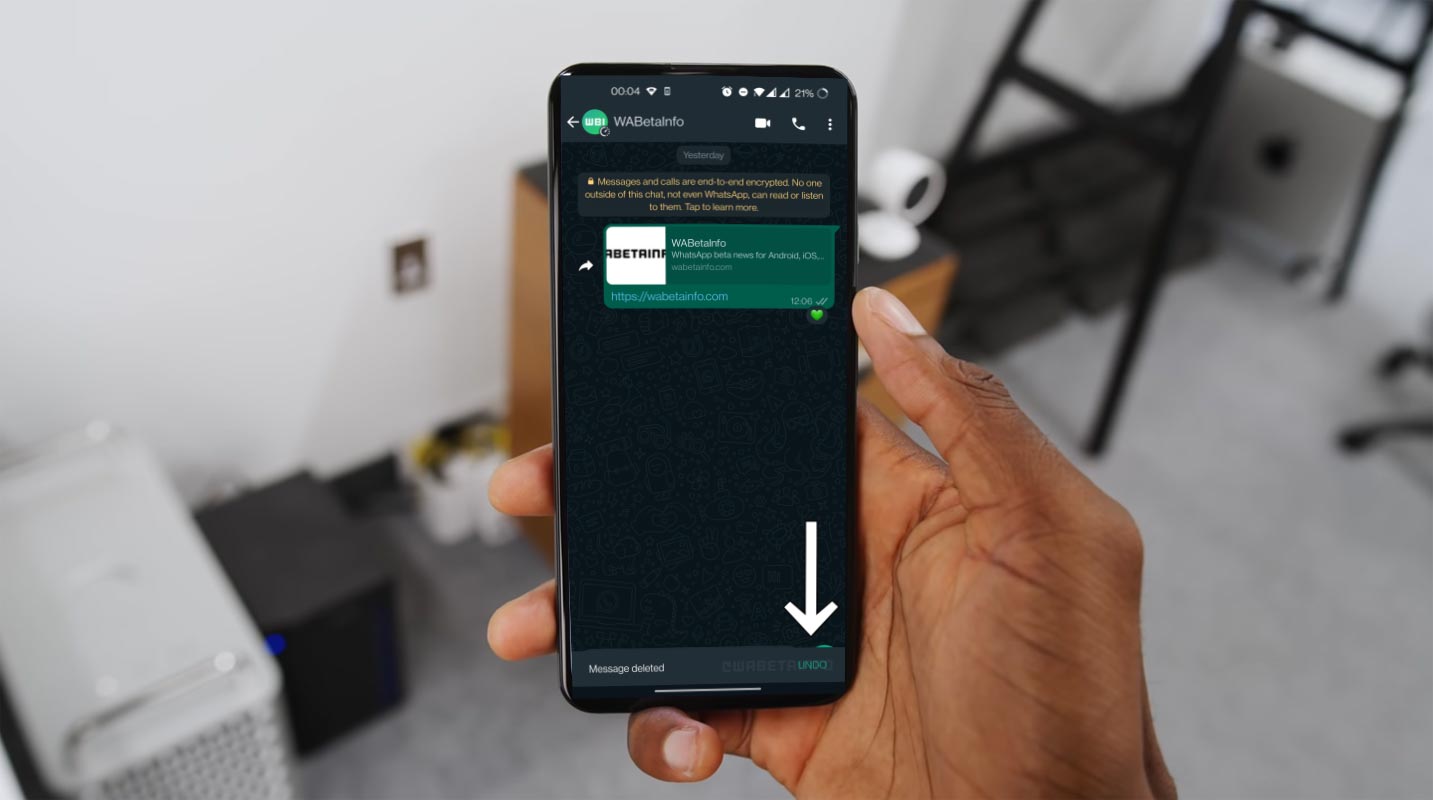
WhatsApp Messages Delete Undo feature
WhatsApp has developed a feature that “Undo” status updates quickly to save your time: The same part is being created when you delete a messaging message.
WhatsApp displays a popup asking users if they want to undo the action. Users will have the option to either restore chats or delete them for everyone, just like Telegram. WABetaInfo noticed the feature during early testing and showed it off in a brand new screenshot.

What is Undo in WhatsApp?
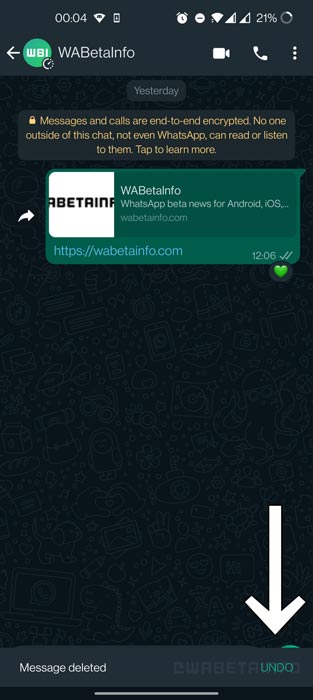
After you tap “delete” to delete a message, WhatsApp displays a snack bar at the bottom of the screen to inform you that you have the option to undo it if you make a mistake. You have just a few seconds to reverse the process. The feature will soon be made public.
Availability
This feature is still in development. We don’t know when it will become available. WhatsApp will push the update to everyone when the stable version is available.
WhatsApp Important new Features are coming
This is not the only feature WhatsApp works on. WhatsApp is planning to raise its file-sharing limit to 2GB from 100MB. WhatsApp beta version 2.2.13.6 has the new feature. They first tested a 2GB File Transfer in Argentina in March. You can send larger files to your device to see if it’s available.
Wrap Up
What are your thoughts about Undo Option in the WhatsApp Messages Delete? If you notice, the Undo option should roll out along with the Delete options. But somewhat, the developers have no idea about the consequences in the real world, and they understand the features are a must need after massive numbers of users send feedback and highlight them in their Social profiles. Beta Developers only help the stability of the app. they don’t get involved in the options and features. To achieve a massive user base, you should focus on user feedback. Or they can give separate categories and prioritize must-need requests. Share your thoughts below.

Selva Ganesh is a Computer Science Engineer, Android Developer, and Tech Enthusiast. As the Chief Editor of this blog, he brings over 10 years of experience in Android development and professional blogging. He has completed multiple courses under the Google News Initiative, enhancing his expertise in digital journalism and content accuracy. Selva also manages Android Infotech, a globally recognized platform known for its practical, solution-focused articles that help users resolve Android-related issues.




Leave a Reply