
Using the below methods and Steps, You can Fix Gmail Android App Unable to sync Hotmail or Outlook. Are you one of those users who rely on the Gmail app to manage all their email accounts in one place? If yes, you may be facing some inconvenience. Recently, some Gmail users are reporting issues syncing their Hotmail or Outlook accounts on the Gmail Android app. This issue has caused inconvenience for those who rely on the Gmail app to manage all their email accounts in one place.
You can Sync third-party Emails with Gmail Android App
The Gmail Android app is one of Android’s most widely used email clients, and for a good reason. Not only does it support syncing Google account emails, but it also allows users to add third-party email providers such as Outlook, Hotmail, and Zoho. Users can easily manage all their email accounts in one convenient app without switching between different email clients. With the ability to add multiple email accounts, users can stay on top of their emails from other providers all in one place, making the Gmail Android app a valuable tool for anyone who needs to manage multiple email accounts on the go.
Gmail Android App Unable to sync Hotmail or Outlook
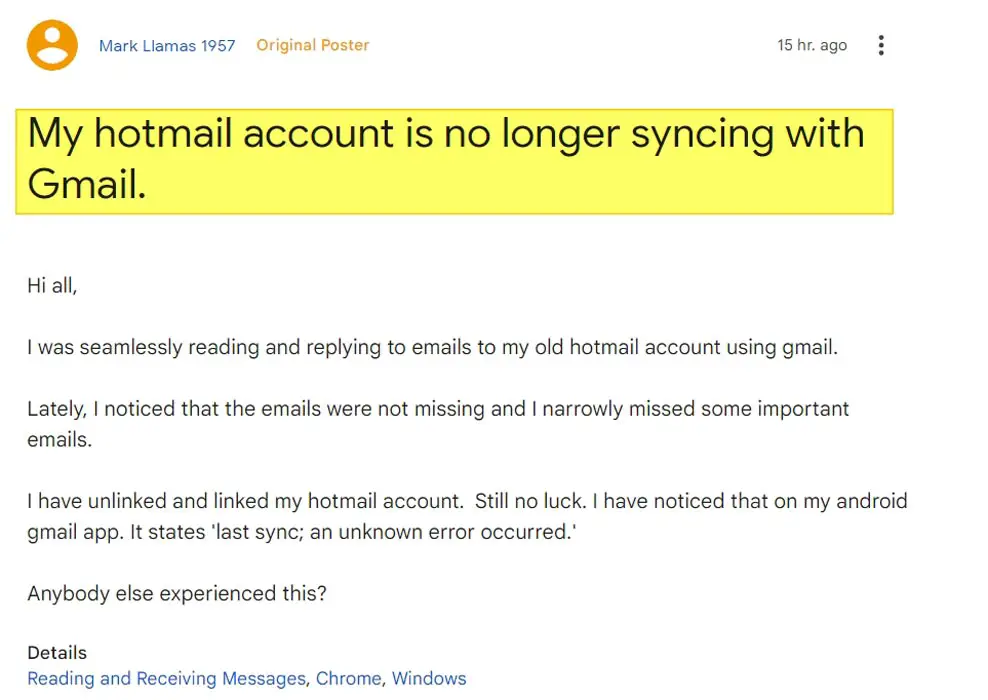
According to user reports, the Gmail app shows an error message stating ‘last sync; an unknown error occurred.’ The app cannot connect to the email server to retrieve emails and other data. While the actual cause of this issue is unknown, it is anticipated that this is happening after a recent bug where the inbox of Outlook users was flooded with junk or spam emails.
How to Fix Gmail Sync Error with Outlook and Hotmail?
Unfortunately, neither Google nor Microsoft has acknowledged this problem. However, some users have managed to work around it by using the Outlook app on Android. Hence, you can also try this potential solution.
If you are still facing the issue, you can try the following troubleshooting steps:
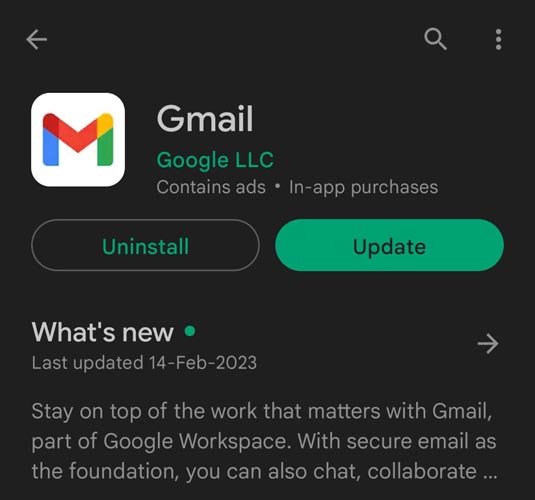
Step 1: Update your Gmail app to get the latest fixes on problems with sending or receiving mail.
Step 2: Restart your device.
Step 3: Check your settings. Check if you’re online, turn off airplane mode, check Gmail sync settings, and check your phone or tablet settings.
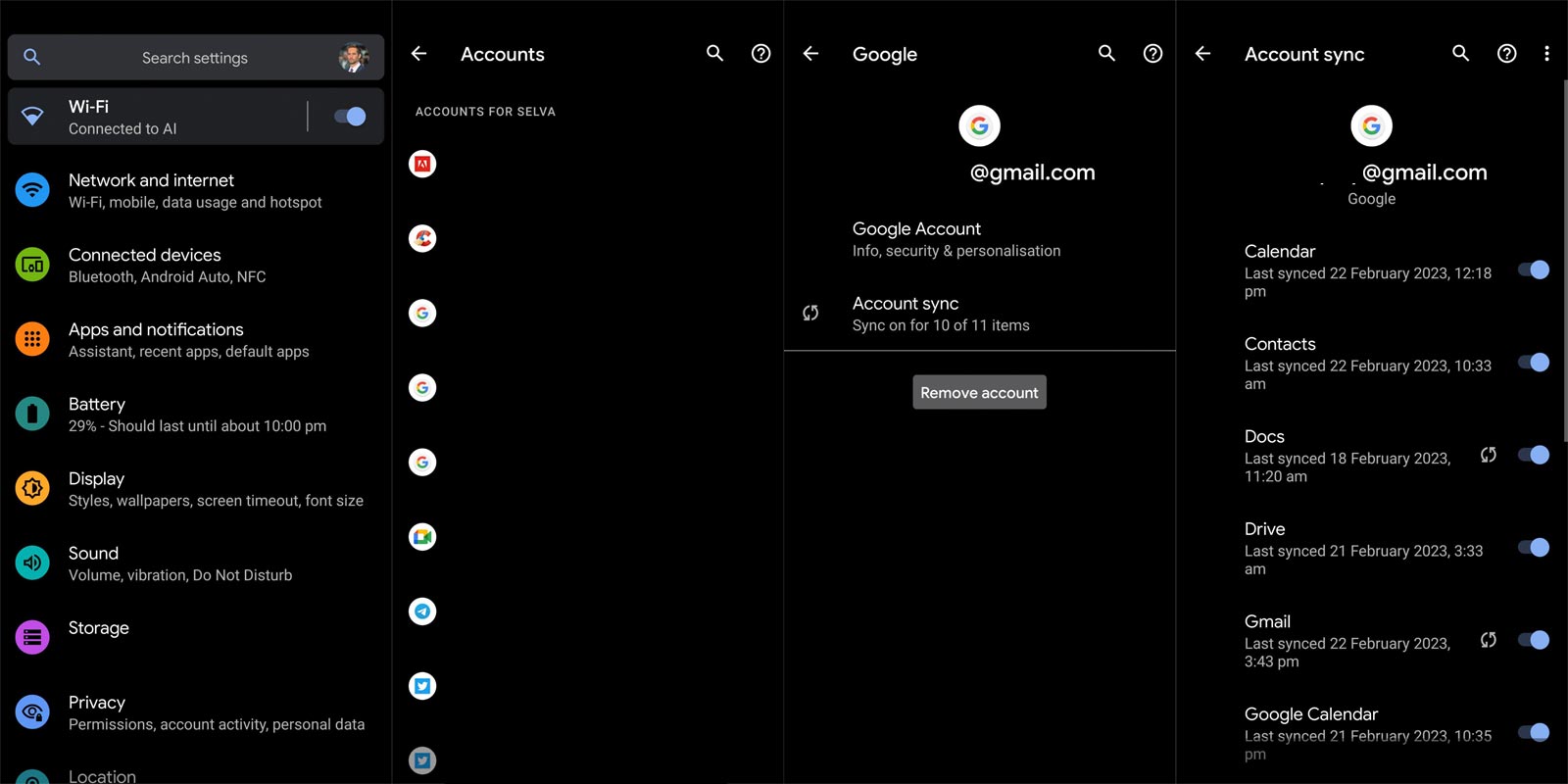
Step 4: Try to remove and add your account again. Go to “Settings,” then “Accounts and backup,” and select “Accounts.” Select the email account you have problems with, then tap “Remove account.” Re-add the account.
Step 5: Check your password. If you have changed your password recently, update it on your device.
Step 6: Clear your Hotmail/Outlook information. Go to “Settings,” then “Apps and notifications,” and select “Gmail.” Tap “Storage,” then “Clear storage.”
Remember that these steps may not solve the problem but may help. If none of these steps work, you may have to wait for Google or Microsoft to address the issue.
Wrap Up
The syncing issue between Gmail and Outlook or Hotmail accounts on the Gmail Android app has been causing inconvenience for some users. While neither Google nor Microsoft has acknowledged the problem, some users have found a workaround by using the Outlook app on Android. If you’re facing this issue, try the troubleshooting steps mentioned above. We will keep you updated with the latest developments on this matter.

Selva Ganesh is a Computer Science Engineer, Android Developer, and Tech Enthusiast. As the Chief Editor of this blog, he brings over 10 years of experience in Android development and professional blogging. He has completed multiple courses under the Google News Initiative, enhancing his expertise in digital journalism and content accuracy. Selva also manages Android Infotech, a globally recognized platform known for its practical, solution-focused articles that help users resolve Android-related issues.




Leave a Reply