
How to train the YouTube Shorts algorithm to show only educational content – The YouTube Shorts algorithm is designed with a single primary objective: to maximize user watch time and viewer engagement. Because the platform continuously evaluates what captures your immediate attention, the default feed frequently leans toward viral trends, dramatic entertainment, and sensationalized clips. However, you are not at the mercy of passive recommendations. By systematically feeding specific behavioral signals to the recommendation system, we can re-engineer the algorithm to serve exclusively high-value, educational content—ranging from scientific breakdowns and language learning to technical tutorials and history lessons.
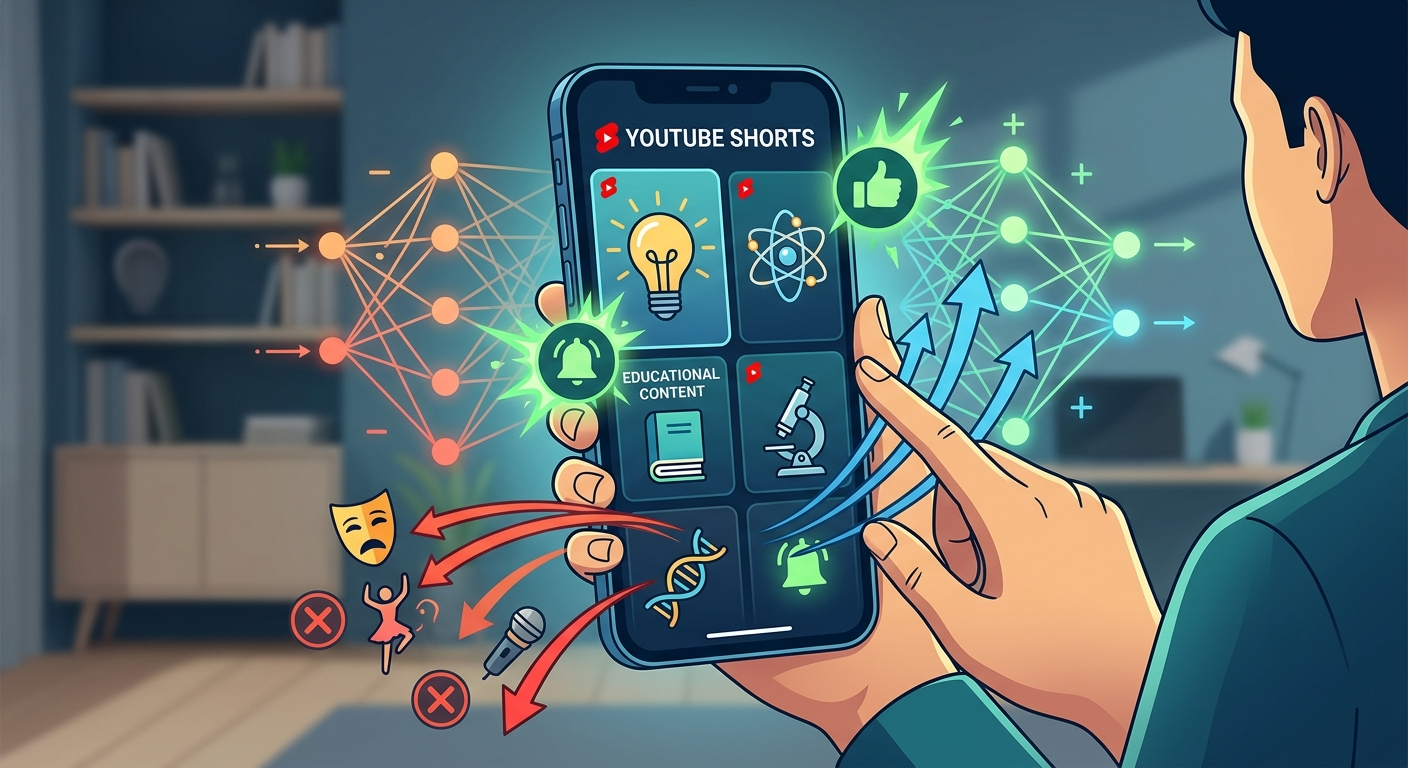

This comprehensive guide breaks down the exact steps required to transform your feed into a dedicated learning hub, explained in clear, everyday language with no complex technical jargon required.
How the YouTube Recommendation Engine Evaluates Your Preferences
To successfully train the feed, we must first understand how the system decides what to place on your screen. The algorithm does not read your mind; it tracks your micro-interactions in real time. Every fraction of a second you spend on a video sends a mathematical signal to the platform.
The primary signals the algorithm evaluates include:
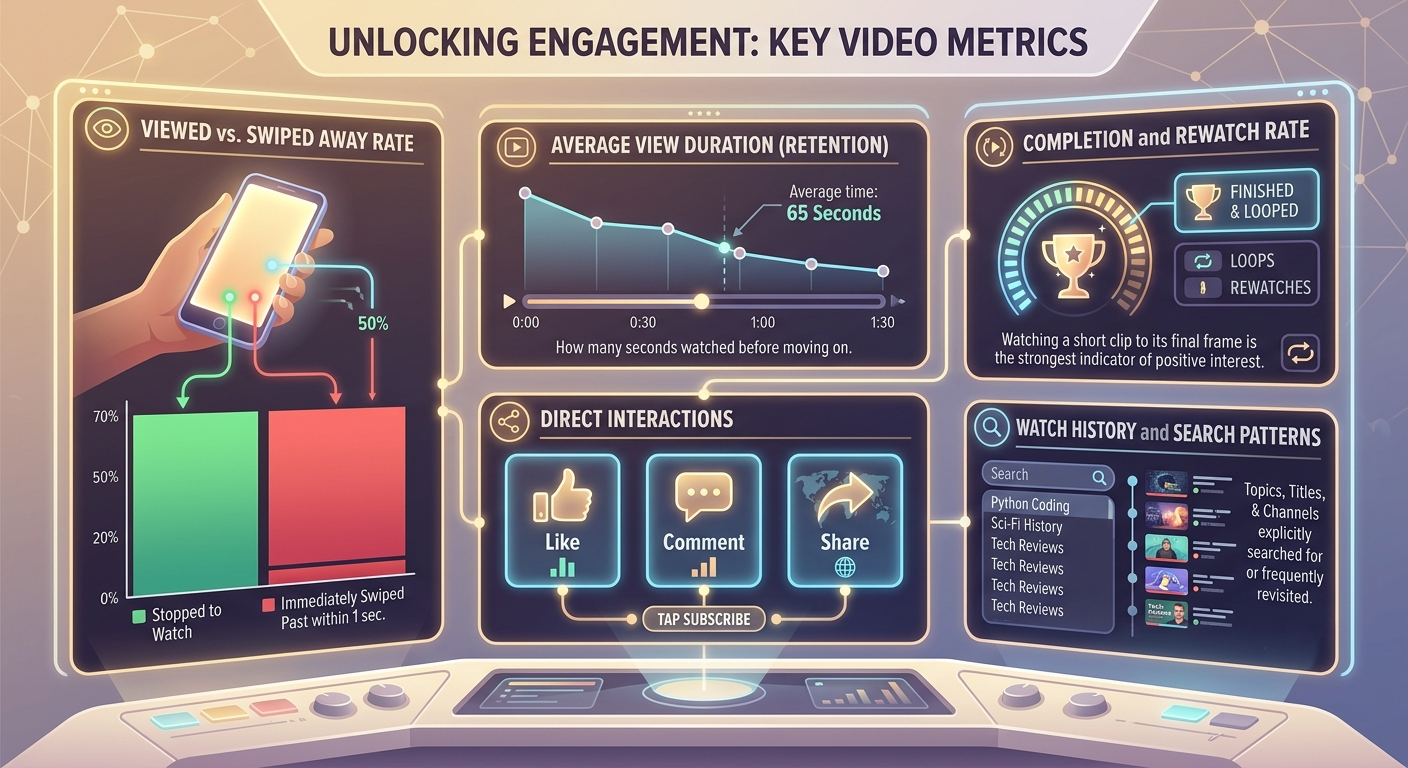
By controlling these exact behaviors, we can actively command the platform to replace mindless distractions with rich, informative material.
Phase 1: Active Retraining Through Daily Interaction Signals
The fastest way to shift your recommendations is through direct, real-time feedback while scrolling. We must train the system on what to exclude just as rigorously as what to include.
1. Master the One-Second Swipe
The most powerful tool you possess is the speed at which you scroll away from unhelpful content. When an entertainment, gossip, or low-value video appears on your feed, swipe up immediately. Staying on a video for even three or four seconds signals to the algorithm that the clip succeeded in holding your interest. Swiping away in under one second drastically penalizes that topic in your personal ranking profile.
2. Use the “Not Interested” and “Don’t Recommend Channel” Features
When low-quality or non-educational content repeatedly surface, passive swiping may not be enough. You must issue an explicit negative command:
-
Tap the three-dot menu icon in the top-right corner of the Short.
-
Select Not Interested if you want to reduce videos on that general topic.
-
Select Don’t Recommend Channel if you want to permanently block content from that specific creator.
Consistently using these options for three to five days forces the recommendation system to prune non-educational categories from your pool of candidate videos.
3. Maximize Watch Duration on Educational Shorts
When a genuine educational video appears—such as a quick math shortcut, a coding demonstration, or an art history fact—watch it completely from start to finish. If the video is particularly detailed, allow it to play through a second time. Completion rate and looping rewatches are weighted heavier than any button press. Letting an educational clip play twice signals high value to the algorithm.
4. Apply Positive Engagement Markers
Whenever you encounter informative content, leave a clear positive trail:
-
Tap the Like button (thumbs up).
-
Save the video to a dedicated playlist (e.g., “Learning Hub” or “Educational Clips”).
-
Tap Subscribe directly from the Short if the creator focuses exclusively on educational topics.
Phase 2: Intentional Search and Subscription Seeding
The algorithm relies heavily on search intent to map out your core interests. If your search bar is empty, the system relies on broad, trending videos. We can proactively seed your profile with educational keywords to override this behavior.
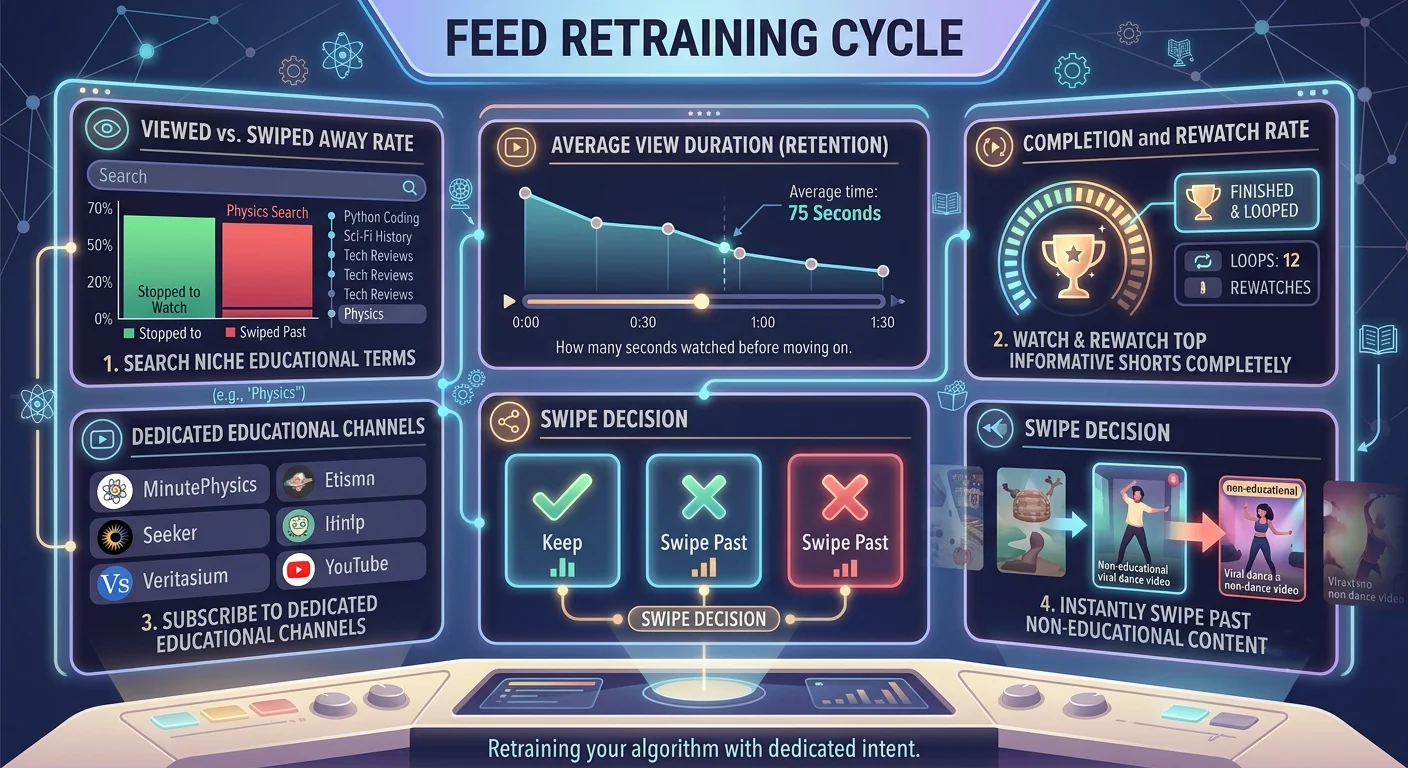
1. Perform Targeted Keyword Searches
Spend 10 to 15 minutes conducting intentional searches for specific subjects you want to master. Avoid general search terms like “facts” or “learning,” which often bring up sensational listicles. Instead, use precise, topic-specific terms:
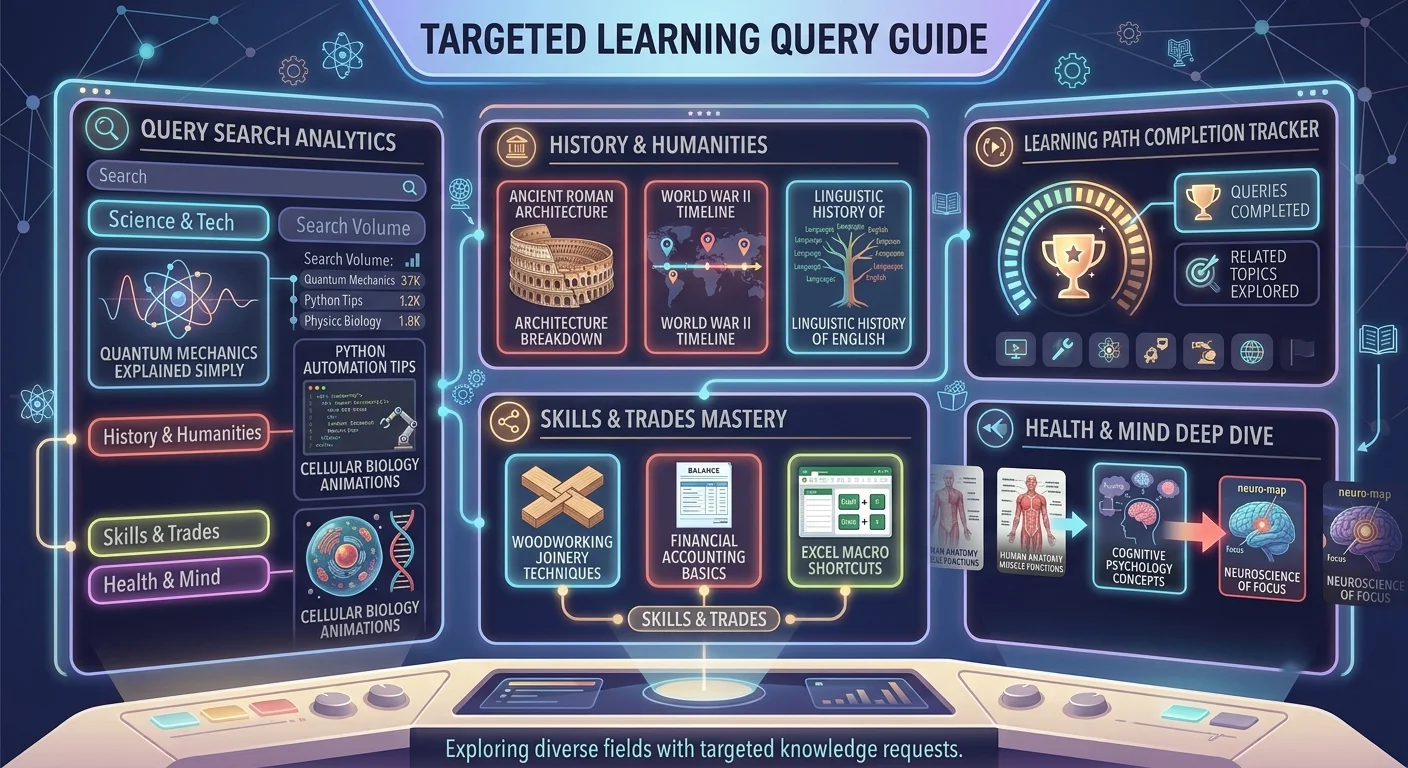
After searching, tap on the Shorts tab within the search results and watch the top three to five videos fully. This forces the system to re-associate your account profile with high-density educational tags.
2. Subscribe to Specialized Educational Creators
Subscribing to channels that produce strictly educational content tells the algorithm that you want updates and similar recommendations within that specific domain. When you subscribe to verified educational hubs (such as science channels, university portals, or professional instructors), the recommendation system uses collaborative filtering to show you Shorts that other educated, learning-focused viewers enjoy.
Phase 3: Purging Unwanted Data from Your YouTube Account
If your YouTube account has years of accumulated viewing history filled with entertainment, music videos, or gaming streams, the algorithm will continually try to pull you back toward those topics. To accelerate the retraining process, we must clean up your historical profile data.
1. Clear Non-Educational History
We do not necessarily need to delete your entire watch history, but removing non-educational entries removes the data anchors holding back your new feed preference.
-
Open the YouTube app and navigate to You (your profile tab).
-
Tap the Settings gear icon in the top right.
-
Select Manage all history.
-
Review your recent watch history and delete entries related to viral trends, entertainment, or clickbait clips.
Alternatively, if your feed is overwhelmed by unwanted suggestions, we can perform a complete history reset:
-
Choose Delete > Delete all time.
Resetting your watch history gives you a clean slate, allowing your new interactions (swiping away from filler, rewatching educational content) to instantly become the primary influence on your feed.
2. Adjust Google Account Personalization Settings
YouTube uses broader Google Web & App Activity to inform its recommendations. If you browse entertainment news or pop culture on other platforms, those topics can bleed into your Shorts feed.
-
Visit your Google Account Dashboard.
-
Go to Data & Privacy > History Settings.
-
Turn off Include Voice and Audio Recordings or refine your Ad Personalization Topics to reflect educational interests.
Phase 4: Long-Term Maintenance and Feed Hygiene
Retraining the algorithm is not a one-time setup; it requires consistent feed hygiene. The algorithm constantly tests your boundaries by inserting occasional viral or sensational videos to see if you will bite.
1. Avoid Curiosity Traps and Shocking Thumbnails
Sensational titles, dramatic captions, and outrage-driven topics are engineered to trigger emotional clicks. The moment you succumb to a clickbait Short and watch it to completion, the algorithm interprets your curiosity as interest and begins populating your feed with similar content. Discipline yourself to swipe past clickbait immediately, regardless of how compelling the headline appears.
2. Create a Separate YouTube Profile for Pure Learning
If you enjoy casual entertainment but want a clean environment dedicated solely to study and self-improvement, we strongly recommend establishing a separate channel profile under your existing Google account:
-
Go to your YouTube settings on a browser and click Create a new channel.
-
Name this profile specifically (e.g., “Study & Skill Hub”).
-
Use this secondary profile exclusively for educational searches, subscriptions, and Shorts viewing.
By isolating your educational viewing habits on a dedicated profile, you ensure that casual entertainment never pollutes your learning feed.
Quick Reference Checklist for Retraining Your Feed
Use this daily reference checklist to maintain an algorithm tuned exclusively to educational content:
-
Instant Swipe: Did you swipe away from non-educational content in under 1 second?
-
Full Retention: Did you watch educational Shorts to the very end or let them loop?
-
Explicit Blocking: Did you use “Not Interested” or “Don’t Recommend Channel” on clickbait?
-
Search Seeding: Did you search for 2–3 specific, technical educational topics today?
-
Active Signals: Did you like, save, or subscribe to educational creators?
By maintaining these habits, we can transform the YouTube Shorts algorithm from a source of distraction into an automated, highly personalized education stream.

Selva Ganesh is a Computer Science Engineer, Android Developer, and Tech Enthusiast. As the Chief Editor of this blog, he brings over 10 years of experience in Android development and professional blogging. He has completed multiple courses under the Google News Initiative, enhancing his expertise in digital journalism and content accuracy. Selva also manages Android Infotech, a globally recognized platform known for its practical, solution-focused articles that help users resolve Android-related issues.




Leave a Reply