
Ensuring the longevity and safety of your digital life begins with a fundamental understanding of mobile security lifecycles. We often invest significant capital into high-end Android smartphones, assuming they will remain loyal guardians of our private data indefinitely. However, every device operates on a finite timeline of manufacturer support. Once a device crosses the threshold of its End-of-Life (EOL) status for security patches, it essentially becomes a digital “sitting duck.”
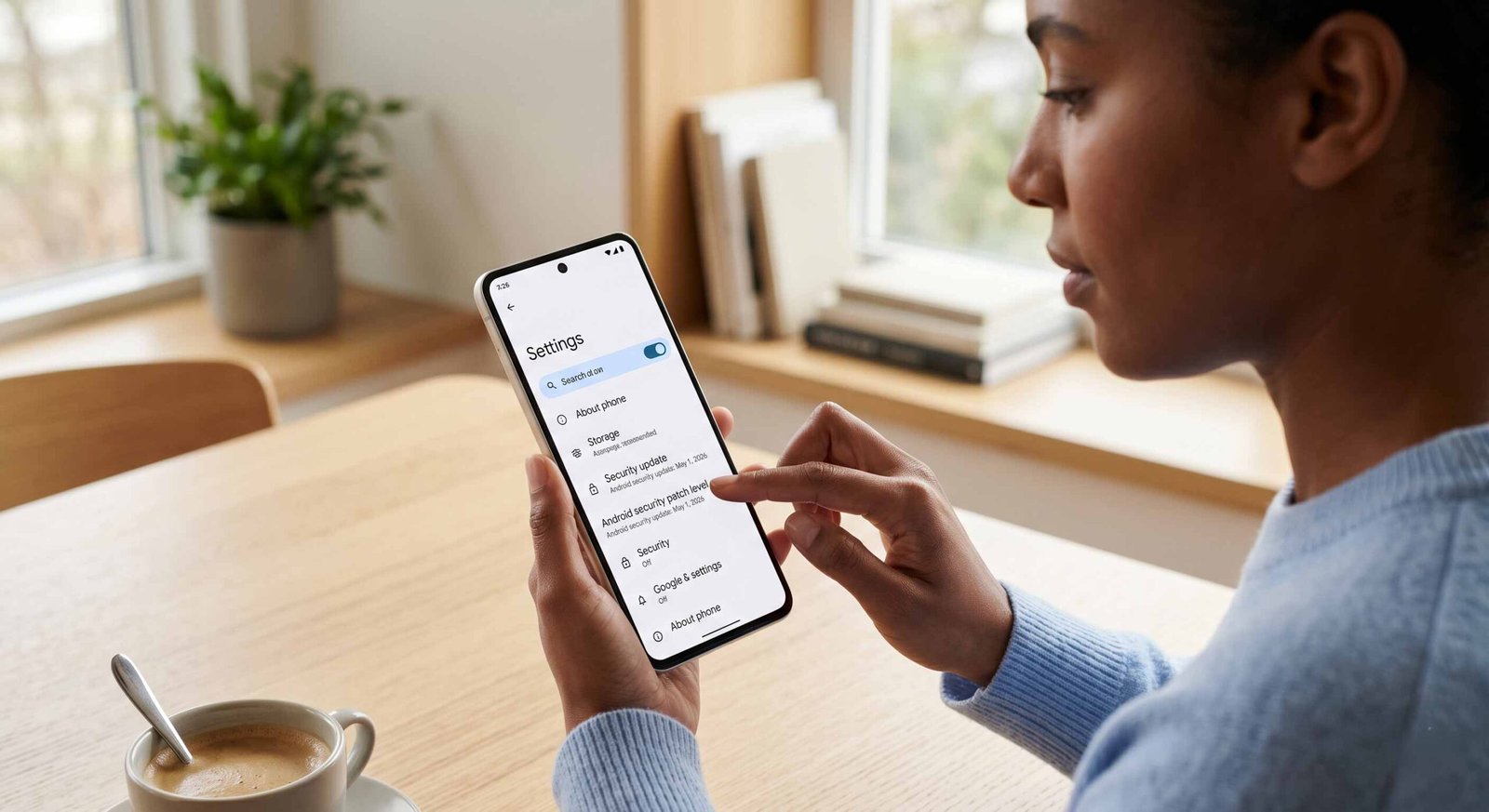

We have developed the Android Mobile Security Patch Remaining Days Checker Tool to eliminate the guesswork. This comprehensive guide and utility empower you to identify exactly how much “safe life” remains in your current hardware or a device you are considering purchasing. By transforming complex OEM update policies into a clear, human-readable countdown, we provide the clarity needed to navigate an increasingly hostile cybersecurity landscape.
The Invisible Threat of Expired Security Patches
When a manufacturer stops releasing security updates, they are not merely withholding new features; they are leaving the doors to your personal data unlocked. Hackers and malicious actors specifically target legacy devices because they know vulnerabilities discovered after the support period will never be patched.
- Zero-Day Exploits: Without active monitoring from brands like Samsung, Google, or Xiaomi, new threats can compromise your device without warning.
- Data Vulnerability: Your banking information, private photos, and biometric data are at risk when the Android kernel is no longer shielded.
- The “Danger Zone”: This is the period immediately following the final security patch, where the likelihood of a successful malware injection increases exponentially.
Our tool highlights this danger zone with precision, allowing you to act before your device becomes a liability.
Smart Buying Advice for the Used Phone Market
The second-hand smartphone market is booming, but it is a minefield for the uninformed. A “great deal” on a flagship from three years ago may seem like a bargain, but if that device only has six months of security updates remaining, the cost-per-month of safe usage is actually quite high.
We believe in transparency. Before you commit to a used Android device, use our Remaining Days Checker to verify its support status. Many sellers will not disclose that a phone is nearing its security sunset. By knowing the exact expiration date, you can negotiate better prices or avoid a risky investment entirely. A phone without active patches is a temporary tool, not a long-term companion.
Strategic Upgrade Planning and Budgeting
Technology should serve you, not surprise you with sudden obsolescence. We advocate for proactive upgrade planning. By using our tool to monitor your current device’s remaining patch days, you can build a replacement budget over time.
Instead of being forced into an emergency purchase when an app stops working, or a security flaw is publicized, you can wait for seasonal sales or the launch of the latest Pixel or Galaxy models. Upgrade planning is about financial intelligence and ensuring that your digital transition is seamless and secure. We provide the data; you maintain the control.
Deciphering Complex Manufacturer Support Policies
Finding the end-of-support date for a specific Android model is notoriously difficult. Manufacturers often hide this information in dense technical documentation, PDF whitepapers, or obscure community forums. Policies also vary wildly:
- Google Pixel devices often enjoy the longest support windows.
- Samsung Galaxy devices have recently improved to offer up to five years of updates.
- Budget-tier devices from various brands may only receive one or two years of intermittent support.
We have aggregated this data into a single, centralized database. Our tool does the heavy lifting of cross-referencing your model number and region against OEM commitments. You no longer need to be a tech expert to understand your phone’s lifespan.
How the Security Patch Checker Tool Works
Our interface is designed for simplicity and speed. We utilize a proprietary database that tracks Global, European, and North American variants of Android hardware.
- Step 1: Enter your device’s Model Name or Internal Model Number (found in Settings > About Phone).
- Step 2: Our system queries the official manufacturer roadmap.
- Step 3: You receive a real-time countdown of the days remaining until your final security update.
This instant feedback replaces hours of manual research. It provides a definitive answer that is easy to understand: “Your device is safe for another 450 days.”
Why “Human-Readable” Data Matters in Cybersecurity
The tech industry is buried in jargon. Terms like SMR (Security Maintenance Release) or SPL (Security Patch Level) mean very little to the average user. We bridge this gap by focusing on utility.
We translate version numbers into time. Time is the most valuable metric when it comes to device safety. By knowing you have “six months left,” you can make an informed decision today. Our mission is to democratize cybersecurity awareness, making it accessible to everyone, regardless of their technical proficiency.
Protecting Your Identity in an Interconnected World
Your Android device is the hub of your identity. It controls your smart home, manages your finances, and hosts your professional communications. An unpatched device is a weak link in your personal security chain.
We emphasize that security patches are not optional. They are the essential maintenance required to keep the operating system resilient against modern cyber-attacks. Using our tool is the first step in a comprehensive security audit of your digital life.
Frequently Asked Questions
1. What happens exactly on the day my patches expire?
Your phone will continue to function, but it will no longer receive fixes for new vulnerabilities. This means that hackers can exploit any security flaws discovered after that date without any way for you to block them via software updates.
2. Can I use a custom ROM to extend my phone’s life?
Yes, custom ROMs like LineageOS can provide newer security levels, but they require technical knowledge to install and may trip security flags for banking apps (SafetyNet).
3. Does this tool cover all Android brands?
We cover all major OEMs, including Samsung, Google, Motorola, OnePlus, Xiaomi, Oppo, and Sony. We are constantly updating our database for smaller brands.
4. Is a “System Update” the same as a “Security Patch”?
Not necessarily. System updates often include new features (Android 14 to 15), while Security Patches are smaller, monthly or quarterly updates specifically designed to fix vulnerabilities.
5. Why do some phones get updates longer than others?
This depends on the manufacturer’s policy and the chipset provider (like Qualcomm or MediaTek). Premium phones usually have longer support cycles than budget ones.
6. Can an antivirus app protect me if my patches have expired?
An antivirus can help, but it cannot fix vulnerabilities in the Android OS itself. It is a secondary layer, not a replacement for OS-level security.
7. How often should I check my remaining days?
We recommend checking every six months or whenever you receive a major OS notification, as manufacturers sometimes extend support for popular models.
8. My phone is only two years old; why are the patches ending?
Many entry-level Android phones are sold with only two years of guaranteed security maintenance. This is why checking before you buy is crucial.
9. Is it safe to do banking on a phone with 0 days remaining?
We strongly advise against it. Financial transactions should only be conducted on devices with current security patches.
10. Does the tool require my IMEI number?
No, for your privacy, we only require the model name/number. We do not need your personal hardware identifiers.

Selva Ganesh is a Computer Science Engineer, Android Developer, and Tech Enthusiast. As the Chief Editor of this blog, he brings over 10 years of experience in Android development and professional blogging. He has completed multiple courses under the Google News Initiative, enhancing his expertise in digital journalism and content accuracy. Selva also manages Android Infotech, a globally recognized platform known for its practical, solution-focused articles that help users resolve Android-related issues.





Leave a Reply