
You can Download and Install Official TikTok on your Windows and Mac PC using the below method. While popular Social platforms always have cross-platform solutions, sometimes they don’t focus much on a different approach when they feel their app is unsuitable. Most Camera-focused apps, like Snapchat, Instagram, and TikTok, Don’t focus much on Desktop versions. It is there, but the features are always limited. But Desktop versions are always practical when doing a few tasks. When an official version is not available, there are third-parties always come. To avoid data risks, we will use official methods to use TikTok on your PC.
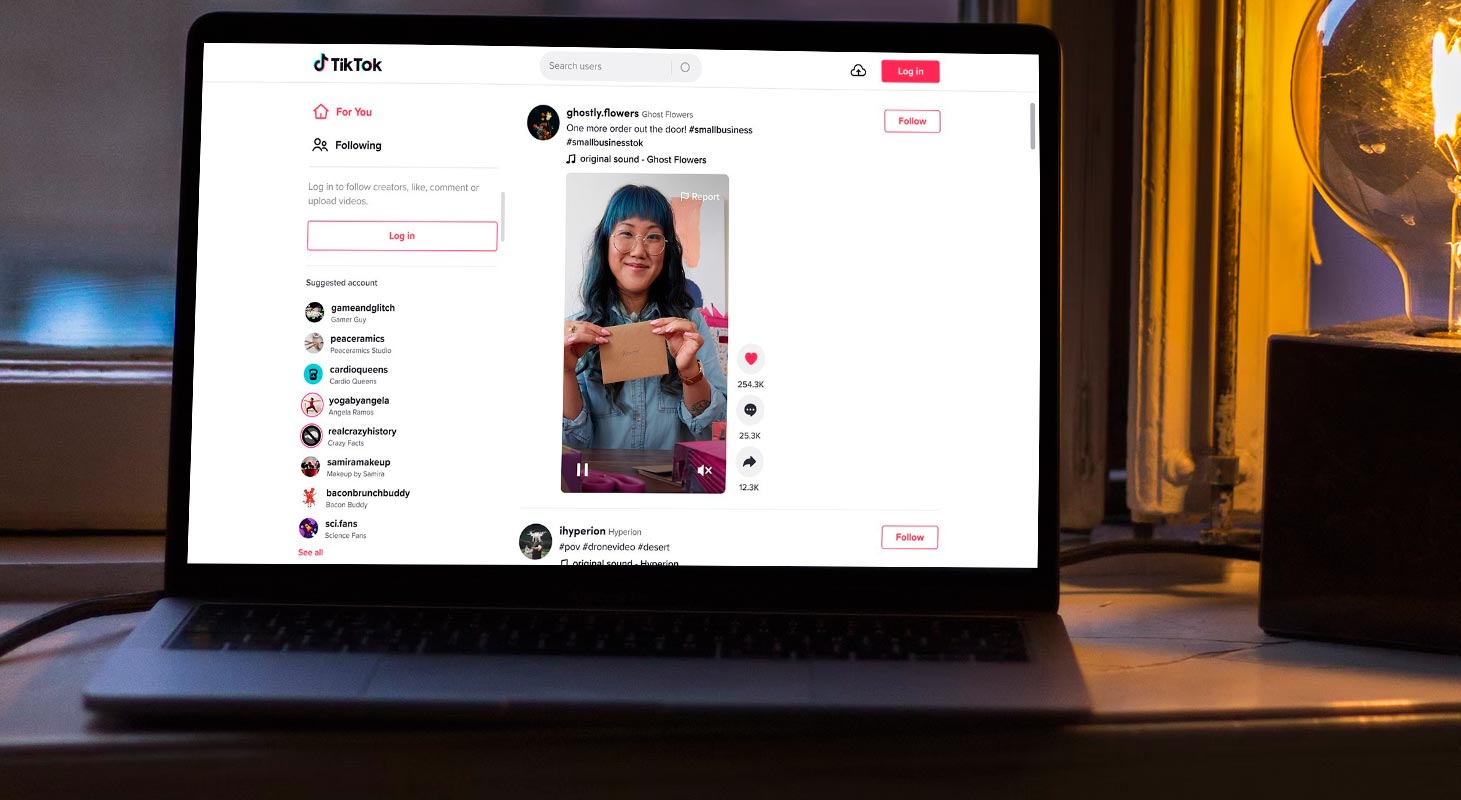
Use TikTok PWA App on PC Browser
TikTok, the popular social media platform known for its short-form videos, can be accessed and used on a computer just as quickly as on a mobile device.
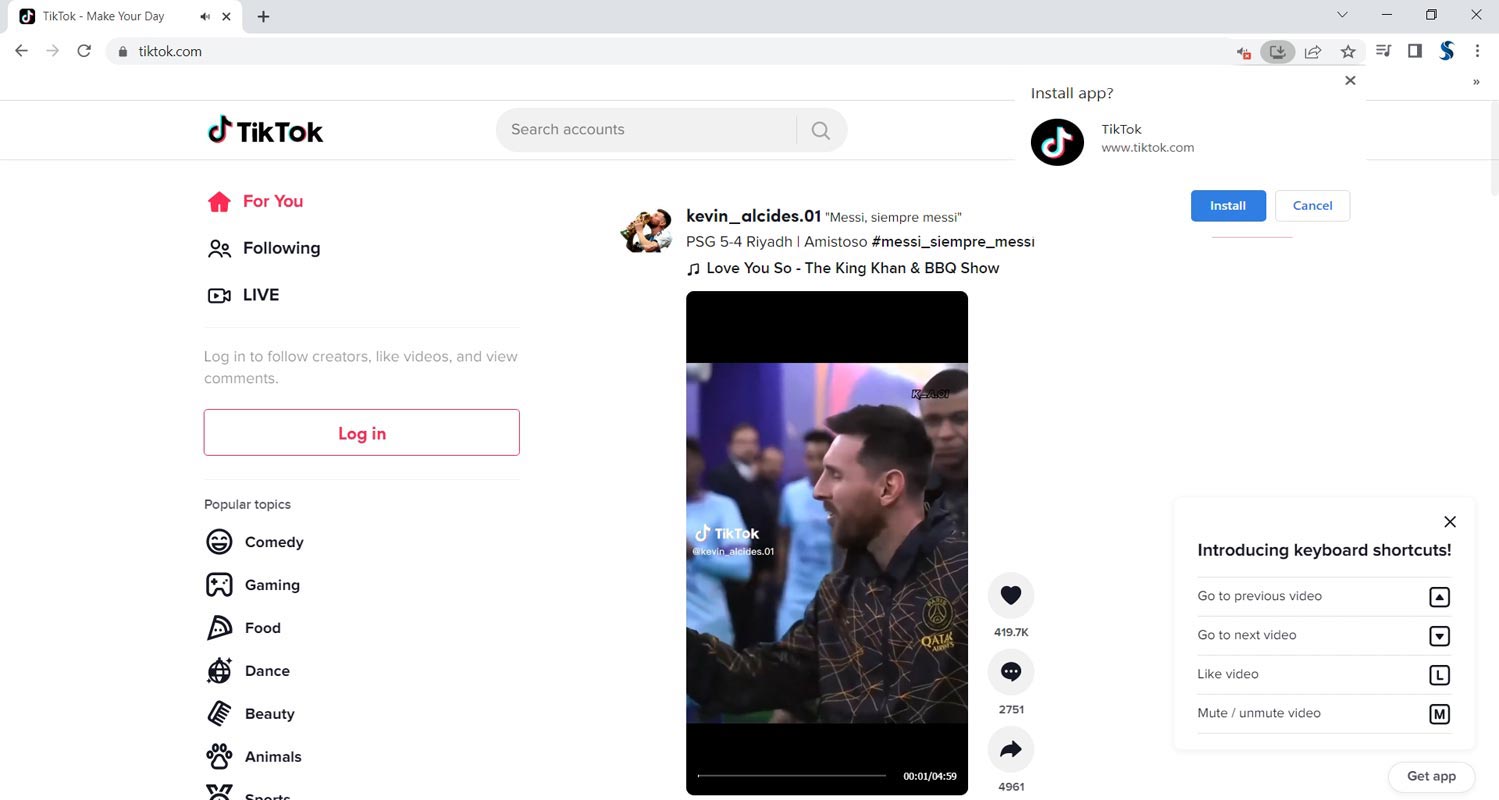

- To access TikTok PWA App on a PC, you can go to the TikTok website.
- You can see App Icon in the URL Bar. Select it. It will ask you to install the app. Select Install and install the app on your PC. It will work on all platforms, including Windows, Mac, and Linux.
- Log in using your existing account, or create a new one. From there, you can browse through videos, follow your favorite creators, and even upload your videos using the built-in camera on your computer.
Download and Install TikTok on Windows and Mac OS
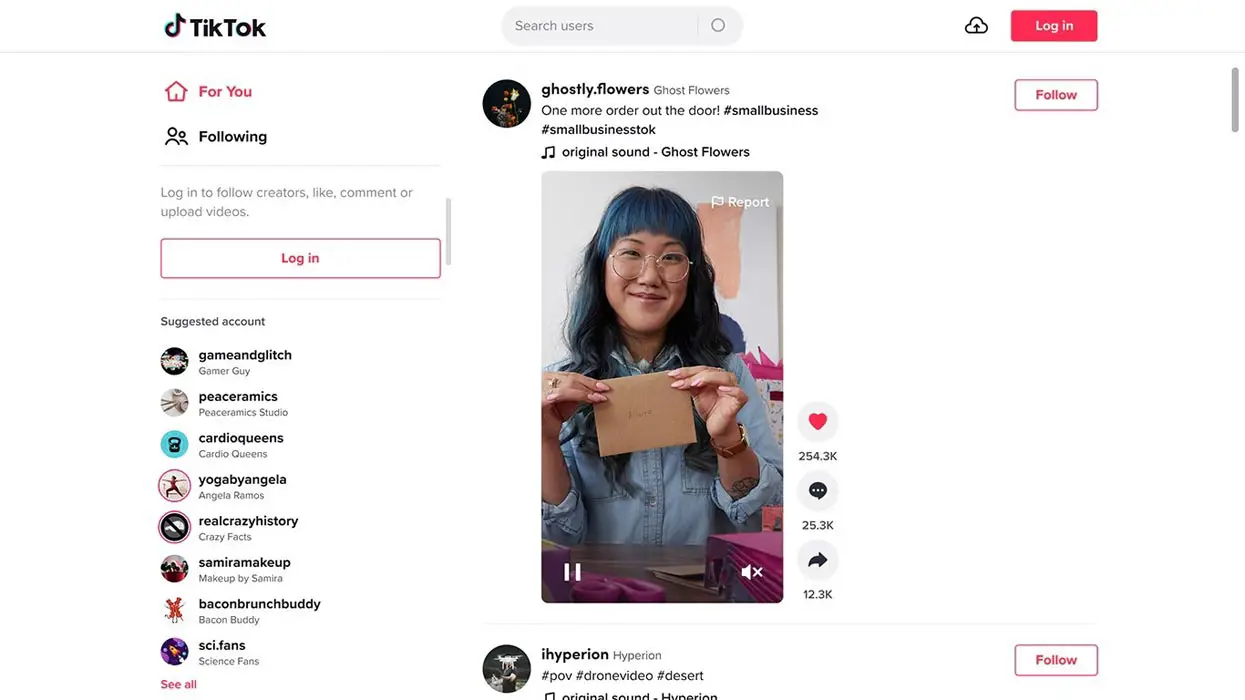
- You can download official TikTok from Microsoft Store and Mac Store.
- Log In with your credentials, and you can use the platform.
Using Emulators
Bluestacks is an Android emulator that allows users to run mobile apps on their Windows and Mac computers. This can be a valuable tool for those who want to use mobile apps on their desktop or laptop computers, including the popular social media platform TikTok.
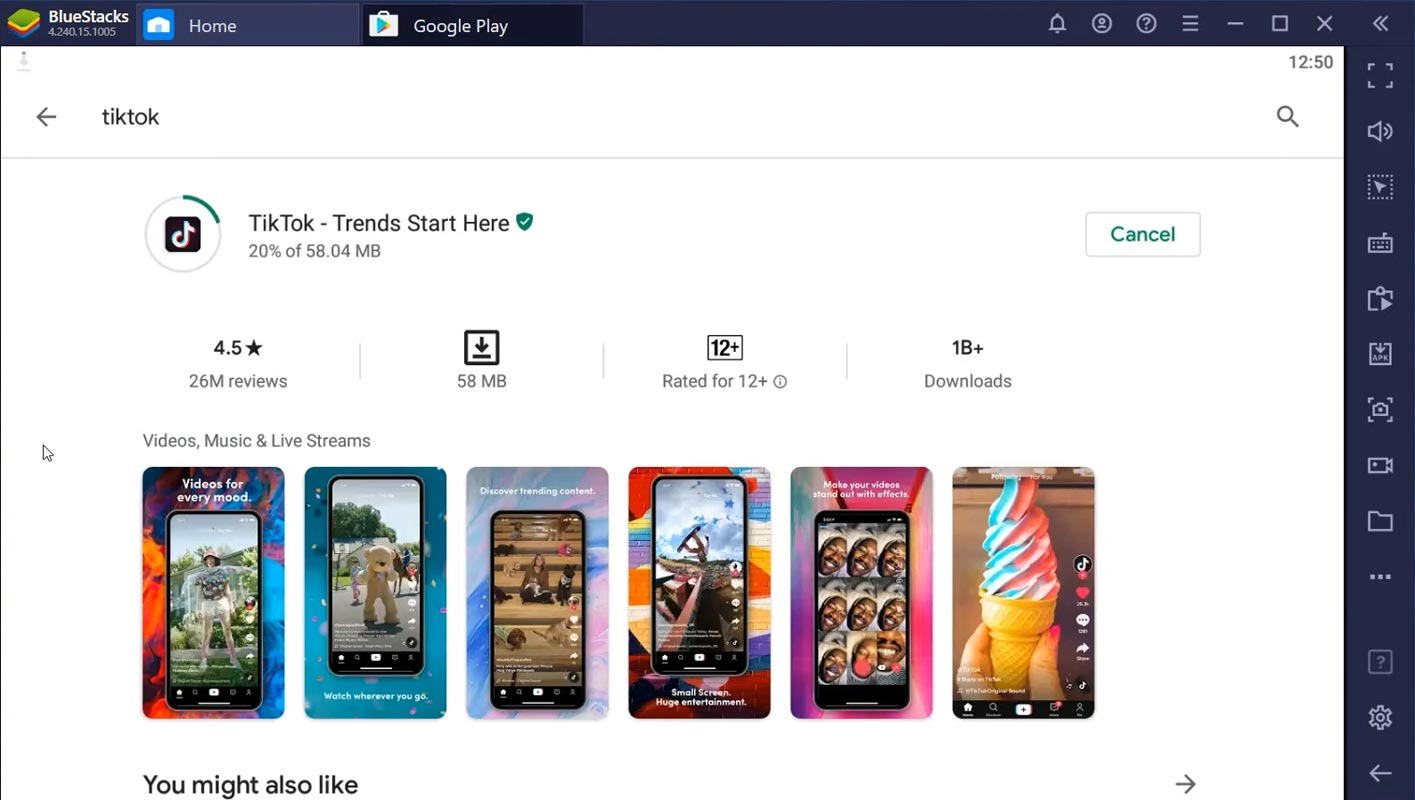
- To install and use TikTok on Bluestacks, you must first download and install the Bluestacks emulator on your computer. You can download the emulator from the Bluestacks website.
- Once the emulator is installed, launch it and log in with your Google account. This will allow you to access the Google Play Store, where you can search for and download TikTok.
- Once you have downloaded and installed TikTok, you can launch the app from the Bluestacks home screen. You can sign in with your existing TikTok account or create a new one.
When using TikTok on Bluestacks, you will have access to all of the features and tools available on the mobile app, including the ability to browse through videos, follow your favorite creators, and upload your videos. You can also use the camera on your computer to record and edit them with the video editing software you prefer.
Benefits of using TikTok on PC
One of the most significant advantages of using TikTok on a PC is the ability to edit and upload videos more quickly and efficiently. Instead of using a mobile device to record and edit videos, you can use professional video editing software on your computer to create high-quality content.
Another advantage of using TikTok on a PC is the ability to multitask. You can have multiple tabs open simultaneously and easily switch between them, allowing you to work on various projects simultaneously.
Additionally, the website version of TikTok offers a larger screen and a better viewing experience, which can be more comfortable for some people.
Wrap Up
Compared with other methods, the Bluestacks method will give you the same mobile-level experience when you have a camera on your laptop. Or it is somewhat the same as limited experience. The desktop version of TikTok is always helpful for analytic and high user base Craetors who want to spend time on analysis and create respective content. TikTok can be an excellent tool for creators and marketers looking to expand their reach and engage with a broader audience. Whether you’re using a mobile device or a computer, the platform offers a variety of features and tools to help you create and share your content with the world.

Selva Ganesh is a Computer Science Engineer, Android Developer, and Tech Enthusiast. As the Chief Editor of this blog, he brings over 10 years of experience in Android development and professional blogging. He has completed multiple courses under the Google News Initiative, enhancing his expertise in digital journalism and content accuracy. Selva also manages Android Infotech, a globally recognized platform known for its practical, solution-focused articles that help users resolve Android-related issues.




Thanks for clarifying the “official” part, avoiding all those sketchy third-party apps.
Just installed it! Love having the bigger screen for watching dances.
Does using the PC version affect my ‘For You’ page algorithm?
Any plans to update this for future TikTok client changes?
I wish I found this article sooner. Saved me a ton of hassle.
Simple, straightforward, and accurate. Five stars!
Wow, this made my workflow so much easier for editing videos before posting.
Is there a performance difference between the mobile and PC versions?
Great tips! I was using a clunky Android emulator before this.
Can confirm it works on a Mac using the provided method. Huge relief!
My only issue is the screen scaling, but the install process was flawless.
A step-by-step guide is always appreciated. Very clear instructions.
I had some trouble finding the official version, but this post cleared it up.
Does this version support live streaming and video uploads from the desktop?
The download link provided was safe and worked instantly. Highly recommended tutorial.
Finally, I can watch videos without constantly picking up my phone.
Is the interface the same as the mobile app? Great article!
Much better than using an emulator. Loading times are super fast now.
I didn’t know there was an official PC client. Thanks for the breakdown!
This guide was exactly what I needed! Worked perfectly on my Windows 11 machine.