
Zen Browser Is the Best Arc Browser Alternative– The browser landscape underwent a seismic shift when The Browser Company announced its pivot toward Dia, effectively putting Arc into long-term maintenance mode. For millions of users who restructured their digital workflows around vertical tabs, dedicated workspaces, and distraction-free framing, the search for a true successor began immediately. While several alternatives attempt to replicate bits and pieces of this productivity stack, Zen Browser stands out as the most capable, philosophically sound alternative available.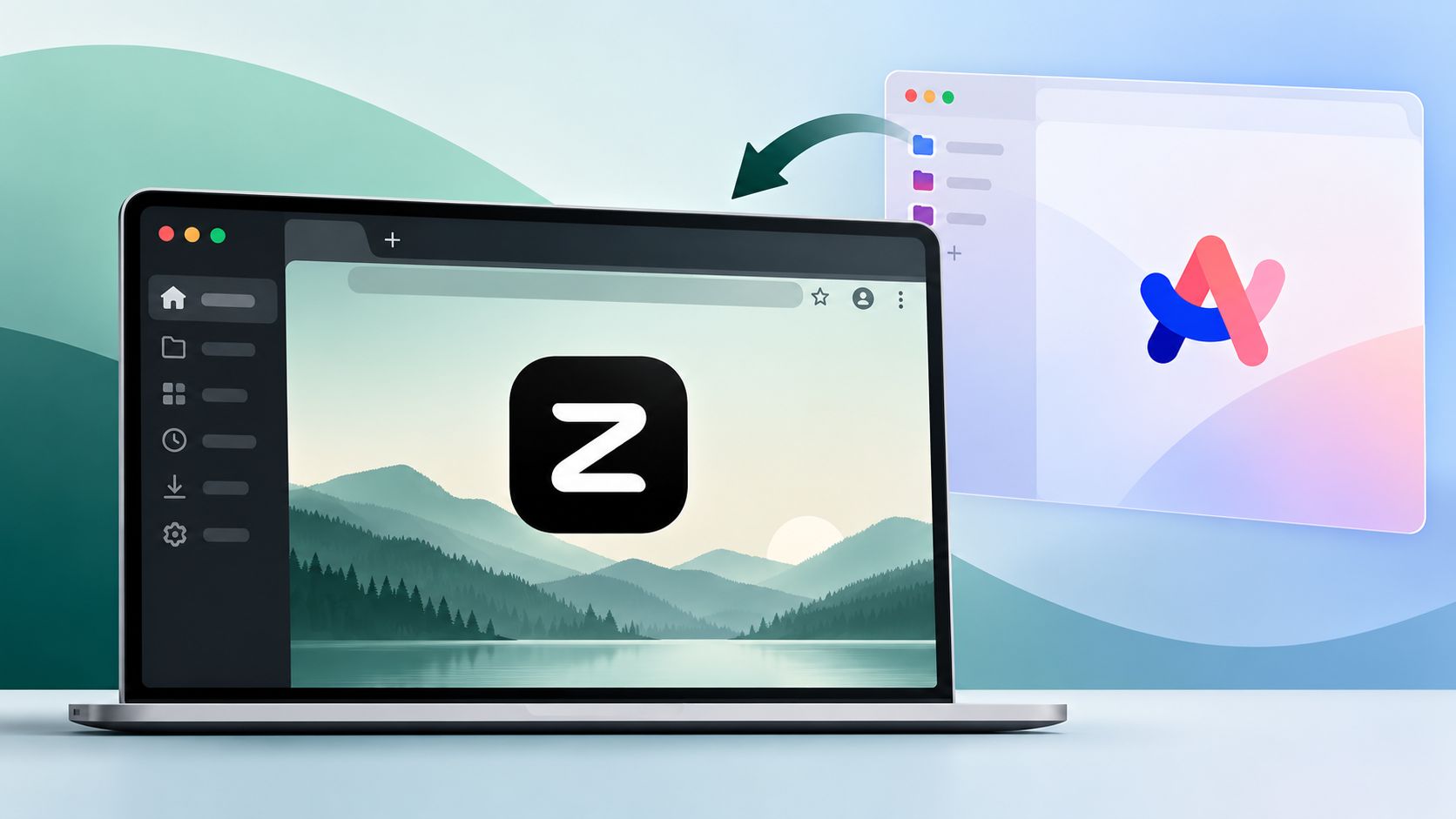
Rather than attempting to bolt another intrusive artificial intelligence sidebar onto an already bloated web client, Zen focuses on what made modern browsing compelling in the first place: speed, clean ergonomics, deep visual customization, and aggressive tab hygiene. By building on a foundation that respects user agency, it provides an immediate sanctuary for power users seeking stability and control.

The Ergonomic Architecture: Replicating the Best of Arc
The initial friction of leaving Arc stems from muscle memory. Traditional browsers force tabs into horizontal strips across the top of the display, wasting vertical real estate on modern 16:9 and 16:10 screens while truncating page titles into illegible slivers. Zen solves this by rebuilding the core navigation interface from the ground up.
Vertical Tabs and Expandable Sidebars
Zen moves tabs to a collapsible left-hand sidebar where page titles remain readable. When screen real estate is at a premium, the sidebar can collapse into a compact, icon-only dock that expands on hover or via shortcut. Unlike Chrome extensions that attempt to mimic vertical navigation, Zen’s sidebar is rendered as an integral part of the window chrome, delivering instantaneous responsiveness with zero visual jitter.
Siloed Workspaces and Containerized Contexts
One of Arc’s most celebrated concepts was Spaces, which enabled users to separate work, personal browsing, creative projects, and administrative tasks into isolated views. Zen takes this paradigm and strengthens it by integrating Mozilla’s multi-account containers.
In Zen, switching workspaces does not merely filter visible tabs; it isolates cookies, local storage, and session authentication states. Users can maintain an active corporate Google Workspace profile in one workspace while remaining logged into personal accounts in another, without cross-contamination or the need to open secondary incognito windows.
Floating Command Bar
Navigating without touching the mouse is central to modern productivity workflows. Zen includes a floating palette invoked by pressing Ctrl+T or Cmd+T. This universal launcher enables users to:
-
Search open tabs across all active workspaces.
-
Jump directly to pinned bookmarks and favorites.
-
Execute browser actions and toggle configuration settings.
-
Launch clean search queries without forcing the active page out of view.
Glance View
Opening reference links often clutters workspaces with ephemeral tabs that are closed five seconds later. Zen addresses this through Glance View, a temporary pop-over modal that previews external links over the active document. Once the user finishes referencing the linked material, clicking outside the pop-over dismisses it entirely, keeping the workspace pristine.
Open Source Integrity and the Firefox Gecko Foundation
A primary point of fatigue with proprietary browsers has been the rapid introduction of non-optional machine learning utilities, sidebar summarizers, telemetry gathering, and aggressive monetization plans.
Zen takes an opposite trajectory. It is an open-source, community-driven project built on Mozilla Firefox’s Gecko engine.
| Attribute | Arc Browser | Zen Browser |
| Rendering Engine | Chromium (Blink) | Mozilla (Gecko) |
| License Model | Proprietary | Open Source (Community Driven) |
| Business Model | Venture-backed / Corporate Acquisition | Community Donations & Sponsorships |
| Telemetry & Tracking | Proprietary usage telemetry | Strict privacy focus; telemetry disabled by default |
| AI Integration | Arc Max / Dia integration | Zero forced AI agents or sidebar bots |
| Sync Infrastructure | Proprietary Cloud Database | End-to-End Encrypted Firefox Sync |
By building on Firefox, Zen supports the open web against the monopolistic homogenization of Chromium-based browsers. Furthermore, sync functionality uses Firefox Sync, guaranteeing that passwords, bookmarks, history, and active sessions remain client-side encrypted. Users who prioritize digital sovereignty can even point Zen toward self-hosted sync servers.
Customization Through Zen Mods
Arc introduced site styling via Boosts, allowing users to inject custom CSS and JavaScript to strip annoyances from websites. Zen expands this concept beyond individual web pages to encompass the entire application frame through Zen Mods.
Zen Mods function as modular interface tweaks that users can toggle with a single click. These community-developed modifications allow fine-grained adjustments, such as:
-
Adjusting sidebar paddings, transparency levels, and background blurs.
-
Applying adaptive themes that harmonize browser chrome with system desktop accents.
-
Auto-hiding address bars, split borders, and tab close buttons.
-
Injecting user-written stylesheets directly into web pages to eliminate banners, stickied headers, and visual noise.
Because Zen sits on Firefox’s extensible interface architecture, users also retain full access to standard userChrome.css modifications, offering a depth of visual configuration that Chromium browsers technically cannot match.
Current Technical Limitations to Consider
While Zen offers a superior productivity layout, prospective adopters must evaluate specific technical constraints inherent to its current release stage and underlying engine.
Widevine DRM Certification
The most prominent limitation in Zen Browser involves digital rights management (DRM). Because Zen is an independent, community-funded fork, it does not currently possess Google’s proprietary Widevine L1/L3 licensing agreement on Windows and macOS. As a consequence, protected streaming services cannot authenticate playback natively.
Users will encounter playback errors on platforms including:
-
Disney+
-
Spotify Web Player
-
Prime Video
-
Apple Music Web
For general media consumption on YouTube, Vimeo, Twitch, and standard HTML5 audio and video, Zen operates without restriction. However, users who run streaming services inside their browser tabs during work sessions must maintain a secondary browser or rely on native desktop applications for protected media.
Engine Compatibility and API Support
Building on Gecko provides privacy advantages, but it comes with distinct ecosystem trade-offs. A small subset of specialized web platforms designed strictly for Chrome may surface rendering discrepancies or missing API support. Specifically, Web MIDI and certain advanced WebUSB hooks remain limited within Firefox derivatives. Additionally, while the Firefox Add-on catalog covers the vast majority of critical extensions (such as password managers and ad blockers), niche extensions exclusive to the Chrome Web Store will not install directly on Zen.
Who Should Switch to Zen Browser?
Zen Browser is not designed for casual users seeking an out-of-the-box, minimal web view, nor is it aimed at organizations demanding deep corporate management policies. It is specifically tailored for:
-
Former Arc Adopters: Users displaced by product pivots who want vertical navigation and workspaces without unwanted AI features.
-
Privacy Enthusiasts: Browsers who reject invasive tracking, data collection, and Chromium’s market dominance.
-
Power Multitaskers: Knowledge workers who juggle dozens of active links across disparate projects and rely on split-view side-by-side browsing.
-
Interface Minimalists: People who want web pages to occupy 100% of the display without perpetual URL bars and header buttons stealing focus.
For these workflows, Zen represents the cleanest, most performant implementation of modern web organization available today.
Frequently Asked Questions
1. Is Zen Browser completely free to use?
Yes. Zen Browser is open-source software distributed freely under community-centric licensing. The project relies entirely on voluntary contributions and community sponsorships without paid tiers or premium features.
2. Can I install Chrome extensions on Zen Browser?
No. Because Zen is built on Mozilla’s Gecko engine rather than Chromium, it uses the Firefox WebExtensions framework. You can install any extension available from the official Firefox Add-ons repository.
3. Why does Netflix refuse to play video inside Zen Browser?
Zen does not currently have a signed Widevine DRM distribution agreement from Google. Without this proprietary decryption module, DRM-protected streaming services cannot decode encrypted video streams.
4. Does Zen Browser include built-in artificial intelligence tools?
No. Zen deliberately excludes integrated AI sidebars, automated summarizers, and generative writing assistants to maintain lightweight system resource consumption and preserve user privacy.
5. How does Zen handle browsing history and bookmark synchronization?
Zen integrates directly with Firefox Sync. By creating or connecting a Mozilla account, your bookmarks, history, saved tabs, and add-ons sync across devices using end-to-end encryption.
6. Can I import my workspaces and tabs directly from Arc?
While there is no automated single-click converter for proprietary Arc spaces, you can export your bookmarks from Arc as an HTML file and import them directly into Zen to populate your new workspaces.
7. Does Zen Browser support split-screen tab views?
Yes. Zen includes native split-view functionality, allowing you to tile two or more active tabs side by side within a single browser window.
8. What operating systems support Zen Browser?
Zen provides native installations across macOS (Apple Silicon and Intel), 64-bit Windows, and desktop Linux distributions.
9. Will Zen Browser drain laptop battery life faster than Safari or Edge?
Zen’s resource usage closely mirrors modern Firefox. It is significantly lighter on memory than unoptimized Chromium builds, though native platform browsers like Safari on macOS retain a slight edge in hardware-accelerated video efficiency.
10. How do Zen Mods differ from standard browser themes?
Standard browser themes merely alter background colors and tab tints. Zen Mods are modular custom CSS and interface patches that modify the layout, padding, icon positioning, and structural behavior of the browser chrome.

Selva Ganesh is a Computer Science Engineer, Android Developer, and Tech Enthusiast. As the Chief Editor of this blog, he brings over 10 years of experience in Android development and professional blogging. He has completed multiple courses under the Google News Initiative, enhancing his expertise in digital journalism and content accuracy. Selva also manages Android Infotech, a globally recognized platform known for its practical, solution-focused articles that help users resolve Android-related issues.




Leave a Reply