
Popular Tech companies sometimes forgot small details that may be useful for users. So, People begin to use third-party apps or services for a particular task. In the long run, It may affect the trust in the device, or they may begin to like the other alternatives. So, It is necessary to provide and focus on small details. Fortunately, most Smart devices can get the features using future updates. Google Smart devices like Nest Hub can do lots of things because of the additional display screen. Google often rolling out updates to that device. Now Google released three New clock faces. Along with that, One Nest Hub clock face comes with Time and Weather Together, Which is a request by most users.
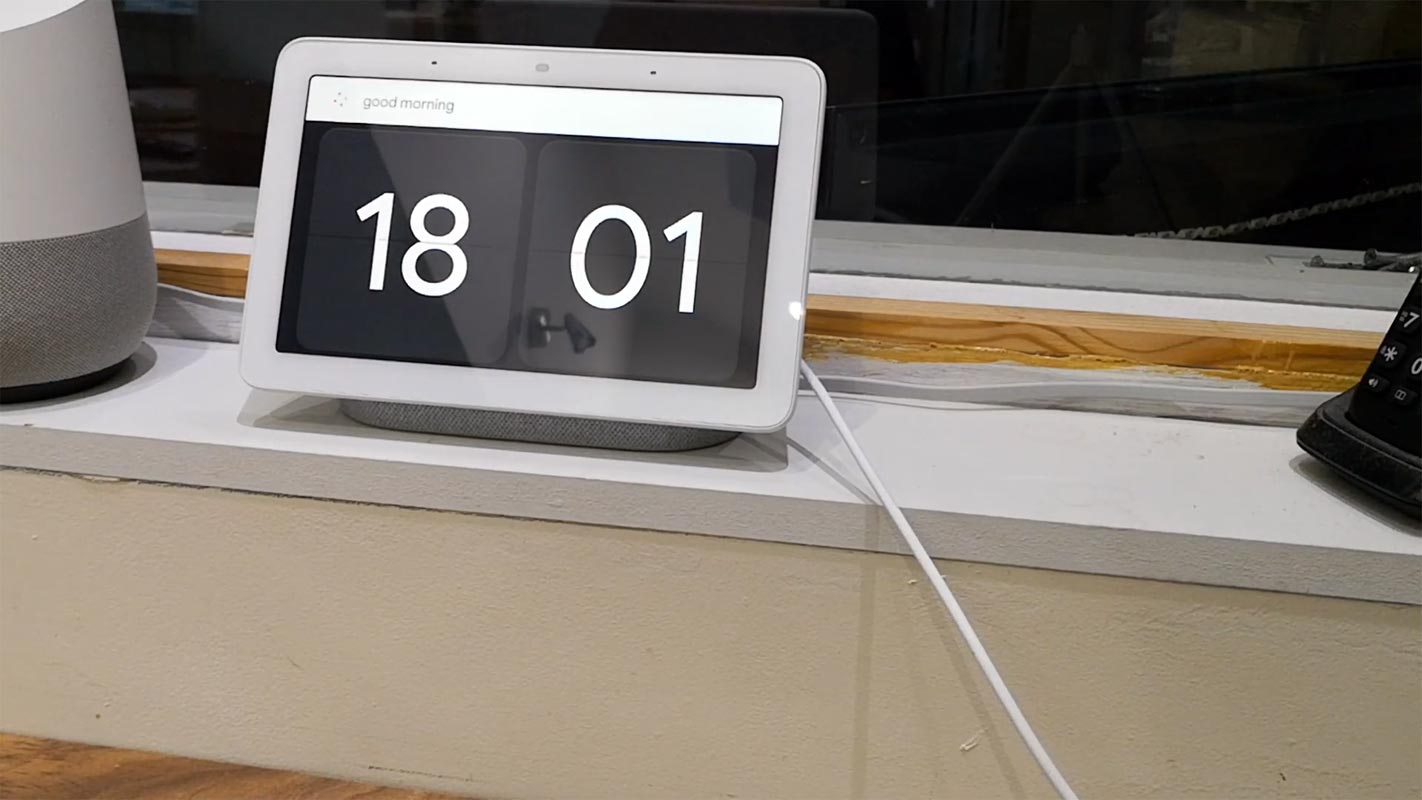
While you may have focused on several other updates rolling out on different Google products, Google went on to release three new clock interfaces for its Nest Hub and Hub Max devices. The update appeared not too long ago (on March 1, 2021), and the new interfaces didn’t eradicate the existing eight (8) fullscreen clock backgrounds that available on the aforementioned devices. If you have the Google Nest Hub or Hub Max, here’s an exciting update you may want to know about.

Google Nest Hub Gets New Clock faces
Before now, there are about eight clock backgrounds available on Nest Hub and Hub Max. However, neither of those eight backgrounds displays both time and weather information at the same time. But, these new options include a background that displays both time and weather information concurrently. The three new interfaces are Timeless Light, Timeless Dark, and Weather. Below are more details about these clock faces.
Timeless Light
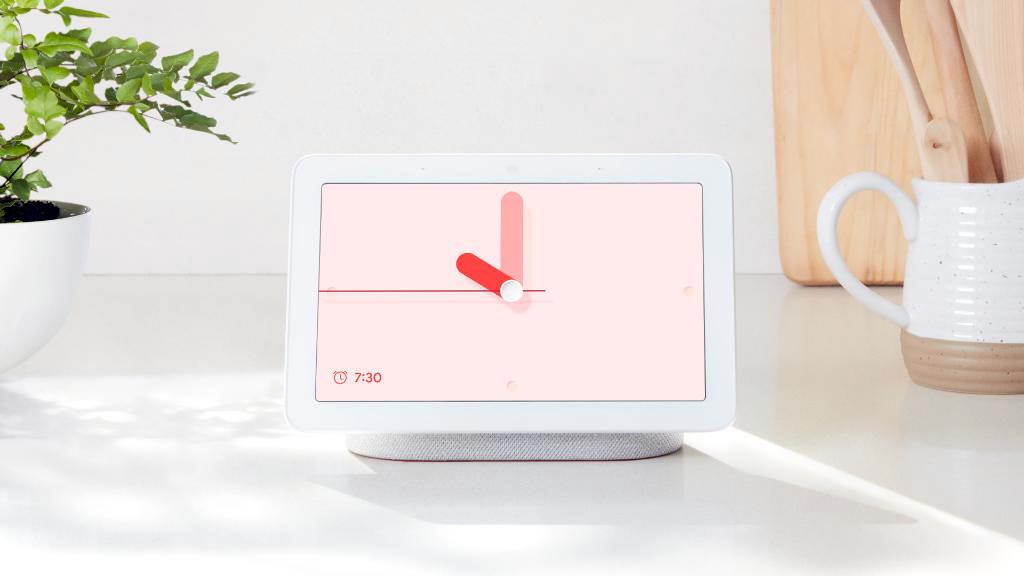
This interface features an analog clock, having circular indented markers at the 3, 6, 9, and 12 o’clock positions. It also features thick simple, pinkish minute and hour hands, joined by a tiny needle for seconds.
Timeless Dark
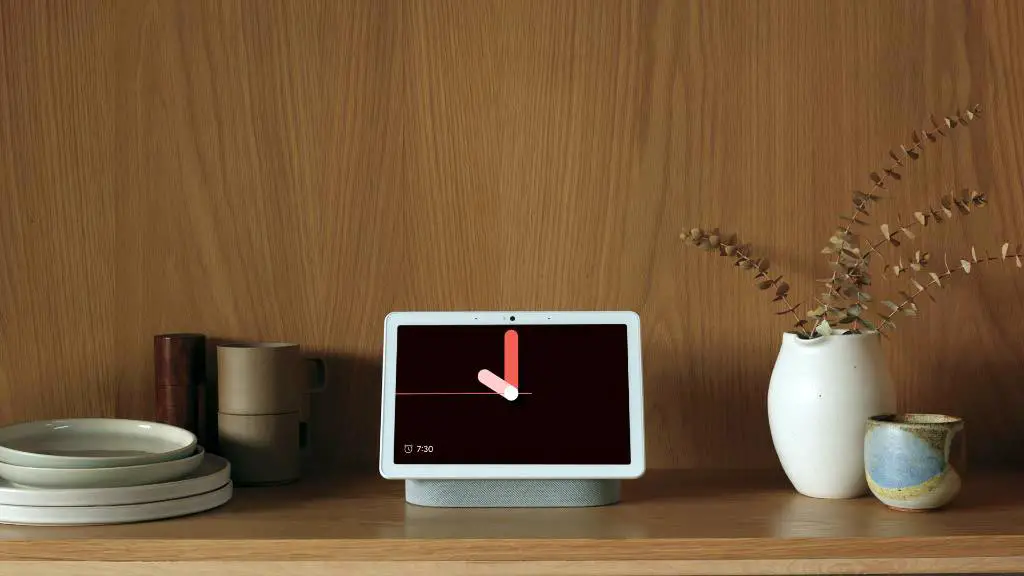
This is simply the dark variant of Timeless Light. It is for people who cherish dark themes. The hour, minute, and seconds hands are reddish.
Google Nest Hub Time and Weather Clock Face
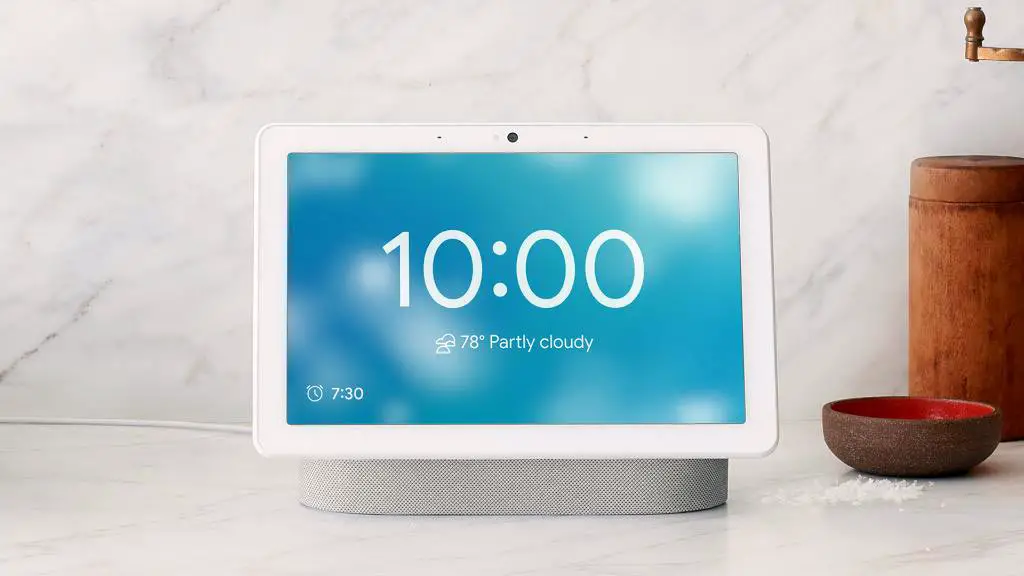
Here’s the most-mentioned new interface – it features a background that shows the current weather information for your city while a digital clock appears beneath. More so, the weather background reflects the current condition, just like a forecast card.
Lenovo Smart Display New Clock faces
Actually, these three clock faces had appeared on the Lenovo Smart Display in 2019. However, the version that recently appeared on Nest Hub’s 7- or 10-inch display is much better; it’s obvious that Google tweaks some designs.
How to Access the New Clock Faces?
You can activate either of these backgrounds from the Google Home app. Tap on the Settings gear icon, go to Photo Frame, and then Full-Screen Clock. From the “Full-Screen Lock page, choose any of the new faces you want to apply.
Alternatively, you can use voice instructions by saying, “Hey Google, change clock face/wallpaper/photo frame.”
Wrap Up
Compare with Nest Mini or other Speakers, Having a display is a benefit. So, It is necessary to utilize the available resource. This isn’t big news to some people, but to some others, it’s really a big update – looking at your smart display and getting to know about the current time and weather is quite “good stuff” for us. Regardless, the other clock faces are pretty good and look beautiful when you use them. Except you always want to stay put with weather and time information, the newly added “Weather” wallpaper may not sound like a big deal to you.
Let’s hear from you. Would you be using any of these new clock faces? Have you tried any of them yet? What’s your experience with using Google Nest Hub.

Selva Ganesh is a Computer Science Engineer, Android Developer, and Tech Enthusiast. As the Chief Editor of this blog, he brings over 10 years of experience in Android development and professional blogging. He has completed multiple courses under the Google News Initiative, enhancing his expertise in digital journalism and content accuracy. Selva also manages Android Infotech, a globally recognized platform known for its practical, solution-focused articles that help users resolve Android-related issues.




Leave a Reply