
Even if some cloud gaming platforms are available before Stadia, Stadia’s success changed every big tech companies mind that it is a future. So, Every company that has cloud platform power begins to test Cloud gaming platforms. Instead of getting new users to your new platform, you can try new things when you already have massive users. That’s what Facebook begin to try. Now you can play Instand Android Games on Facebook without downloading. It is similar to Stadia. But instead of heavy games, They begin to test with some Android games. There are some good high graphics games like Asphalt also available on the list.
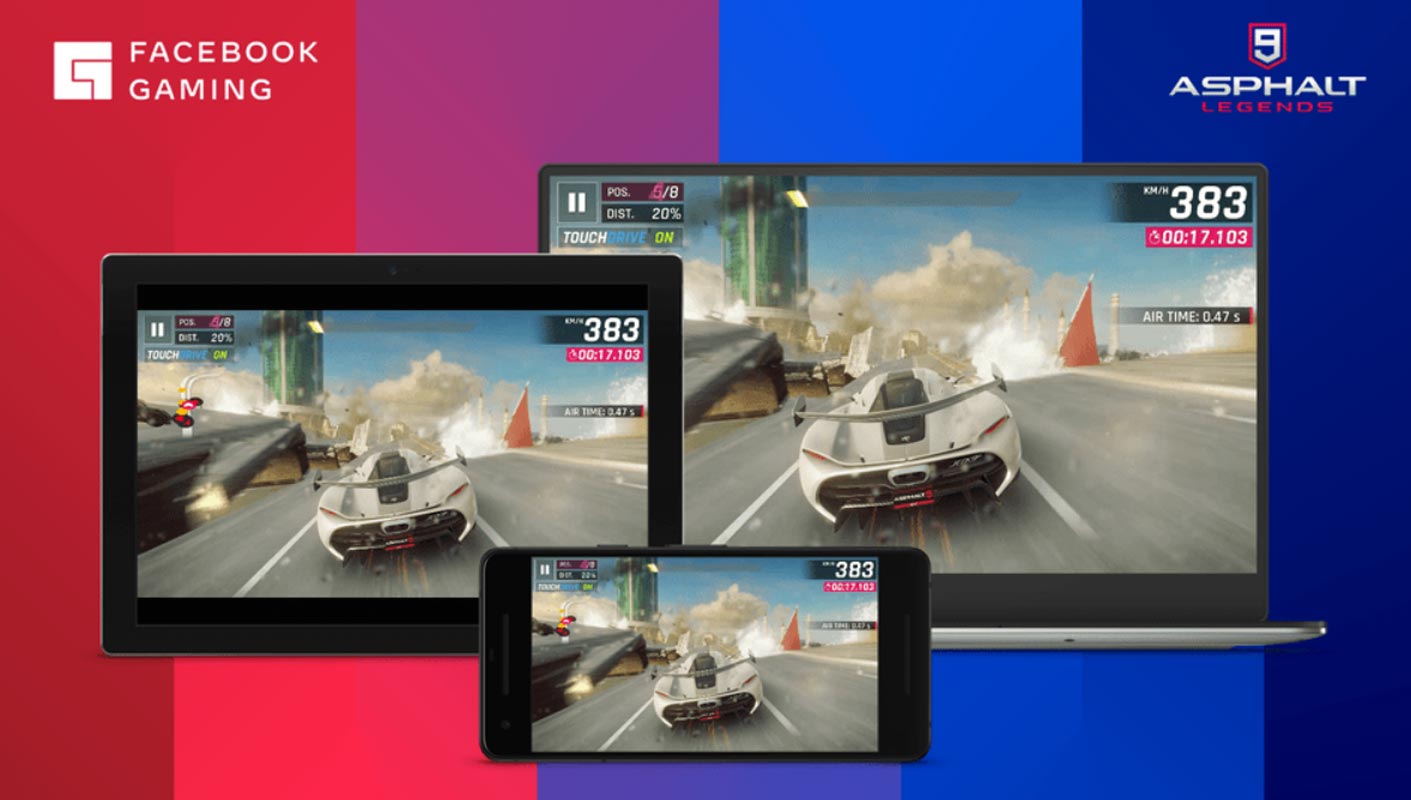
Facebook is rolling out its cloud gaming service on desktop and Android app with a totally different strategy as Nvidia GeForce, Microsoft, and Google gaming services. These tech giants offer console games or PC games, but Facebook focuses on mobile games exclusively.

New Instant Android Games on Facebook
Facebook’s approach for cloud gaming is different from the current cloud gaming giants. This service focuses on mobile games and offers games that you can play instantly, without downloading or installing on your device. The selected game is streamed from Facebook’s data center, and you start playing it on your device.
How is Facebook Cloud Gaming service Different from Other Cloud Gaming?
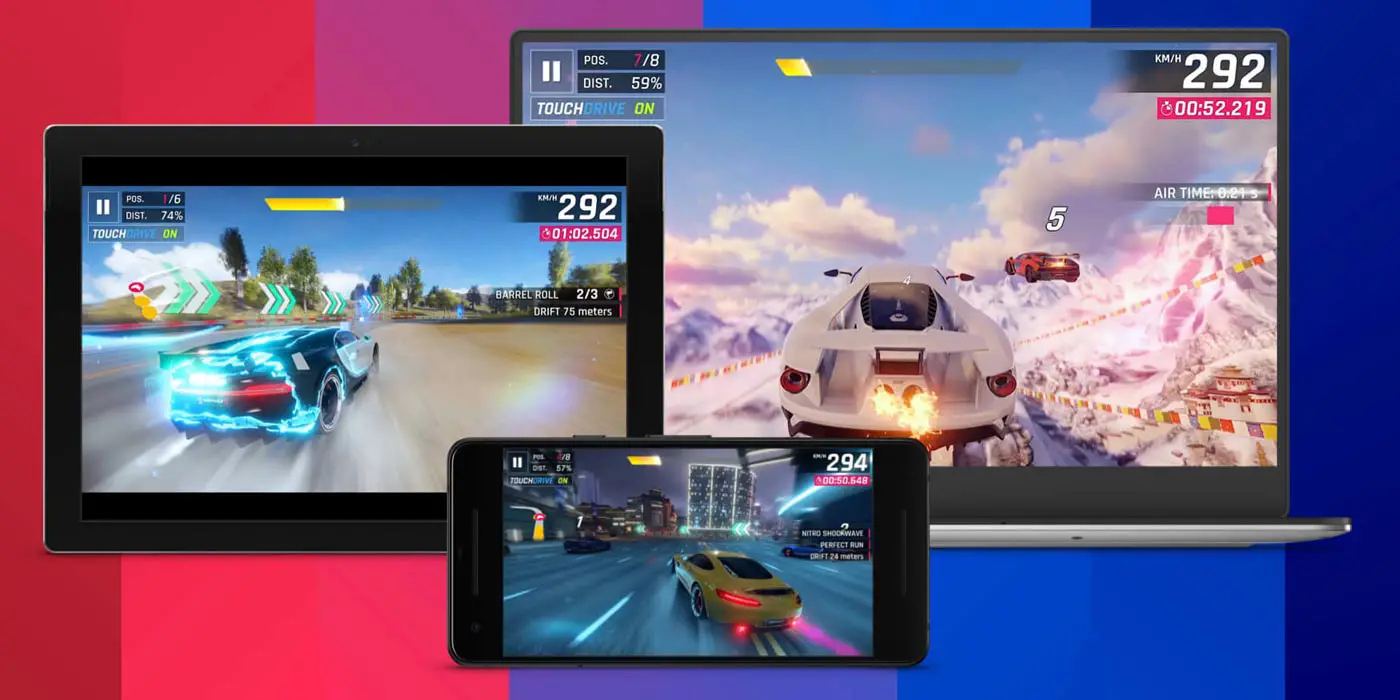
Facebook’s idea is similar to other cloud gaming giants Microsoft, Amazon, or Google Stadia. But the main difference is, Facebook cloud games do not require any special console or controller to play games. These are the mobile games that you will play on your mobile or laptop screen, and the controller will be your hands playing the game on the touch screen. And for desktop, you can use a mouse and keyboard to play these instant cloud games.
Features of Facebook Cloud Game Service
Free to play games
The main feature that makes Facebook cloud games more prominent is the play to free games. Facebook, in the first phase, is offering free to play games where you won’t need any dollar to spend playing any game. Facebook announced to launch the paid game versions in the next year 2021. The available free to play games on Facebook cloud service are:
- Asphalt 9: Legends
- Mobile Legends: Adventure
- PGA TOUR Golf Shootout
- Solitaire: Arthur’s Tale
- WWE Super Card
Cross-play support
The new Facebook cloud gaming service supports the cross-play to enjoy the game with opponents. You can challenge the opponents playing the cloud version of that game on this new service to create more thrill and action in your game.
In-game purchase
Facebook will cut down some percentage from the developer if you purchase something within the game; it is the same as Apple gets cut down from in-game purchases.
Player name and Avatar for privacy
Facebook clod game emphasizes your privacy, and if you are not comfortable playing with your original name or pic, you don’t need to worry. You can choose a player name and an avatar for playing Facebook games hiding your original id. However, you can show these player names and id when you play with your friends.
New advertising mode
Facebook has changed the way how the games were adversities earlier. Developers can now develop a demo of their game that people can play instantly instead of a usual screenshot or short video clip. And developers will find it easier as there is nothing to install and no need for a controller to play. Many big studios like Glu Mobile, FunPlus, 2K, Gameloft, Wildlife Studios, Rovio, and Gram Games have already developed their playable games demo.
How to Play Android Games on Facebook?
Playing Facebook cloud games is very easy.
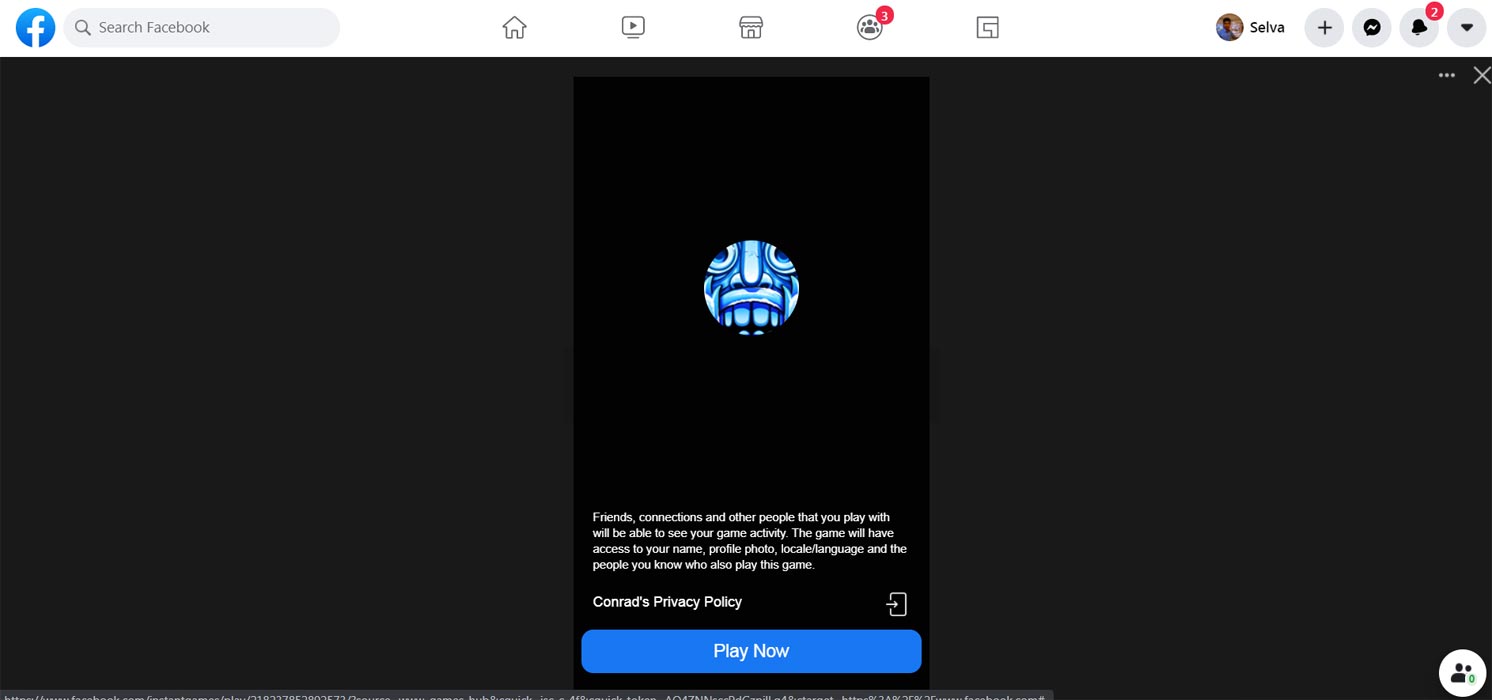
- Go to fb.gg/play.
- Log in with your Facebook account.
- Scroll down, and select your game based on Genre.
- Tap the game and start playing—no need to download or install anything. You can use your available Keyboard on PC and Touch Screen on mobile to control games.
Limitations
Facebook launch this new cloud gaming service for desktop and Android users only. No support for iOS devices because of Apple’s cloud gaming policies. Facebook intends to look some way out for iOS users to play these games.
Availability
Facebook rolls out this service initially in the USA’s specific states, including California, Connecticut, Delaware, Massachusetts, Maryland, New Jersey, New York, Pennsylvania, Rhode Island, Texas, Virginia, Washington, DC, and West Virginia. The rest of the states will get access in the coming months.
Wrap Up
Amazon recently launched Luna– A new gaming platform. People prefer to play games instantly, with available devices and resources. Even if Stadia didn’t require to purchase the Controllers, Most of the games are high-end. Thus, Without the proper controller, You can’t play the games seamlessly. Facebook cloud gaming services are a fabulous addition in current cloud gaming. It will surely eliminate the extra burden of consoles and controllers ruling cloud gaming for a long time. Do tell us your opinion regarding this new service in the comments below.

Selva Ganesh is a Computer Science Engineer, Android Developer, and Tech Enthusiast. As the Chief Editor of this blog, he brings over 10 years of experience in Android development and professional blogging. He has completed multiple courses under the Google News Initiative, enhancing his expertise in digital journalism and content accuracy. Selva also manages Android Infotech, a globally recognized platform known for its practical, solution-focused articles that help users resolve Android-related issues.




Leave a Reply