
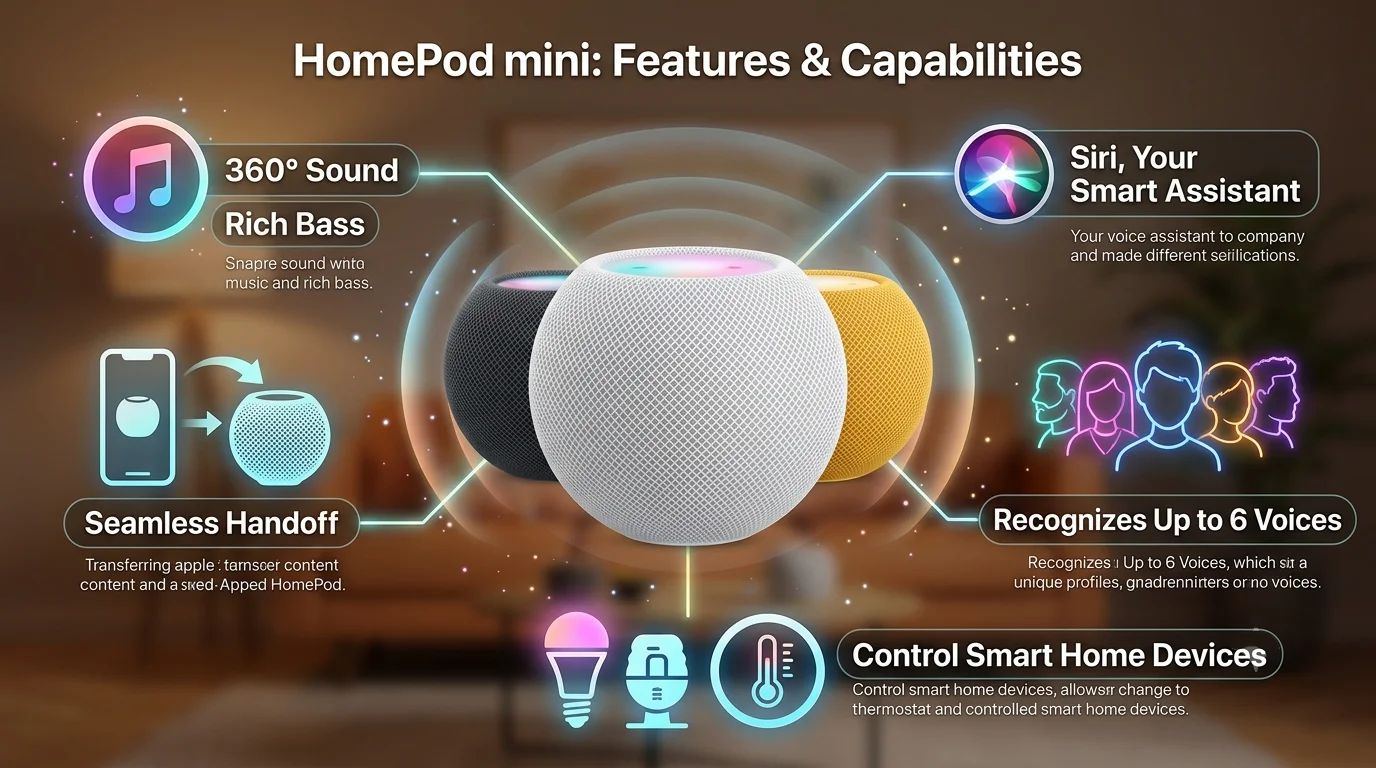
Elegant Design That Fits Every Room
At just over three inches tall, the HomePod mini takes up minimal space while making a significant style statement. Its elegant, spherical shape is completely wrapped in a seamless, acoustically transparent mesh fabric that looks less like a piece of cold technology and more like a high-end decor accent.
The top features a smooth, backlit touch surface that comes alive with a beautiful swirl of colors whenever you interact with it or talk to the built-in assistant. Whether placed on a kitchen counter, a bedside nightstand, or a living room bookshelf, it blends effortlessly into your home environments.

Room-Filling Sound from a Tiny Device
The most surprising aspect of this compact speaker is the sheer scale of its audio presence. Traditionally, small speakers tend to sound tinny or muddy when the volume is turned up. Apple solved this through custom engineering that sends sound out in every single direction simultaneously.
-
360-Degree Audio: No matter where you stand in the room, the music sounds exactly the same. You do not need to find a “sweet spot” to enjoy your favorite tracks.
-
Rich, Balanced Bass: Specialized acoustic guides push deep bass frequencies out the bottom of the speaker, giving your music a warm, full-bodied punch that feels much larger than the device itself.
-
Clear Vocals: Podcasts, audiobooks, and news broadcasts sound remarkably crisp, ensuring you never have to strain to hear spoken words over background elements.
The Ultimate Household Assistant
Beyond music, the speaker acts as an intelligent coordinator for the entire family. By utilizing voice commands starting with “Hey Siri,” anyone in the house can manage daily routines, check schedules, or control household environments.
Intelligent Family Recognition
One of the most powerful features of the system is its ability to recognize up to six different voices. When a family member asks about their day, the speaker automatically pulls up their specific calendar events, their reminders, and plays music tailored to their unique personal tastes. Your personal text messages and notes remain completely private from other members of the household.
Effortless Smart Home Control
If you have smart lightbulbs, plugs, or thermostats, this device serves as the central brain linking them together. Instead of opening multiple apps on a phone, simple spoken commands allow you to adjust your living space effortlessly.
Voice Command Examples:
“Hey Siri, dim the living room lights to fifty percent.”
“Hey Siri, is the front door locked?”
“Hey Siri, set a kitchen timer for fifteen minutes.”
Seamless Integration with Your Apple Devices
If you already use an iPhone, iPad, or Mac, the user experience becomes completely magical. The ecosystem works in perfect harmony to hand off tasks fluidly from one device to another.
Hand Off Your Music Invisibly
Imagine walking through the front door while listening to a favorite track on your iPhone. By simply bringing your phone close to the top of the speaker, the music seamlessly transfers from your phone to the speaker without missing a single beat. The phone will vibrate gently as it hands over the audio, letting you know the transition is complete.
The Whole-Home Intercom System
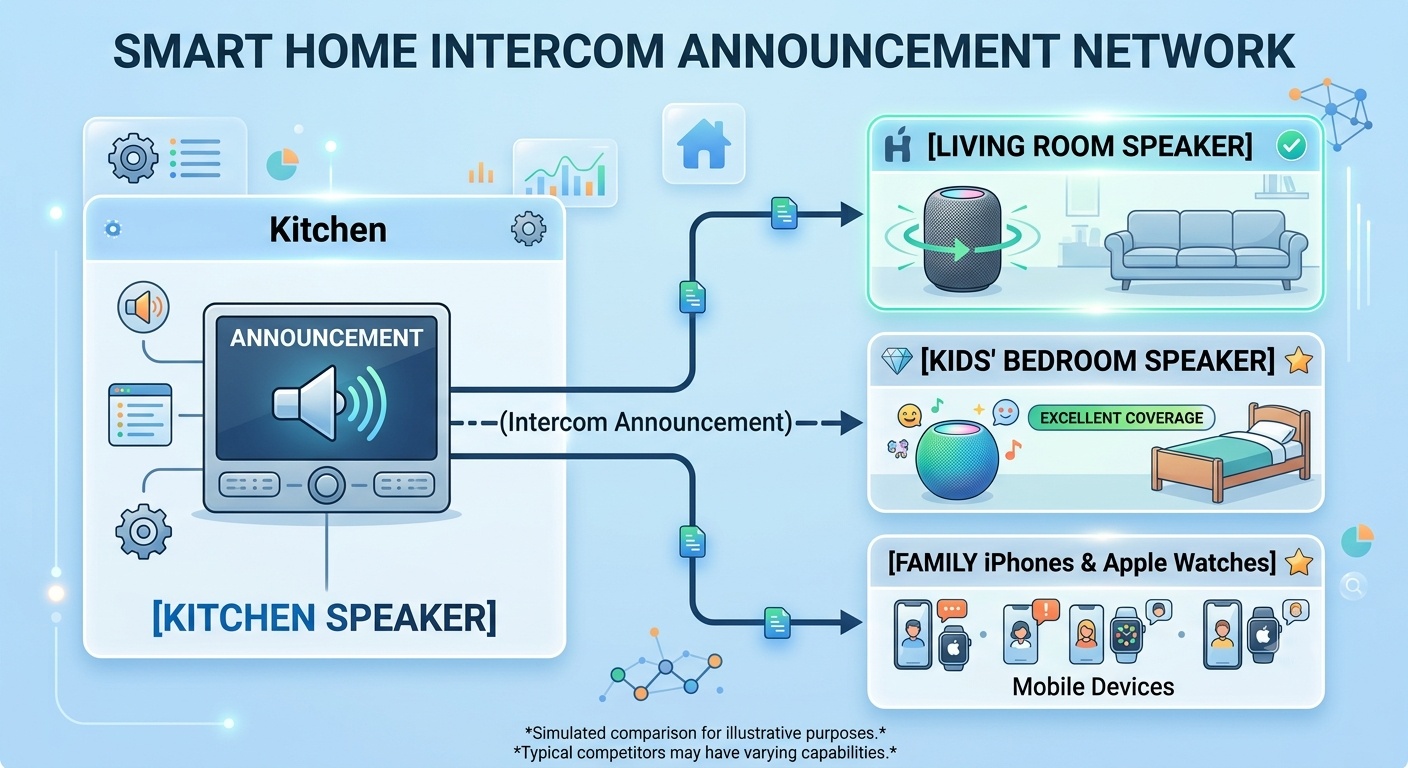
If you place multiple speakers throughout your home, you can communicate across rooms instantly using the Intercom feature. Parents can send a voice announcement from the kitchen straight to the kids’ bedrooms or even to an Apple Watch or CarPlay screen while driving home.
Why It Outperforms Competitors
When evaluating options against standard smart speakers from other major tech brands, several distinct advantages make this the superior choice for everyday users.
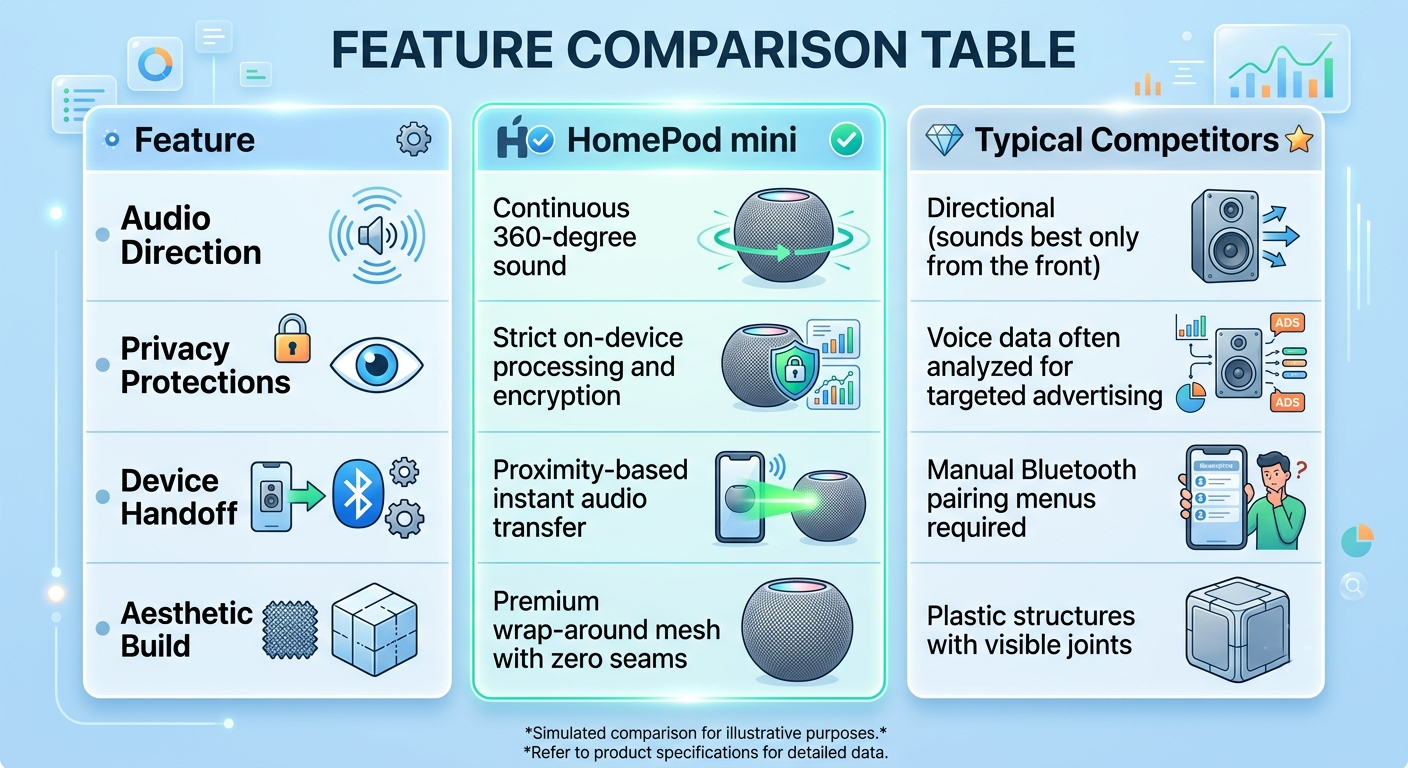
1. Privacy Is Never Second Best
Many smart speakers record your voice data to build advertising profiles or track your shopping habits. Apple takes a radically different approach. Your voice commands are processed directly on the device whenever possible, or sent using an anonymous identifier that cannot be linked back to your personal identity. The speaker only listens after hearing the specific activation phrase, giving you absolute peace of mind in private spaces like bedrooms.
2. No Complicated Setup Processes
Setting up standard wireless speakers often involves entering Wi-Fi passwords, searching through complex Bluetooth pairing menus, or troubleshooting connection drops. With this system, you simply plug the power cable into the wall, bring your iPhone close to the device, and a pop-up card appears on your screen. Tap “Set Up,” and the speaker automatically copies your home Wi-Fi settings and preferences in seconds.
3. Creating a Immersive Stereo Experience
If you decide to place two speakers in the same room, they can be linked instantly to form a true stereo pair. Instead of just playing the same music twice as loud, the two units split into distinct left and right audio channels, filling the space with an immersive, cinema-like sound stage that completely transforms movie nights and album listening sessions.
Simple Summary for Everyday Buyers
We designed this overview to cut through the industry jargon. Ultimately, you are bringing an item into your home that should make life simpler, more musical, and safely connected.
Choosing this device gives you an item that looks gorgeous on any surface, protects your family’s personal privacy, and delivers rich sound that defies its miniature footprint. It is the easiest way to upgrade your home audio experience without dealing with complex wires, confusing manuals, or intrusive privacy policies.

Selva Ganesh is a Computer Science Engineer, Android Developer, and Tech Enthusiast. As the Chief Editor of this blog, he brings over 10 years of experience in Android development and professional blogging. He has completed multiple courses under the Google News Initiative, enhancing his expertise in digital journalism and content accuracy. Selva also manages Android Infotech, a globally recognized platform known for its practical, solution-focused articles that help users resolve Android-related issues.




Leave a Reply