
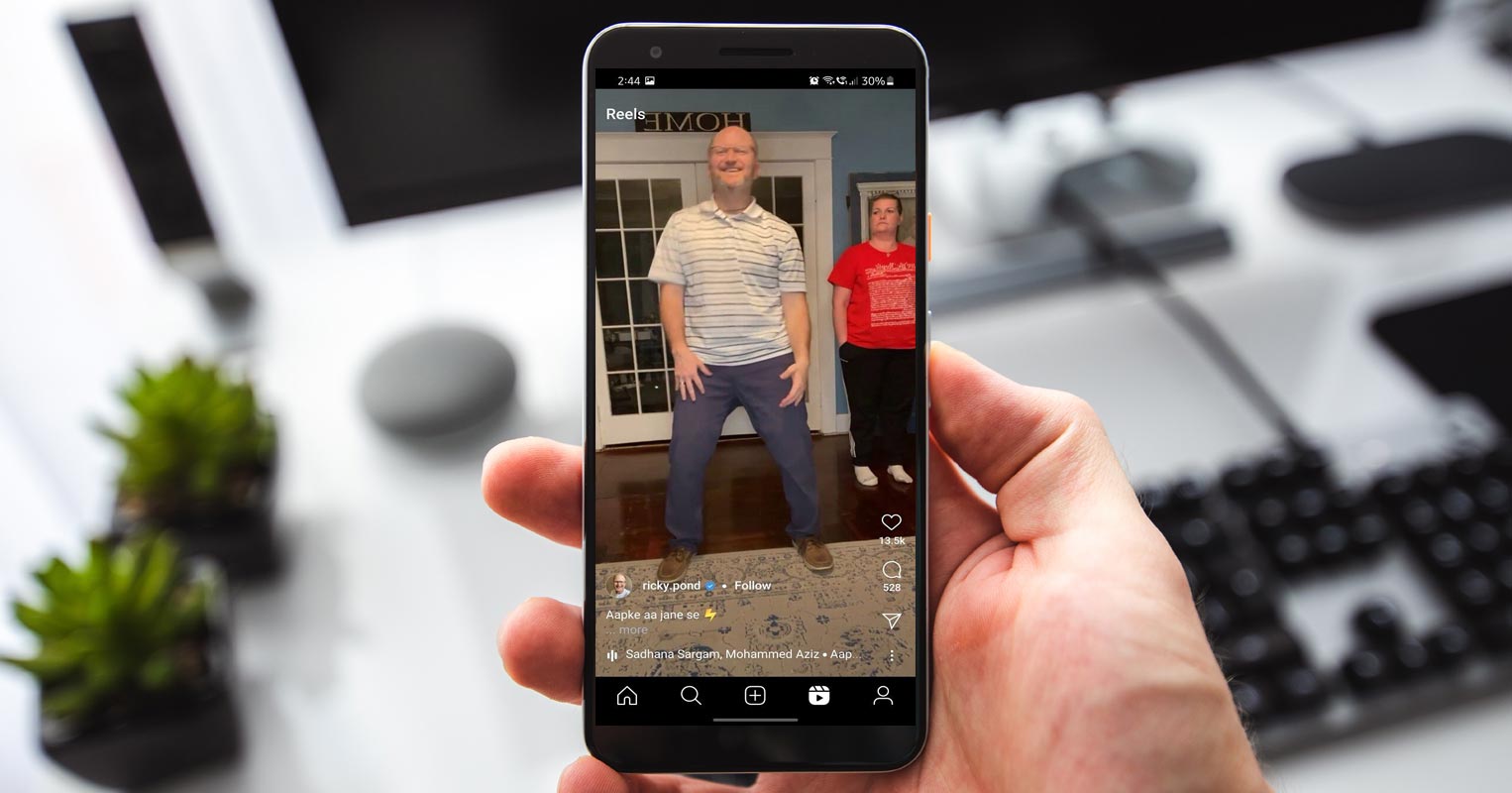
After TikTok was banned in some countries, every Social platform begins to roll out the alternative in their platforms. The appropriate platform as an alternative is Instagram. So, They introduced Reels. That short 30 seconds video with filters and editing tools. It is completely different from Instagram Stories. Every heavy app has the Lite versions. But in the Lite version, We can’t expect all features available. In the Instagram Lite version, there is a limited number of features available. But, Now Instagram Lite gets Reels video view. Still, You can’t edit like the regular Instagram app. But you can view other profiles of Reels videos.
Reels Availability in Instagram
Instagram launched reels in 2019, But at that time, they never added the Reels feature in Instagram Lite. After the TikTok in few countries, Most of the Peoples started using Reels to create a short video posted in feeds. So they believe Reels is the other platform to showcase their skills in social media platforms.
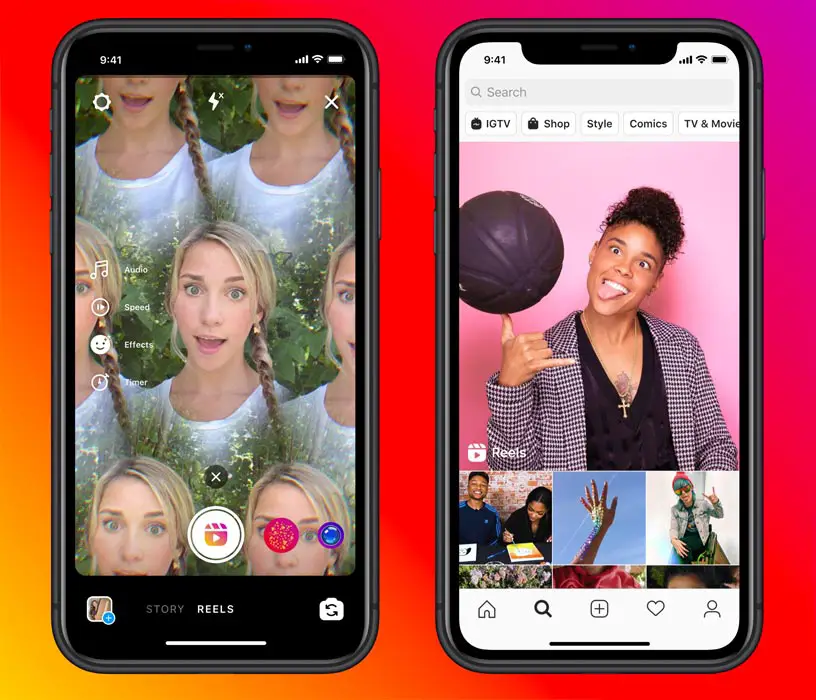
Reels are short, fun videos that come with effects music and other creative tools. You can create Reels using the story camera, and your Reels will appear on the feed, not in stories. Reels can create videos that have a duration of up to 30 Secs. The reason for its success is that Instagram came up with this Reels feature at the very right time.
Reels vs. Stories
We may think that what Reels it is, that’s why there is already a story feature on Instagram. Don’t be confused by this; there are some differences between Reels and Stories on Instagram. Reels have some editing tools like AR Effects, Speed Controls, and Align Multiple clips.
Stories cannot post in Instagram feeds. But Reels allow you to post the videos, both Feed, and Stories. Like TikTok, If you add your own audio in your Reels video, others can use the audio to create new reels.
Instagram Lite
The main motto of Lite versions is using less RAM and resources. Instagram Lite is the lightweight version of Instagram. It was launched in November 2019, and It will work in all network connections and its useless data. We may question what is surprising in this, but the fact is using less data is something that is not possible on Instagram. We may change the Instagram settings to use less data, but it continuously ruins your data even after changing settings. So this Instagram Lite helps a lot to save data usage.
Not only that, the size of this app is much smaller than Instagram. The actual file size of the Instagram App was 34MB. But Instagram Lite is just 2.8MB. The only difference is the size of the app, except for almost all the features on Instagram.
Reels view in Instagram Lite version
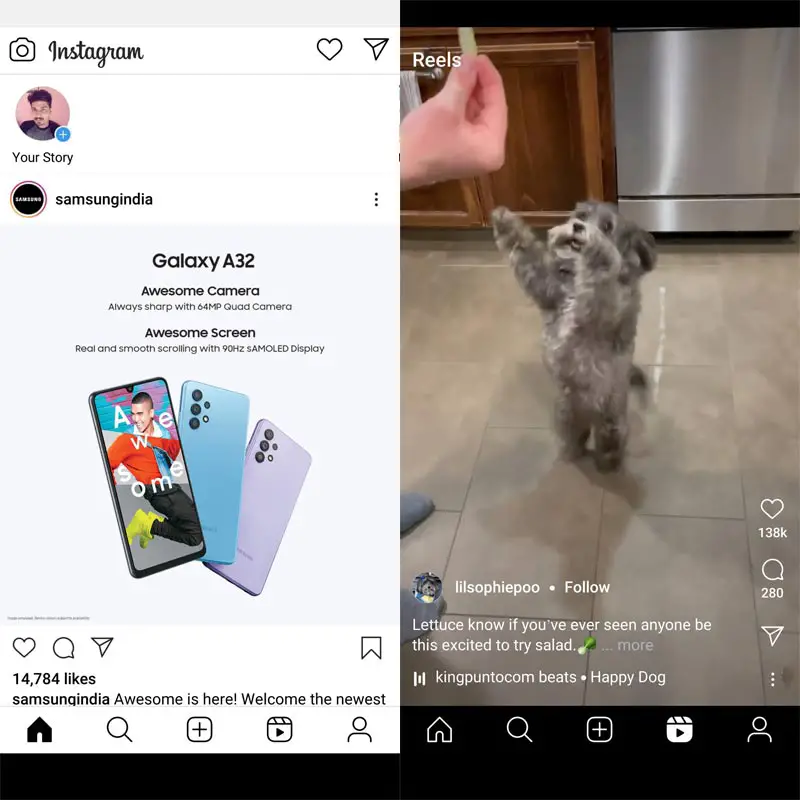
Initially, Instagram lite doesn’t have a Reels feature. But right now, they added the Reels feature in the Lite version. Maybe we don’t wonder about this feature added in Lite, but users of Lite versions will definitely fall in love with this feature. In the recent app update, they reveal the news about Reels. Hereafter Instagram lite users can also watch reels. To watch Reels in your Instagram Lite app, Update it to the latest version. You can find a new video icon in the home series tab.
Wrap Up
There is no difference between the Instagram reels vs. Instagram lite reels; it feels and looks similar to the full Instagram app. But the main drawback of this feature is, it only allows user to view reels, but they don’t allow to post any reels. If we want to post Reels videos in your feed, we have to download Instagram, so this update from Instagram lite doesn’t make sense to the users. I Hope Instagram Lite will provide this feature and develop more added features and updates to satisfy the users. Because Instagram already provides options to post from the Lite version. So, If they added Reels upload, They can get more users from the mid-range mobiles section. What are your thoughts about Reel’s view in Instagram Lite? Did you find it useful? Share your thoughts.

Selva Ganesh is a Computer Science Engineer, Android Developer, and Tech Enthusiast. As the Chief Editor of this blog, he brings over 10 years of experience in Android development and professional blogging. He has completed multiple courses under the Google News Initiative, enhancing his expertise in digital journalism and content accuracy. Selva also manages Android Infotech, a globally recognized platform known for its practical, solution-focused articles that help users resolve Android-related issues.




Leave a Reply