
When we use a small device, there is a high chance of we misplace those things and begin to search for them often. Fortunately, After the Tile device release, We can track most of our important things. But you should attach the Tile device with your important things. But After a few software updates and developments, Tile now offers it can detect wearables without the additional Tile device. In this list, You can track your misplaced Fitbit Inspire 2 with the Tile App. To use this feature, You should update your Fitbit Inspire 2 software to the latest version.
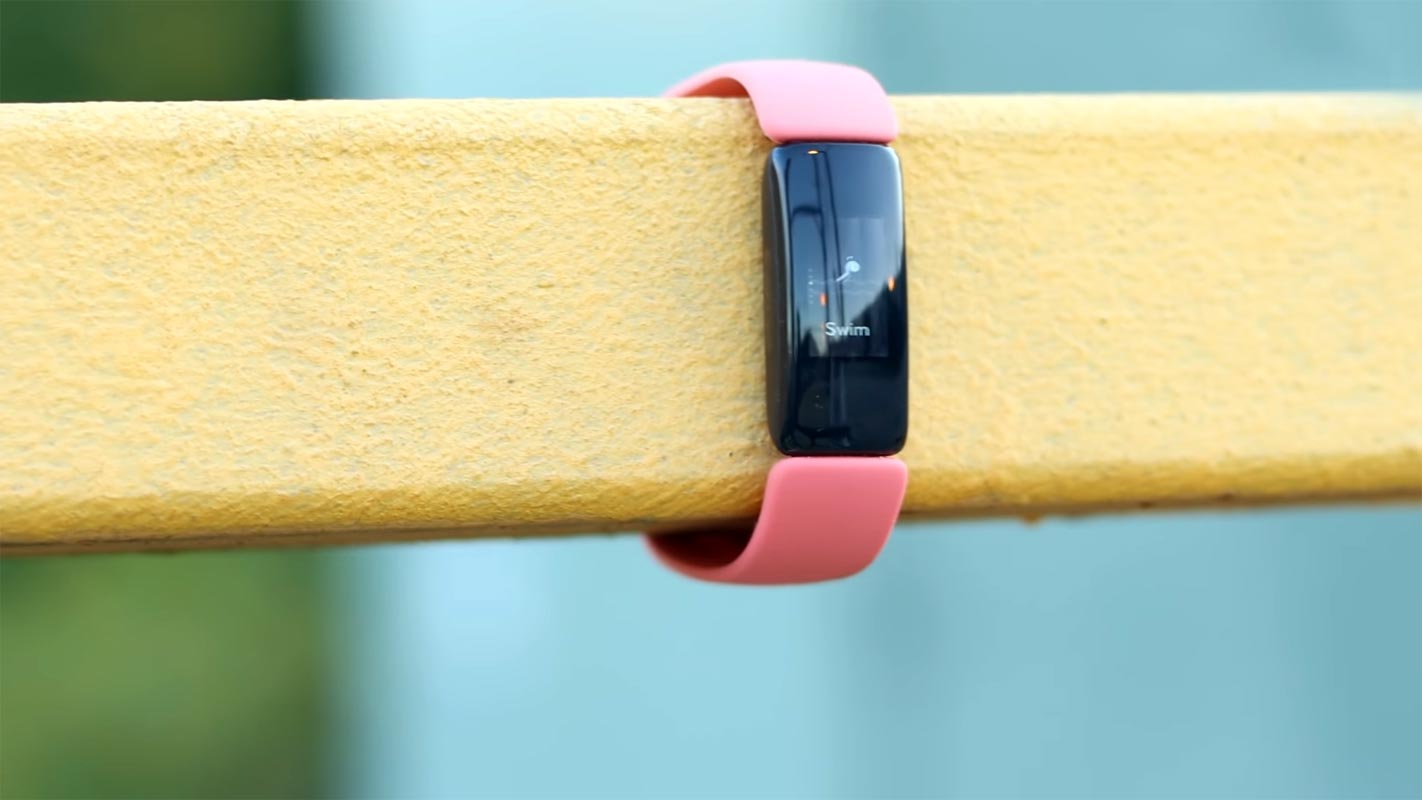
Ever since Google acquired Fitbit, we’ve seen many improvements in various aspects regarding how you can use, synchronize, and access/track your Fitbit data. Now, it is even possible to track and find your misplaced Fitbit Inspire 2 using the Tile mobile app.
For people who don’t know about the Tile mobile app, it is an app that allows you to find your lost items – a lost item finder app. However, you must have attached Tile’s physical Bluetooth-powered device to the accessory you want to track. Tile got into partnership with Fitbit, and the result is what we see right now – the ability to track your Fitbit wearable when you misplace it.

Fitbit Inspire 2 now integrates with Tile App
The update is still rolling, and soon, if you own Fitbit Inspire 2 wearable, you’d be prompted to upgrade your wearable to support Tile integration. However, unlike other accessories – where you need to attach Tile’s physical device before you can track it from the app – for Fitbit Inspire 2, the support is software-based. This means that you won’t be attaching any physical device to your Inspire 2 wearable.
More interestingly, when your device is out of your Bluetooth connection range, other Tile app users can help you track the device if it’s within their range.
This feature would work best if you misplaced your Inspire 2 within your home. Tile also offers in-app subscriptions, which Fitbit Inspire 2 users can opt-in at $2.99 per month or $29.99 per year. The upgrade provides you with some freebies and advanced features such as the ability to access a 30-day location history for your connected device and smart reminders.
How to track your Fitbit Inspire 2 using Tile App?
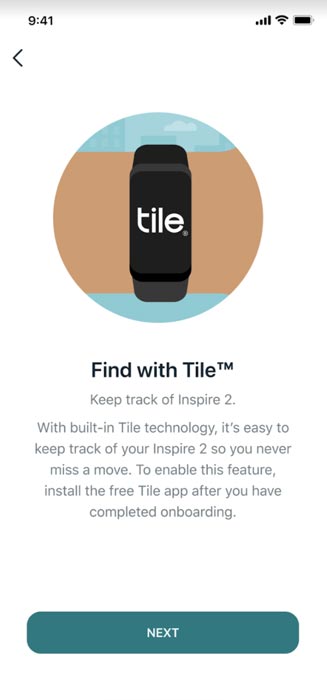
When you are an existing user, From 22 March 2021, You will receive the update along with Tile App Integration. This update will direct you to download the Tile App. The Tile app can act as a finding tool. All Inspire 2 devices are capable of working with the Tile app. When you misplace your Fitbit Inspire 2 in your home, You can use the installed Tile app to locate your device. When your Fitbit is out of Bluetooth range, You can get the last location of the Inspire 2 in the global location map.
Wrap Up
Tile integration is only available to Fitbit Inspire 2 users. There’s no news yet about the service coming to other Fitbit devices, but it may; let’s watch out for that. Basically, this service is available for free for Inspire 2 users, with an optional upgrade available from within the Tile mobile app. The upgrade grants you access to Tile’s premium features. At the moment, if you own Fitbit Inspire 2, wait for the software upgrade prompt, and after upgrading your device, Update will direct you to install the Tile app and connect your device.

Selva Ganesh is a Computer Science Engineer, Android Developer, and Tech Enthusiast. As the Chief Editor of this blog, he brings over 10 years of experience in Android development and professional blogging. He has completed multiple courses under the Google News Initiative, enhancing his expertise in digital journalism and content accuracy. Selva also manages Android Infotech, a globally recognized platform known for its practical, solution-focused articles that help users resolve Android-related issues.




Leave a Reply