
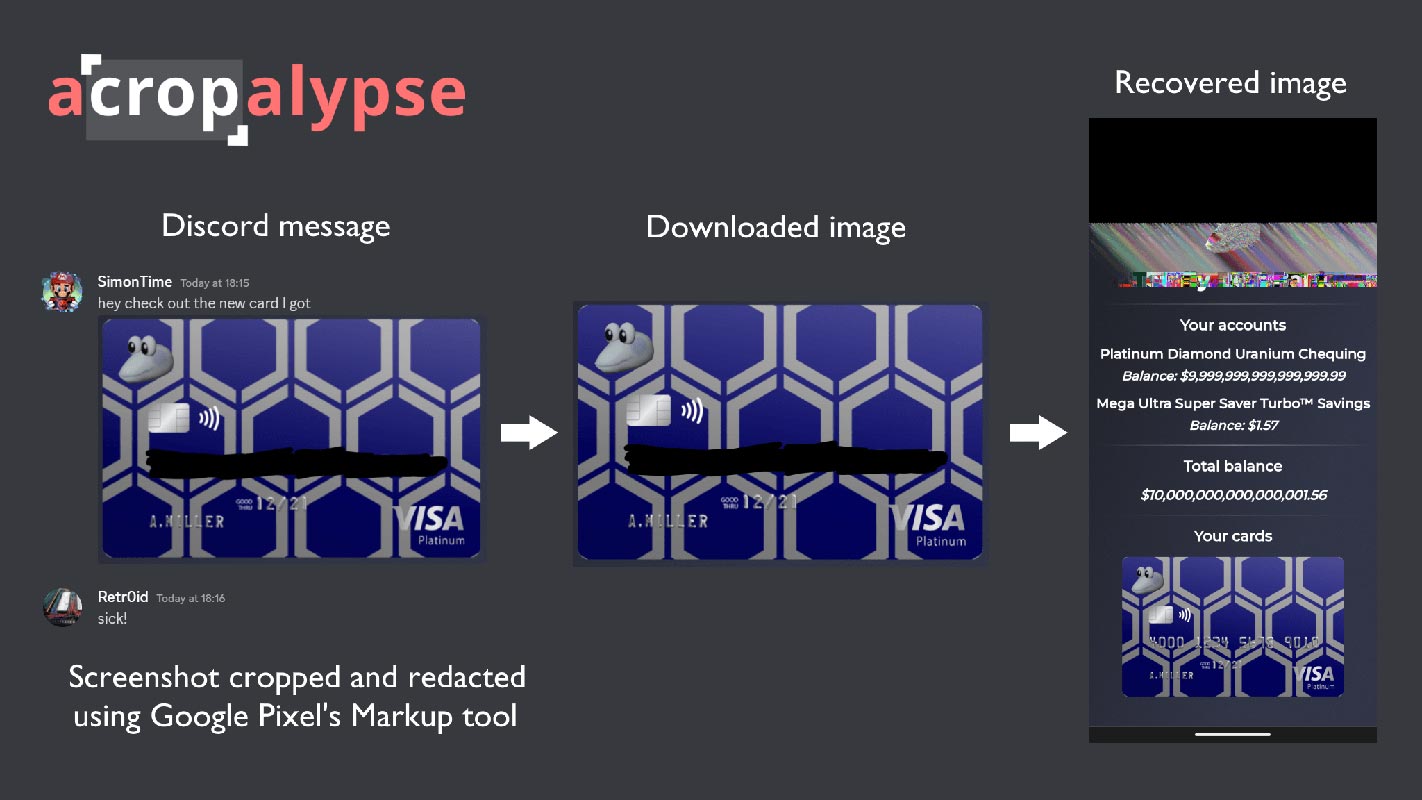
This article will show you how to install the aCropalypse patch on Windows 10 or 11 easily. Have you heard about the security flaw affecting the Google Pixel’s default screenshot editing utility, Markup? It allows images to become partially “unedited,” potentially revealing personal information users chose to hide. Reverse engineers Simon Aaarons and David Buchanan discovered this vulnerability, which Google has since patched. However, the implications are widespread for those who shared edited screenshots before the Update. Did you know that Microsoft’s Snipping Tool for Windows 11 and Snip & Sketch in Windows 10 has a similar exploit? This is quite concerning news. I was wondering how you can keep yourself safe from this security flaw. Well, we’ve got you covered!
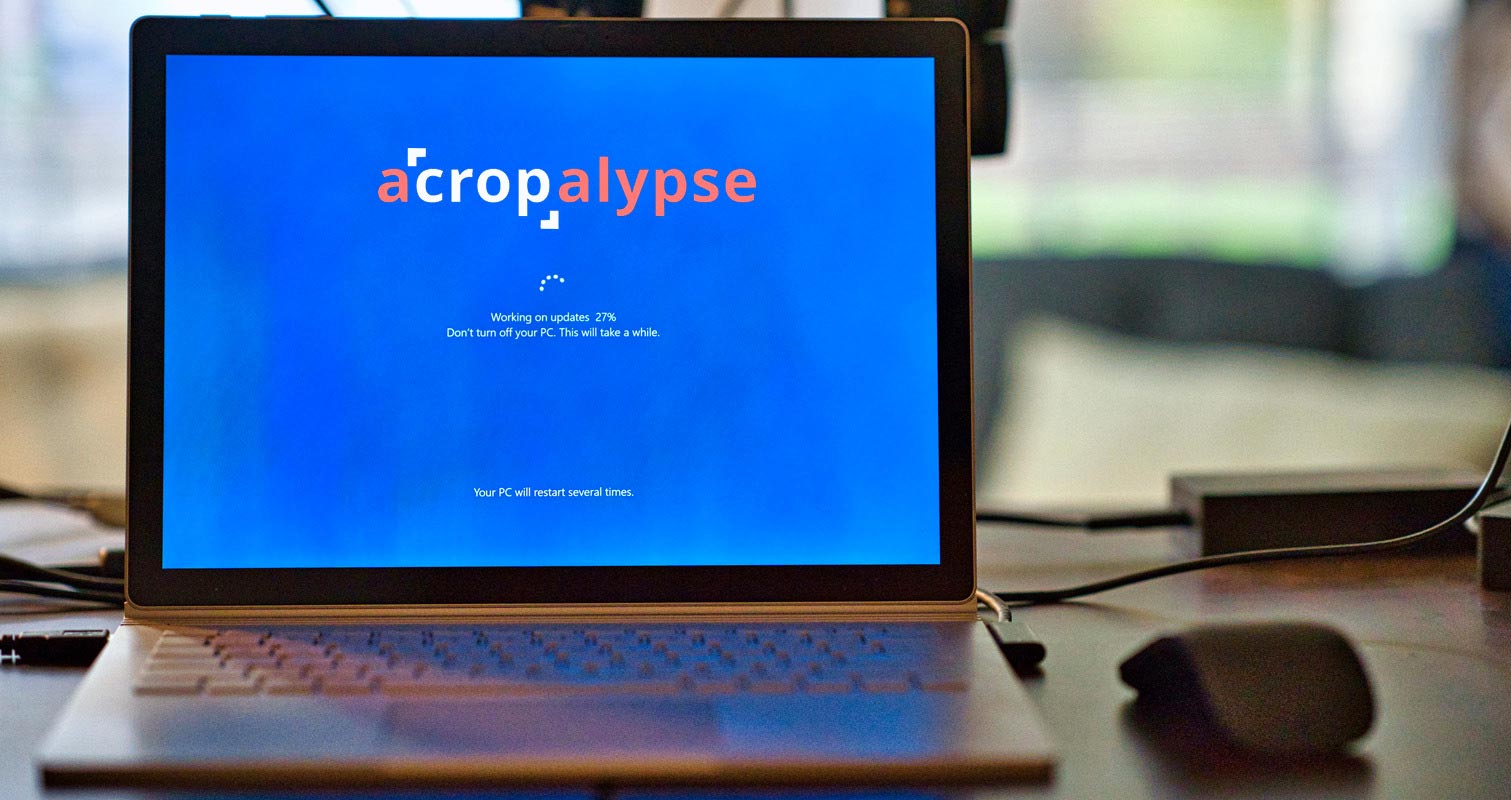
What is an aCropalypse patch?
aCropalypse patch is a security patch that Microsoft has released to fix a screenshot editing vulnerability in Windows 10 and 11. “aCropalypse” security flaw is a pretty serious issue that could allow hackers to recover edited parts of your screenshots. This means the screenshot editing vulnerability could reveal personal information you cropped out or concealed. However, there’s no need to worry, as a patch is available to prevent this. The aCropalypse patch is designed to protect you from this security flaw.

How to install the aCropalypse patch in Windows 10/11?
Here are the steps to install the aCropalypse patch in Windows 10/11:
Method 1: Check for updates
Before installing the aCropalypse patch, check if your Windows is up-to-date. Here’s how to do it:
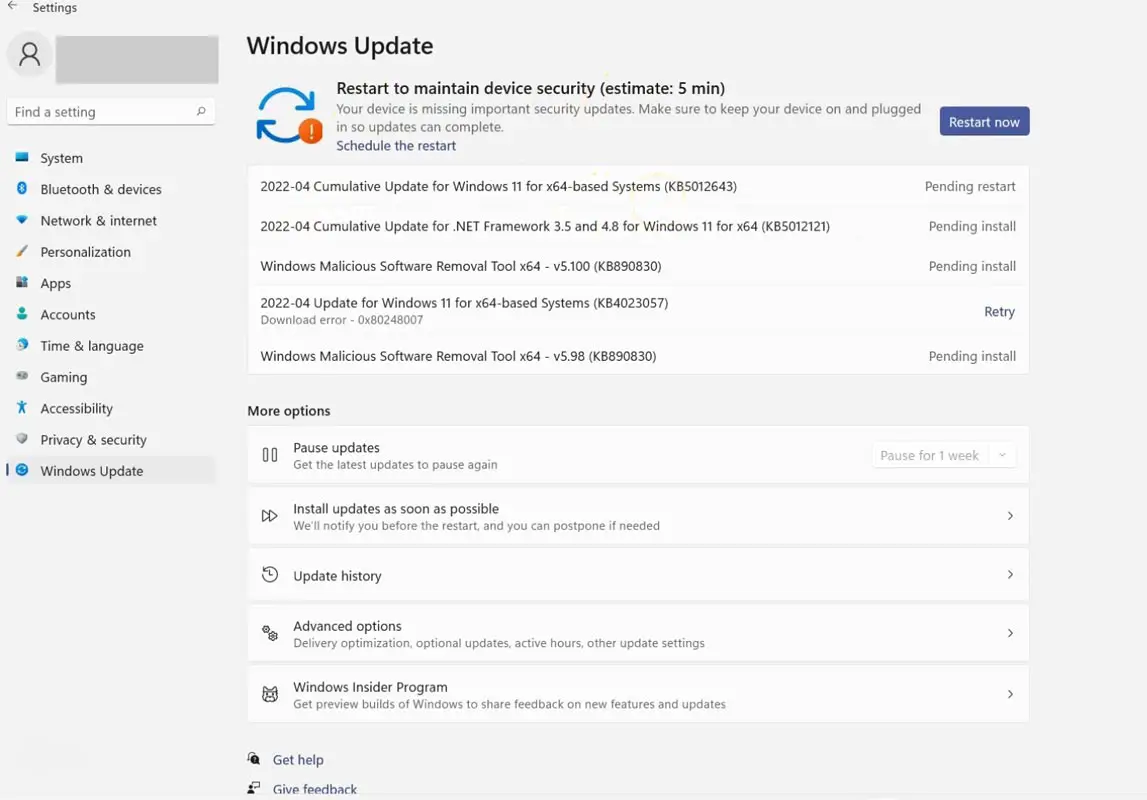
- Click on the Start menu.
- Select the Settings icon.
- Click on the Update & Security option.
- Click on the Check for updates button.
- If updates are available, click on the Download and install button.
Method 2: Download the patch
Once your Windows is up-to-date, you need to download the aCropalypse patch. Here’s how to do it:
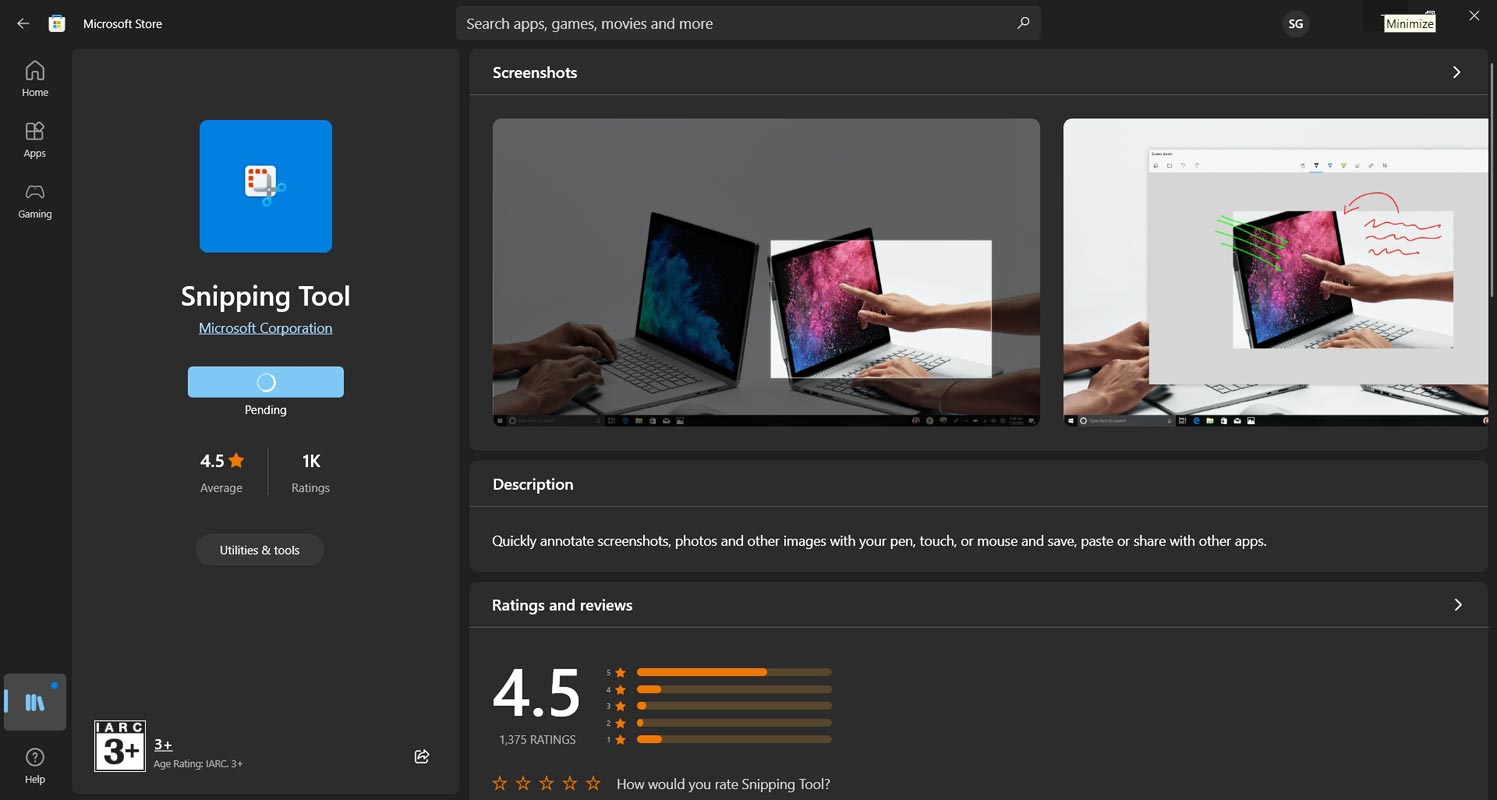
- Open your web browser.
- Go to the Microsoft Store.
- Click on Library.
- Click on Get updates.
- Scroll down and look for the Snipping Tool or Snip & Sketch app.
- Click on Update to download and install the patch.
Step 3: Verify the installation
After downloading and installing the aCropalypse patch, you must verify if it has been successfully installed. Here’s how to do it:
- Open the Snipping Tool or Snip & Sketch app.
- Take a screenshot.
- Save the screenshot.
- Edit the screenshot.
- Save the edited screenshot to the exact location as the original file.
- Close the Snipping Tool or Snip & Sketch app.
- Reopen the Snipping Tool or Snip & Sketch app.
- Open the edited screenshot.
- Verify that the edited portion of the screenshot is no longer visible.
FAQs
Why is the aCropalypse patch necessary?
The aCropalypse patch is essential because it prevents bad actors from stealing your data.
What is the aCropalypse patch?
The aCropalypse patch is a security update for Windows 10 and 11 that fixes a vulnerability in the Snipping Tool and Snip & Sketch app. This vulnerability could potentially reveal personal information that had been cropped out or concealed in edited screenshots.
How do I know if my Snipping Tool or Snip & Sketch app is updated with the patch?
To know if your Snipping Tool or Snip & Sketch app has been updated with the patch, you can check its version number. The updated version of the Snipping Tool is 10.2008.3001.0, while the updated version of Snip & Sketch is 11.2302.20.0.
What should you do if you shared edited screenshots online before the patch was released?
Unfortunately, the patch won’t update the edited screenshots already posted online. If you shared such screenshots, you should consider removing them or contacting the website or platform where you shared them to see if you can have them removed.
Can other screenshot tools have similar vulnerabilities?
Other screenshot tools may have similar vulnerabilities. Keeping your operating system and apps updated with the latest security patches is always wise. Additionally, caution is essential when sharing sensitive information in screenshots.
What other steps can I take to protect my personal information online?
Aside from ensuring that your software is up to date, you can take several other steps to enhance your online security. These include using strong and unique passwords, enabling two-factor authentication, refraining from clicking on suspicious links or downloading unfamiliar files, and exercising caution when sharing sensitive information online.
Wrap Up
The security flaw affecting the Google Pixel’s default screenshot editing utility, Markup, has implications for the edited screenshots shared before the Update. Microsoft’s Snipping Tool for Windows 11 and the Snip & Sketch tool in Windows 10 is susceptible to the same exploit. But don’t panic! You can protect yourself by installing the aCropalypse patch. It’s easy to do, and once you follow the simple steps outlined above, your screenshots will be safe from any potential hackers. So go ahead and give it a try; your security is worth it!

Selva Ganesh is a Computer Science Engineer, Android Developer, and Tech Enthusiast. As the Chief Editor of this blog, he brings over 10 years of experience in Android development and professional blogging. He has completed multiple courses under the Google News Initiative, enhancing his expertise in digital journalism and content accuracy. Selva also manages Android Infotech, a globally recognized platform known for its practical, solution-focused articles that help users resolve Android-related issues.




Leave a Reply