
In other countries, Voicemail may not be famous. But In the US, It is one of the popular services among people. Most of the users leave Voicemail When they can’t reach other people. So, The Voicemail has personal information. Even if we protect our mobile with a password, When you unlock your mobile and allow some users to interact with your phone, they may access your Voicemail. When you are a Google Fi user, You don’t have to worry about those issues. Google Fi added additional protection for your Voicemails with iPhone Face or Touch ID. Here we will explain, How you can Protect your Google Fi Voicemails with iPhone Face/Touch ID.
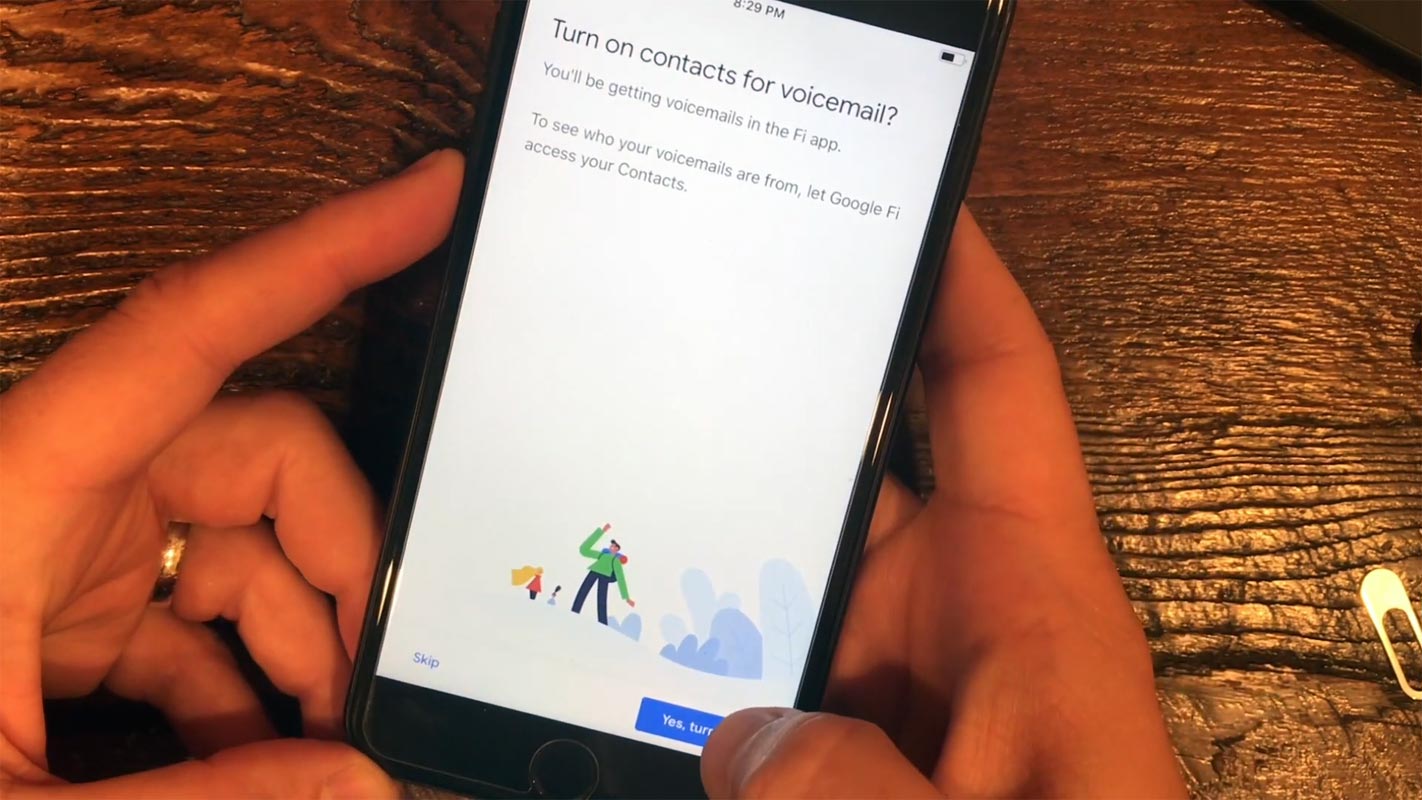
If you’re using either of these iPhone models: iPhone SE (2020 version), iPhone XR, XS, XS Max, 11, and 12 series, you can activate eSim on the device, and that’d make your device compatible with Google Fi. Fi is Google’s phone plan based on cutting-edge technologies. It supports a 5G network, and at the moment, Fi is only available on select iPhone, Pixel, Samsung, and Motorola smartphones.
Recently, Google announced that iOS users and Fi subscribers can now check their voicemails through Fi’s iOS companion app. More interestingly, iOS users can protect their voicemails with Face or Touch ID.

Google Fi new Privacy Screen Feature on iOS
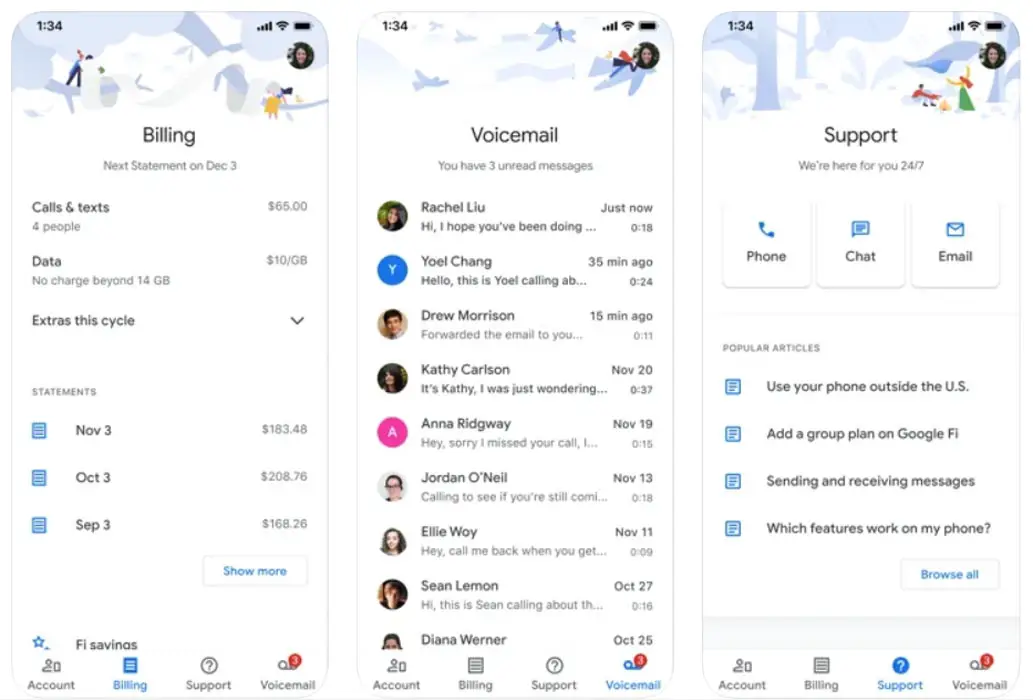
Although, long before now, iOS device users, who are also Fi subscribers, can check their voicemails through the Google Fi iOS app. However, a new update to the app, which happened last week, debuted a new security feature called “Privacy Screen.” This new security feature allows iOS Fi subscribers to protect sensitive conversations with Face or Touch ID. It is quite a long-awaited feature – for many of us – and it’s finally here.
The new “Privacy Screen” security feature is very similar to the feature introduced for Google Drive and Search sometime last year. For iPhone users who have the compatible models – and are Fi subscribers – activating this feature means that you’ll be required to authenticate with Touch ID or Face ID before you can open the Fi app.
How to Protect Google Fi Voicemails with iPhone Face/Touch ID?
Firstly, you will need to update your app to the latest version on Apple’s Apps Store. However, the feature is not yet fully available to everyone; you could update your Fi app and still not get the feature. You can decide to wait for a few days more before updating your app version; hopefully, the feature would be fully rolled out by then. After getting the update, You can setup the Privacy Screen feature under Account> Security Settings.
Privacy Screen is designed to protect “voicemails and other sensitive information safe from prying eyes.” The other sensitive information here includes service address, plan controls, and billing information.
If you’ve not been using the Google Fi iOS app, you can check if your device is compatible with running the service.
Wrap Up
Adding an extra layer of security to access the sensitive app is essential. Google Fi additional security feature will help users to secure their data. The Fi app’s voicemail is also available by calling or as text message transcripts. Activating the new Privacy Screen is optional; you may ignore the feature if you don’t think there’s a need for that. However, the new update to the Fi iOS app smoothed the edges on eSIM activation and made it easier for families to start group plans. Are you a Fi subscriber? Have you tried out this feature yet? If yes, how do you feel about it?

Selva Ganesh is a Computer Science Engineer, Android Developer, and Tech Enthusiast. As the Chief Editor of this blog, he brings over 10 years of experience in Android development and professional blogging. He has completed multiple courses under the Google News Initiative, enhancing his expertise in digital journalism and content accuracy. Selva also manages Android Infotech, a globally recognized platform known for its practical, solution-focused articles that help users resolve Android-related issues.




Leave a Reply