
Compared with other Voice Assistants, Google Assistant can understand the surroundings and work well with our conversations. Also, It knows its limit and can stop the discussion based on our commands. But the problem is for most of the initiation; We have to call “Hey Google.” Google introduced a word stop for stopping Alarms in the Google Assistant devices. Now, We can shut up Google assistant with the word “Stop” while speaking or whatever tasks it is doing currently. Since it is a server-side update, You can test the phrase while talking.
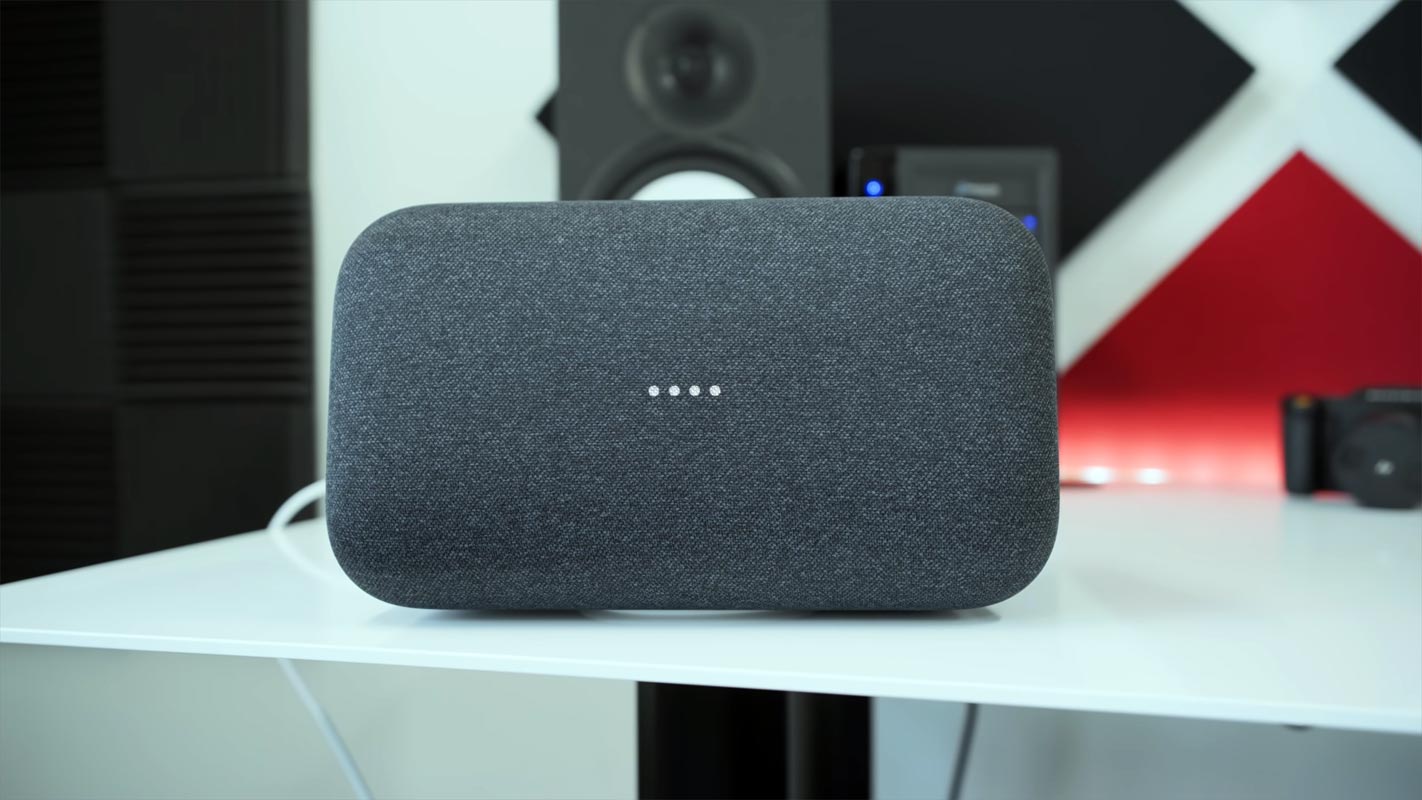
New Google Assistant Task Initiation Commands
The Pixel 6 and 6 Pro let you perform other quick commands such as “stop,” “answer,” and “decline” last year. The company demonstrated the ability to cancel an alarm simply by saying “stop” at I/O 2019. With some new functionality, you can now quickly tell your smart speaker to shut down with the “stop” command.

Stop Google assistant Long Conversation with the word “Stop”
You can say “stop” to stop Google Assistant from responding. This is extremely useful for long weather reports or when Google adds “did you know?” to an answer.
While the Pixel 6 has a more extensive list of quick phrases, “stop” is meant for a wider audience. This change allows you to use the command to stop alarms or conversations with the Assistant. You don’t have to say “Hey Google” before. There’s evidence that it might. However, this will change in the future. For now, however, you will still need to use “Hey Google” to access most things.
📣 Helpful new Google Assistant feature alert! Want your smart display or speaker to stop talking? Just say “stop” — no #HeyGoogle needed.
— Google (@Google) January 25, 2022
This new ” helpful feature is available with or without Continued Communication enabled. Your smart device will ignore any command words if you are conditioned to say, “Hey Google. Stop” for each interaction. The indicator will appear in the top-left corner if Continued Conversation is enabled. If you don’t want the indicator, say “stop.”
Availability
If you have trouble with the command, ensure that your Smart speaker/display is working correctly and your Google Home app is updated. Give it a few more days if they aren’t.
What about our Privacy with the new command initiations?
Yes, You may wonder, Google Assistant Speakers should not listen to our regular conversations until we say, “Hey Google.” So, What about the word “Stop”?. The new worlds like stop, answer, or decline work the same as the command words. Until you say those words during the act of Google Assistant speaking, It will not listen to your regular conversations.
Wrap Up
Amazon Alexa is growing because of its in-house hardware products in most electronic equipment and other companies’ support compared with Google Assistant. To win in any industry, You should focus more on what you specialize in. Google is a software company, So, They provide more software-related features. Introducing new words is a good idea. When you deal with Google Assistant daily, Calling “Hey Google” often makes it dull. Also, The conversation should be more natural with common words. Stopping Google Assistant with “Stop” is the first initiation towards honest conversation with voice assistants. Did your Nest device get the update? Share your experience below.

Selva Ganesh is a Computer Science Engineer, Android Developer, and Tech Enthusiast. As the Chief Editor of this blog, he brings over 10 years of experience in Android development and professional blogging. He has completed multiple courses under the Google News Initiative, enhancing his expertise in digital journalism and content accuracy. Selva also manages Android Infotech, a globally recognized platform known for its practical, solution-focused articles that help users resolve Android-related issues.




Leave a Reply